
If you’ve ever recorded audio that sounded echoey, noisy, or just “off,” you know how frustrating podcast production can be. Good microphones help but they aren’t always enough. That’s where tools like Adobe Podcast come in, promising studio-quality sound without a studio.
What Is Adobe Podcast?
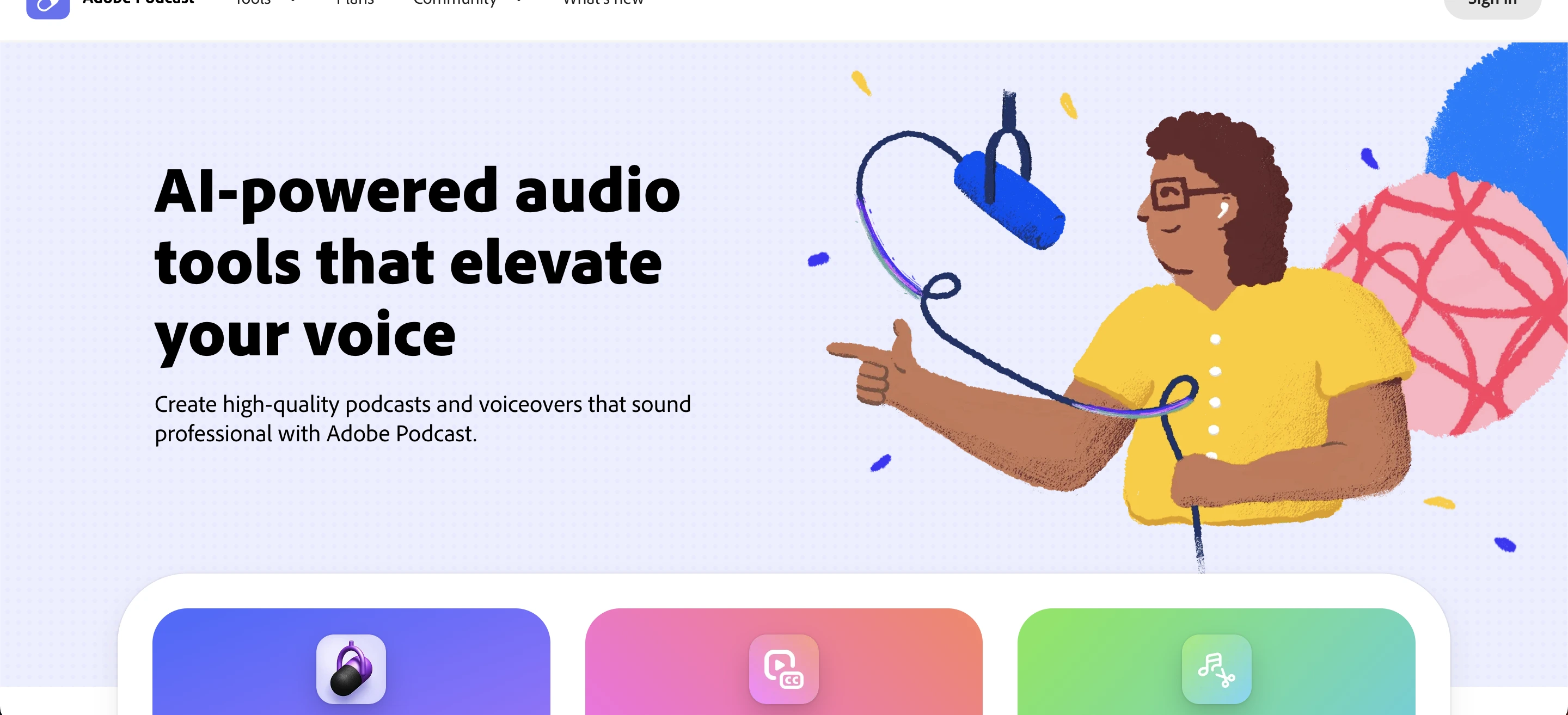
Adobe Podcast is an AI-powered audio tool designed to record, enhance, and edit spoken content directly in your browser. It uses machine learning to improve voice clarity, reduce background noise, and simplify podcast production making professional-quality audio accessible even to beginners.
 Why People Are Turning to AI Audio Tools
Traditional audio editing often requires expensive equipment, technical software, and time-consuming cleanup, which can feel overwhelming for beginners. Most people struggle with at least one of these challenges, making the process frustrating and slow.
AI tools help solve this problem by removing much of the complexity. Instead of spending time learning advanced editing workflows, creators can focus on their content while the software improves sound quality automatically.
This shift is especially valuable for solo creators, remote teams, educators, marketers, and freelancers working with limited budgets, as it allows them to produce high-quality audio more efficiently.
Core Features That Actually Matter
1. AI Audio Enhancement
This is the standout feature of the tool. When you upload or record audio, it automatically removes background noise, reduces echo, balances volume levels, and makes speech much clearer.
For example, a beginner recording a podcast in their bedroom with a fan running would normally end up with distracting noise and poor quality. However, with AI enhancement, that same audio can sound clean and professional, almost as if it were recorded in a quiet studio.
2. Browser-Based Recording
No software installation is needed, which makes the process simple and accessible. You can record interviews remotely, capture multiple speakers in one session, and save files directly online without dealing with complex setups.
This is especially useful for remote podcasts, online coaching sessions, and team discussions, where ease of access and quick collaboration are essential.
3. Simple Editing Workflow
Unlike traditional DAWs (Digital Audio Workstations), the interface is clean and minimal, making it easy to use even for beginners. You don’t need to adjust EQ manually, set compression levels, or learn complex audio engineering concepts.
Instead, the tool focuses on voice-first editing, allowing you to improve and refine spoken content quickly without technical hassle.
4. Text-Based Editing (Emerging Feature)
Some workflows even let you edit audio by simply editing the text transcript. This means if you delete a word, the corresponding audio is removed automatically, and if you restructure sentences, the delivery becomes smoother and more polished.
For non-technical users, this is a game-changer because it removes the need for complex timeline editing and makes the process feel as simple as editing a document. This approach is made possible by advances in audio-to-text technology, which convert spoken content into editable text and make modern audio workflows more accessible.
How It Compares to Traditional Tools
Feature | Adobe Podcast | Traditional Audio Software |
|---|---|---|
Ease of Use | Very easy | Steep learning curve |
Setup | Browser-based | Requires installation |
Audio Enhancement | Automatic (AI) | Manual adjustments |
Editing Control | Limited but simple | Advanced but complex |
Best For | Beginners & quick edits | Professionals & engineers |
Who Should Use Adobe Podcast?
1. Beginners
If you’re just starting out, you don’t need expensive gear or advanced editing skills to create good audio. You can focus on your content first while the tool handles most of the technical work. For example, a student launching their first podcast can record, enhance, and publish an episode within hours instead of spending days learning complicated software and editing techniques.
2. Content Creators
YouTube creators, TikTok educators, and bloggers can greatly benefit from this approach, as it helps them produce clean voiceovers, speed up their production process, and maintain consistent audio quality across all their content.
3. Professionals
Even experienced users can benefit from it, especially when they need quick cleanup for rough recordings, handle remote interviews, or save time on editing tasks. While it doesn’t replace advanced audio tools, it works as a strong companion that speeds up workflows without compromising too much on quality.
Practical Use Cases
1. Remote Interviews
Instead of stressing over each guest’s microphone quality, you can simply record online and enhance the audio afterward. The result is a consistent, professional-sounding experience across all speakers, regardless of their recording setup.
2. Voiceovers for Content
Writers and marketers frequently require voiceovers for YouTube videos, advertisements, and online courses. This tool eliminates the need for a full studio setup, allowing them to produce clear, professional-quality audio quickly and efficiently.
3. Podcast Launching
For new podcasters, the process is simple: record your audio, enhance it with AI-powered tools, and export the final file—all in one place—making it easy to produce professional-sounding episodes without juggling multiple software programs.
4. Fixing “Bad” Recordings
This is where the tool truly shines. If your audio contains background noise, echo, or low clarity, you can often rescue it using AI enhancement instead of having to re-record the entire session, saving both time and effort.
Common Mistakes People Make
AI audio tools are powerful, but they have limits. Expecting perfect results from poor recordings is unrealistic if your audio is distorted or clipped, enhancement won’t fully fix it.
Even with AI, good recording habits remain essential: use a decent microphone, record in a quiet space, and avoid rooms with heavy echo.
Another common mistake is overprocessing audio by applying enhancement multiple times, which can make it sound artificial or overly compressed; it’s usually best to apply it once and then evaluate.
Finally, these tools are optimized for speech, not music production or multi-layered sound design, so traditional audio software is still necessary for complex projects.
Expert Tips
To get the best results, there are several expert tips to keep in mind. First, record slightly closer to the microphone than usual. Since the tool automatically reduces noise, being closer gives your voice stronger presence and a cleaner final output.
Second, use the AI enhancement as a “second pass.” Professionals often record normally, do light editing, and then apply the tool for a final polish, keeping the audio natural while improving clarity.
Third, pair it with basic sound treatment simple adjustments like hanging curtains to reduce echo, using rugs to absorb sound, or recording in closed spaces can significantly improve quality without requiring a full studio.
Finally, always test before committing by running short samples through the tool, as different voices and environments can respond differently to the enhancement.
When Should You NOT Use It?
This tool is powerful, but it’s not universal. You should avoid relying on it if you need full mixing control, produce music or cinematic audio, or require broadcast-level mastering. In these cases, traditional audio software and professional workflows remain the better choice.
Is Adobe Podcast Worth It?
Whether Adobe Podcast is worth using depends on your goals. It’s ideal if you want fast, clean audio, are new to podcasting, record remotely, or prefer not to learn complex editing.
On the other hand, it’s less suitable if you need deep customization, already use advanced audio workflows, or work in professional studio environments.
Summary
Adobe Podcast is an AI-powered tool that simplifies recording, enhancing, and editing audio directly in the browser. It automatically reduces noise, echo, and volume issues, making speech clearer.
Ideal for beginners, content creators, and professionals, it speeds up production without expensive gear or advanced skills. While optimized for speech and quick edits, it’s not a replacement for advanced audio software. With proper recording habits, it enables clean, professional audio efficiently, making podcasting more accessible.
Frequently Asked Questions (FAQs)
Can Adobe Podcast replace professional audio editors?
Not completely. It simplifies basic tasks but lacks advanced controls needed for professional sound engineering.
Does it work well with low-quality microphones?
Yes, to an extent. It improves clarity, but extremely poor recordings still have limits.
Is it suitable for video creators?
Absolutely. Many creators use it for voiceovers and dialogue cleanup before adding audio to videos.
Can it handle multiple speakers?
Yes, especially for interviews. However, results depend on how each person records their audio.
Is internet required to use it?
Yes. Since it’s browser-based and AI-powered, you need an internet connection for processing.