
In the rapidly evolving world of artificial intelligence, tools that allow users to interact with AI-driven characters have become increasingly popular. Among these, Character AI has stood out for its ability to simulate engaging, personalized conversations.
But for many enthusiasts, professionals, and content creators, the “character AI old version” holds a special place offering unique functionalities and experiences that newer updates sometimes change or remove.
Whether you are a fan revisiting older features or a professional evaluating AI tools for projects, understanding the differences and potential of the old version can help you make informed choices.
What Is the Character AI Old Version?
The Character AI old version refers to earlier iterations of the platform that enabled users to interact with AI characters through a slightly different interface, feature set, and customization options.
Compared to newer releases, this version often offered more simplified conversation flows and direct access to specific character personalities without layered restrictions.
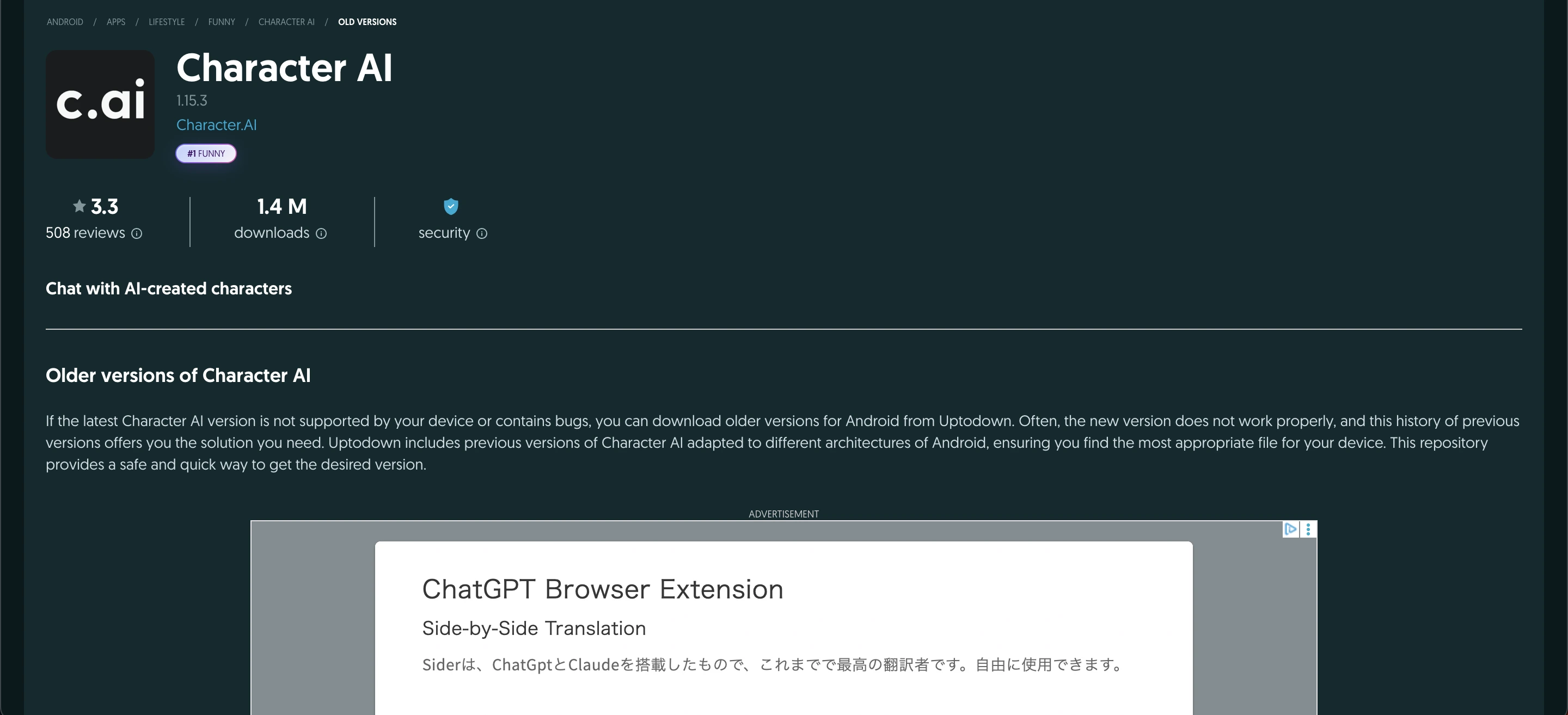 Its nostalgic interface is preferred by many longtime users, making it ideal for quick experiments, role-playing, or research, particularly when the latest updates feel restrictive or overly complex.
What Is the Old Character AI Login?
The Old Character AI login refers to the earlier sign-in system and interface used by Character.AI before major updates introduced redesigned layouts, enhanced features, and stricter moderation layers.
This version was known for its simplicity and efficiency, offering users a straightforward login page without unnecessary complexity. It also provided faster chat loading times, making interactions feel more immediate and responsive.
Why Some Users Prefer the Old Version
1. Familiar Interface and Flow
Longtime users often cite the interface of the old version as more intuitive. Without frequent pop-ups, notifications, or complex prompts, interactions felt straightforward and creative freedom was easier to maintain.
2. Character Flexibility
In the older version, users could experiment with character personalities more freely. Modifying or creating characters didn’t require navigating multi-step menus or adhering strictly to new AI safety constraints.
3. Faster Response Times
For those with slower internet connections or older devices, the old version often ran more efficiently. Without additional AI layers or background analytics, conversations felt snappier.
How the Old Version Differs From New Releases
Feature | Character AI Old Version | Latest Version |
|---|---|---|
Interface | Simple, straightforward | Modern, layered UI |
Character Customization | Flexible, less restrictive | Guided, AI safety rules enforced |
Speed | Faster on most devices | Slightly slower due to extra features |
Experimentation | Open-ended, fewer limitations | More controlled, safer outputs |
Access to Older Characters | Full access | Some legacy characters deprecated |
Understanding these differences helps both casual users and professionals decide whether the old version aligns with their goals.
Real-Life Use Cases for the Old Version
1. Professional Research and Testing
AI researchers and developers sometimes study older iterations to benchmark conversational abilities, response patterns, and biases before designing new AI systems.
2. Fan Role-Playing and Storytelling
Fans of popular franchises often use the old version to create authentic character dialogues without the constraints of new moderation systems. For example, a Star Wars enthusiast might enjoy chatting with an AI Jedi exactly as imagined.
3. Content Creation and Scripting
Writers and social media creators use the old version to generate dialogue snippets, brainstorming ideas, or scenario simulations. Its flexibility allows testing multiple narrative paths quickly.
Common Mistakes
Common mistakes people make with the Character AI old version include expecting it to have all the latest AI improvements, when in reality newer models are often more accurate and context-aware.
Users also frequently skip backing up their favorite characters or conversations, risking data loss if the platform updates or retires the old version.
Additionally, ignoring security concerns can be risky, as older versions may have vulnerabilities or less robust moderation, potentially exposing sensitive information.
Expert Tips for Using the Old Version Effectively
Stay Informed on Updates Occasionally, platforms provide unofficial support for older versions or allow toggling between versions.
Backup Your Characters Export or screenshot your favorite characters regularly.
Combine Versions Use the old version for creative experimentation and the new version for polished outputs.
Adjust Prompts for Clarity Older models may require more precise prompts to stay on topic.
Leverage Simplicity Focus on generating ideas or dialogues rather than relying on AI for complex problem-solving.
Should You Switch Back to the Old Version?
Whether you should switch back to the Character AI old version depends on your priorities. If speed, creativity, and flexibility are most important, the old version can enhance your experience.
However, if you require advanced AI capabilities, stronger safety features, or official support, the newer version is better suited. Many users find a hybrid approach effective experimenting in the old version for creativity and then refining content in the latest release.
Read Also:
How to Access and Use the Old Version Safely
Use official sources: Check Character AI’s website or forums for legacy access; avoid unofficial downloads.
Backup your content: Export characters, save conversation logs, or take screenshots regularly.
Protect personal data: Don’t share sensitive info, as older versions may have weaker security.
Combine with the new version: Experiment in the old version, and switch to the new version for accuracy and safety.
Stay updated: Monitor announcements in case legacy support changes or the old version is retired.
Benefits
Nostalgic Experience: Fans enjoy the simplicity and charm of the early platform, making AI interactions intuitive and fun.
Creative Freedom: Writers, role-players, and storytellers can experiment with characters and dialogues without strict moderation limits.
Quick Brainstorming: Professionals and researchers can generate multiple outputs rapidly, test AI behaviors, and simulate scenarios.
Flexible Tool: Works alongside newer versions, providing experimentation space without losing advanced AI features.
Expert Insights
Despite newer updates, many professionals continue to value the character AI old version for its flexibility, speed, and creative freedom. Writers, game developers, and AI researchers often highlight that the older interface allows for more open-ended experimentation. For example, content creators can test multiple dialogue scenarios quickly, without being constrained by modern moderation layers or AI safety restrictions.
AI researchers also appreciate the old version for benchmarking and testing, as it offers a clearer view of the platform’s foundational conversational abilities. Some professionals find that it is easier to study response patterns, identify biases, and compare character personalities in the old version because of its simplified structure.
Additionally, the old version’s streamlined design allows users to focus on generating content rather than navigating complex menus, making it ideal for brainstorming sessions or rapid prototyping. Overall, these insights explain why, even in a world of constant updates, the old version remains a valuable tool for professional experimentation and creative exploration.
When to Use the Old Version vs the New Version
Use the Old Version When | Use the New Version When |
|---|---|
You want creative freedom to experiment with characters and dialogues. | You need advanced AI capabilities with better context understanding. |
You need quick brainstorming or multiple conversational outputs. | Safety, moderation, and accuracy are priorities. |
You prefer a simpler, nostalgic interface without layered menus or notifications. | You want official support, cloud storage, and migration tools. |
You are testing ideas, fan storytelling, or role-playing scenarios. | Your focus is on professional projects or polished content. |
Summary
The character AI old version remains popular among fans, creators, and professionals for its simple interface, flexible character creation, and fast performance. It allows creative experimentation, quick brainstorming, and nostalgic interactions that newer updates sometimes restrict.
While it lacks some advanced AI features and modern safety layers, users can safely access it by using official sources, backing up characters, protecting personal data, and combining it with newer versions. Overall, the old version is a valuable tool for storytelling, research, and AI exploration.
Frequetly Asked Questions (FAQs)
Can I still access the character AI old version officially?
Access varies. Some platforms maintain legacy support, while others retire old versions entirely. Check the official site or forums for archived versions.
Will using the old version affect AI quality?
Yes, older versions may lack advanced contextual understanding and may produce more generic responses compared to newer models.
Are there security risks in using the old version?
Potentially. Legacy versions may not have updated moderation or encryption features, so avoid sharing sensitive personal data.
Can I transfer my characters to the new version?
In most cases, manual backup and recreation are needed. Some platforms may offer partial migration tools.
Is the old version better for content creation or entertainment?
For quick dialogue generation, role-playing, and fan storytelling, many users prefer the old version due to its flexibility and simplicity.