
A friend running a 60-person agency told me her team was paying for four different collaboration tools that all did the same three things. Nobody had audited the stack in two years.
That's the real problem with collaboration software shopping. Feature lists all start to blur together, and pricing pages are deliberately confusing. Here's a genuinely detailed, comparison-driven breakdown of every tool worth your actual budget in 2026, pricing and all.
There's another productivity issue teams often overlook: the hardware underneath the software stack. Even the best collaboration tools become frustrating when employees are dealing with sluggish devices, slow startups, and constant performance interruptions. For teams relying heavily on browser-based tools like Slack, Notion, Google Workspace, and Figma, understanding why your Mac is slowing you down can help identify whether the bottleneck is actually the software stack or the device running it.
What Collaboration Software Actually Covers
There is no single definition of collaboration software. Some platforms focus on team communication, others specialize in project management, documentation, workflow automation, video conferencing, or data collaboration.
That's exactly why "best collaboration software" lists frustrate people. You're comparing team chat tools against project trackers against document editors as if they compete for the same budget line. They don't, and picking the right combination matters more than picking one winner.
Quick Comparison Table
Tool | Best For | Starting Price |
|---|---|---|
Slack | Real-time team messaging | Free / $8.75 per user/mo |
Microsoft Teams | Microsoft 365 organizations | Included with M365 |
Google Workspace | Document collaboration | $7 per user/mo |
Asana | Project and task management | Free / $13.49 per user/mo |
Monday.com | Visual, customizable workflows | $12 per user/mo |
ClickUp | All-in-one configurable workspace | Free / $10 per user/mo |
Notion | Docs, wikis, and databases | Free / $10 per user/mo |
Trello | Simple Kanban boards | Free / $6 per user/mo |
Jira | Software and engineering teams | Free / $8.15 per user/mo |
Zoom | Video conferencing | Free / $15.99 per user/mo |
Basecamp | Small team project hubs | $15/user or $299 flat/mo |
Airtable | Structured, database-style work | Free / $20 per user/mo |
Confluence | Knowledge base and wikis | Free / $6.05 per user/mo |
Miro | Visual whiteboarding | Free / $10 per user/mo |
Figma | Design collaboration | Free / $15 per editor/mo |
Dropbox | File sharing and storage | $12 per user/mo |
Discord | Community and informal chat | Free / $9.99/mo |
Webex | Enterprise video and meetings | Free / $14.50 per user/mo |
Wrike | Enterprise project management | Free / $10 per user/mo |
Team Communication and Messaging
Slack
Slack launched in 2013 and effectively created the modern team chat category from scratch, replacing internal email threads with organized channels that anyone on a team could search, join, or leave freely. It's built around the idea that conversation should be organized by topic rather than by inbox, which sounds small but genuinely changes how information flows through a company once everyone adopts it properly.
What separates Slack from newer competitors is the sheer depth of its integration ecosystem. Thousands of third-party apps connect directly into channels, turning Slack into a genuine command center rather than just a messaging app, and Slack AI now layers summarization and semantic search on top of years of accumulated team history that would otherwise be impossible to search manually.
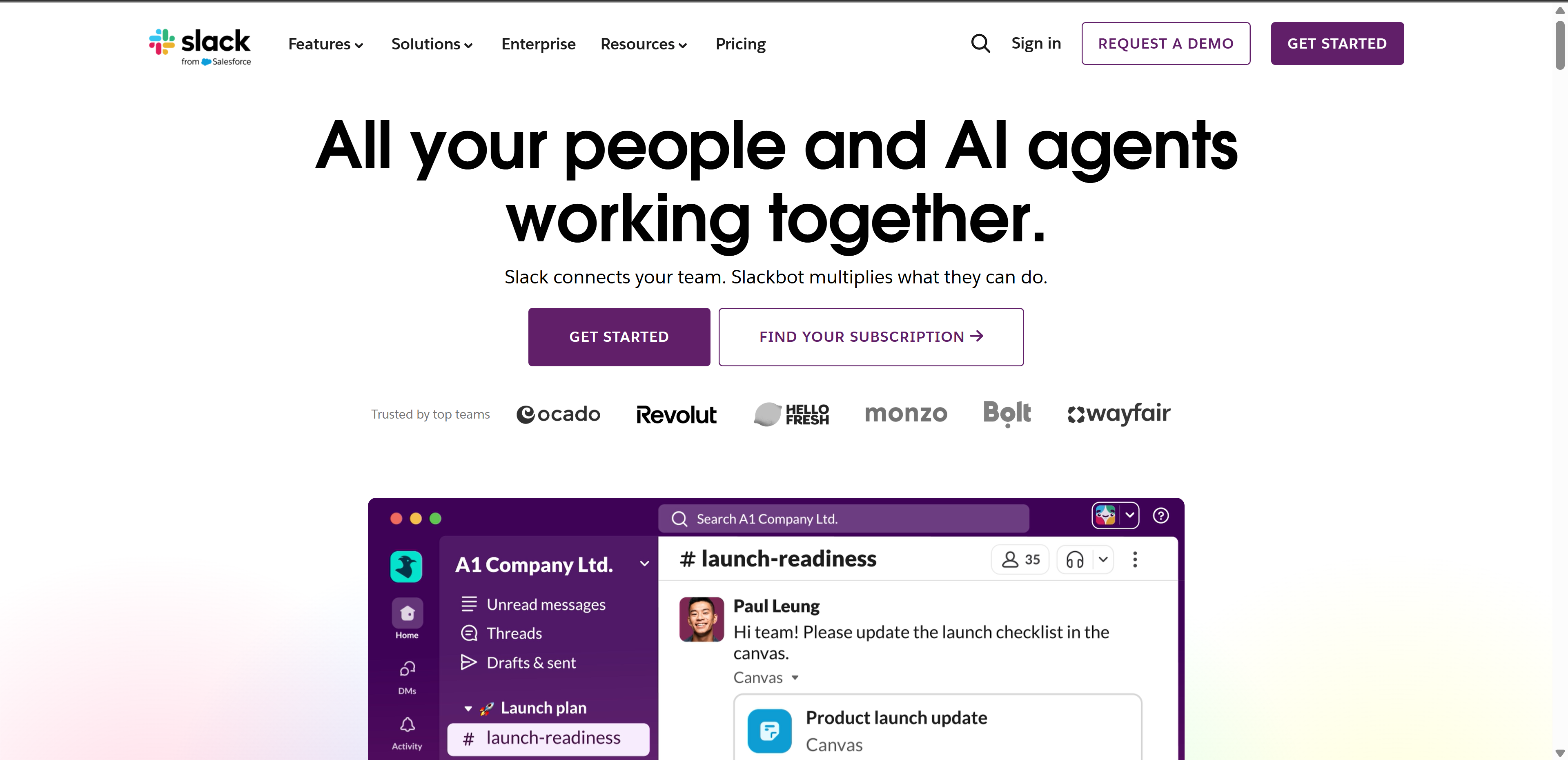 Pricing: Free tier covers small teams with limited message history. Pro runs $8.75 per user monthly. Business+ runs $15 per user monthly with SSO and compliance exports. Enterprise Grid is custom-priced.
When reviewing Slack pricing and the extra costs of third‑party add‑ons, teams looking for better value may wish to consider Lark as one example. Its all‑in‑one workspace delivers messaging, document editing, and meeting capabilities built‑in, helping businesses keep tool‑related expenses under control.
Key features: Unlimited channels, threaded messages, huddles, Slack AI for summarization and search, workflow builder, extensive third-party app integrations.
Best for: Teams needing fast, real-time communication with a mature integration ecosystem, especially startups and mid-size companies outside the Microsoft world.
Not for: Teams working heavily async across scattered time zones, since Slack's real-time culture can quietly pressure people to respond immediately even when that's not the actual expectation.
Microsoft Teams
Teams launched in 2017 as Microsoft's direct answer to Slack, but its actual growth engine has always been distribution rather than product superiority alone. It ships automatically inside Microsoft 365 subscriptions that most mid-size and large businesses already pay for, which is exactly how it grew to roughly 300 million monthly active users faster than any standalone chat competitor managed.
The platform's real strength shows up specifically when your organization already lives inside Word, Excel, Outlook, and SharePoint, since Teams becomes the connective layer between all of them rather than a separate silo you have to context-switch into. Copilot AI is now woven directly into meetings and chat threads on higher tiers, summarizing calls and surfacing action items automatically.
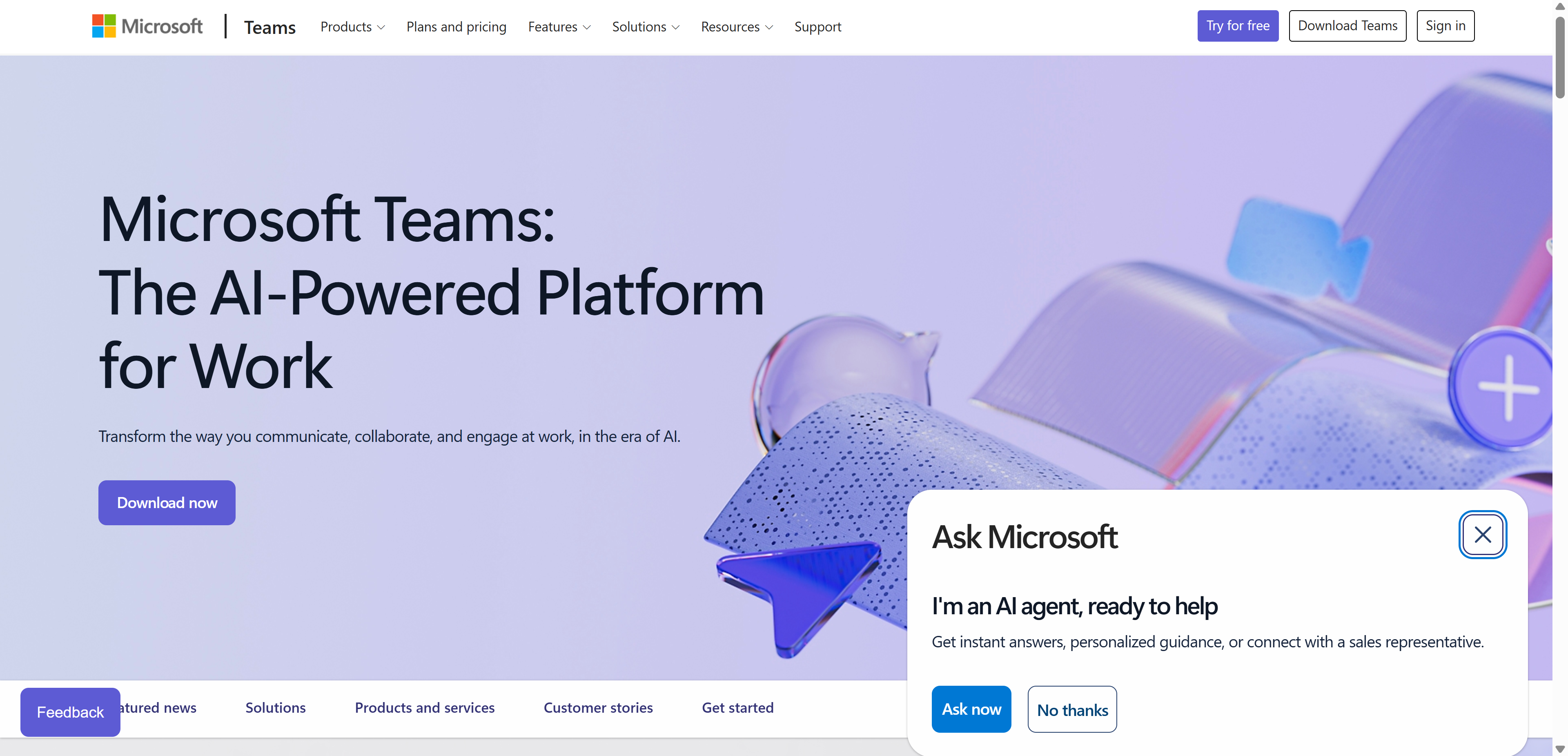 Pricing: Free tier available. Included with Microsoft 365 Business Basic at $6 per user monthly and higher tiers. Standalone Teams Essentials runs $4 per user monthly.
Key features: Chat and channels, integrated video calls, deep Office app integration, file storage through SharePoint, Copilot AI features on higher tiers.
Best for: Organizations already paying for Microsoft 365 that want communication bundled with the productivity suite they already use daily.
Not for: Companies outside the Microsoft ecosystem, where adopting Teams alone without the surrounding Office suite context tends to feel clunky next to chat-first tools like Slack.
Discord
Discord was built in 2015 specifically for gamers who needed low-latency voice chat during play, and that gaming DNA still shapes the product today even as its user base has broadened dramatically into creative communities, open-source projects, and increasingly, actual workplaces. The server and channel structure feels less formal than Slack by design, favoring persistent voice channels people drop in and out of casually over scheduled meetings.
That casual, always-on culture is exactly what's drawn creative agencies and remote-first startups to adopt Discord as a genuine work tool rather than just a hobby platform, particularly teams that want the feeling of a shared physical office space recreated through persistent voice channels rather than scheduled Zoom calls.
 Pricing: Free for core features. Nitro at $9.99 monthly adds larger file uploads and custom emojis, mostly a personal rather than team-tier upgrade.
Key features: Voice channels, text channels, screen sharing, threads, community roles and permissions, extensive bot integrations.
Best for: Creative, remote-first, or community-driven teams that want a looser, more casual structure than Slack's more corporate feel.
Not for: Regulated industries or enterprises needing formal compliance features, audit logs, or admin controls at a business-grade level.
Project and Task Management
Asana
Asana was founded by a former Facebook engineer specifically to solve the internal coordination chaos he'd experienced at scale, and that origin shows in how deliberately structured the platform feels compared to looser competitors. Tasks live inside projects, projects live inside portfolios, and everything connects to broader company goals if you set it up that way, giving leadership a genuine line of sight from individual tasks up to strategic objectives.
The platform strikes a particular balance that a lot of competitors miss, structured enough to keep large teams organized without drowning smaller teams in configuration overhead before they can get anything done. Timeline and workload views specifically help managers spot bottlenecks before they become missed deadlines.
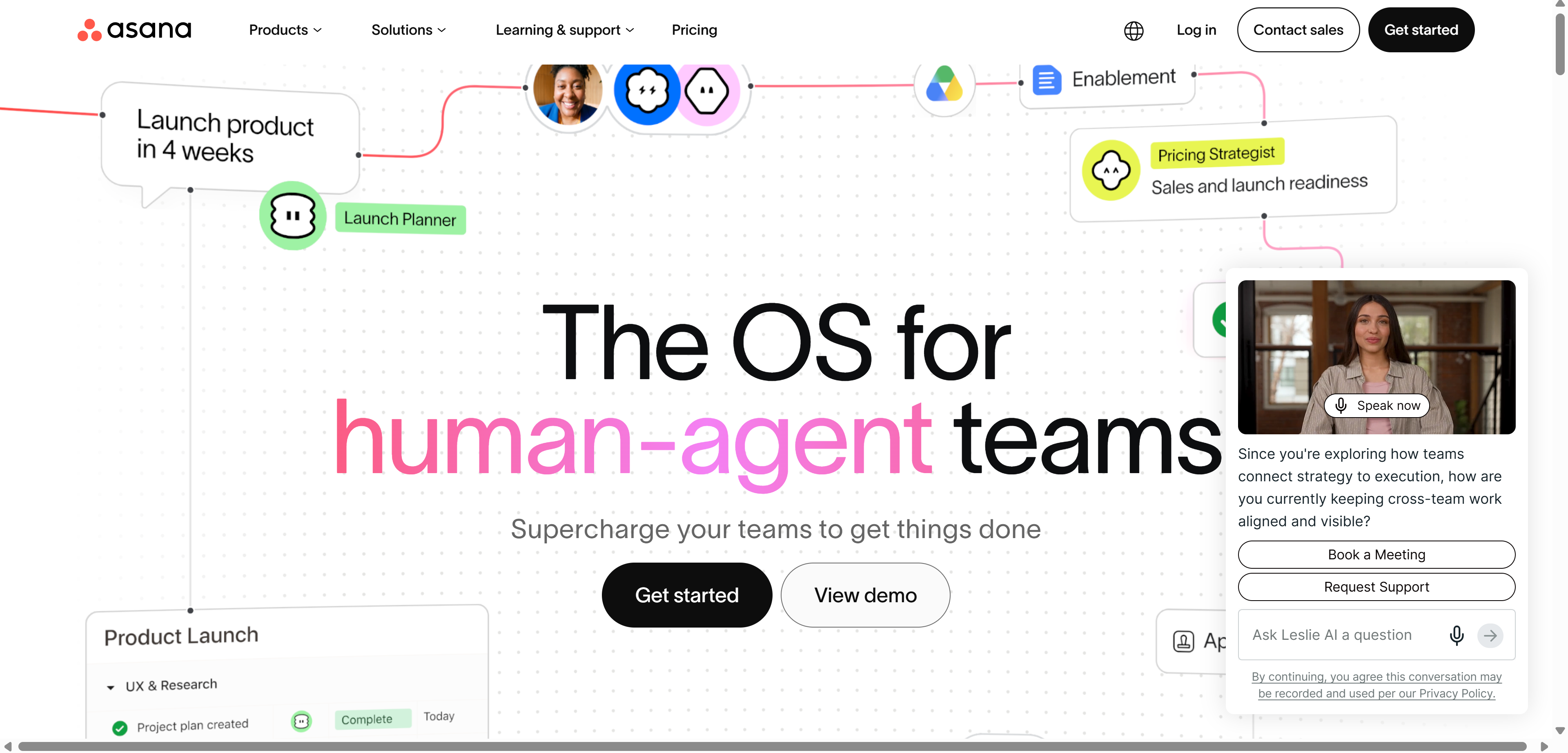 Pricing: Free for up to 10 users. Starter runs $13.49 per user monthly. Advanced runs $30.49 per user monthly with reporting and workflow builder.
Key features: Timelines, workload views, task dependencies, portfolios, automation rules, goal tracking tied to actual project work.
Best for: Mid-size teams wanting structured project management without a steep learning curve for new hires.
Not for: Teams needing deep customization of workflow structure or database-style relational data, where ClickUp or Airtable fit better.
Monday.com
Monday.com launched in Israel in 2012 under a different name before rebranding, and it's built its entire identity around visual customization rather than rigid, predefined project structures. Every board can be reshaped into whatever view a team actually needs, whether that's a content calendar, a sales pipeline, or a client project tracker, without requiring developer help or a steep configuration process.
That flexibility has made it particularly popular with marketing teams and agencies specifically, where the actual work varies wildly from client to client and a rigid task-management structure would fight against how creative teams naturally organize campaigns. Monday AI now generates content drafts and automates repetitive board updates directly inside that same flexible structure.
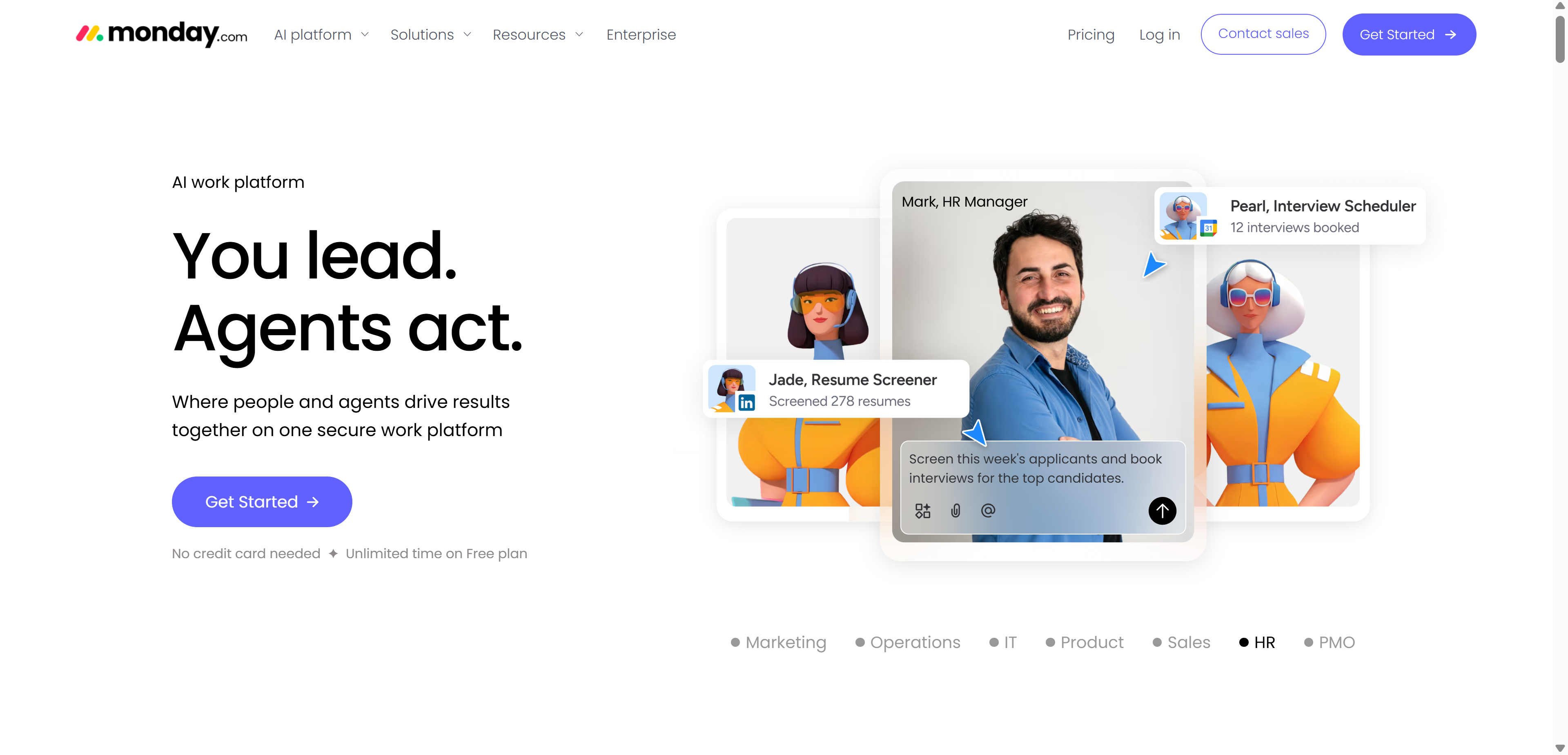 Pricing: Free for up to 2 seats. Basic runs $12 per user monthly. Standard runs $14 per user monthly with timeline and calendar views. Pro adds time tracking and automation at $24 per user monthly.
Key features: Customizable boards, Monday AI for automation and content generation, automation recipes, dashboards, integrations with major marketing and sales tools.
Best for: Marketing teams and agencies managing campaigns, content calendars, and client work with heavy visual customization needs.
Not for: Teams needing tightly structured data relationships similar to a database, where the board model feels less flexible than something purpose-built like Airtable.
ClickUp
ClickUp entered a genuinely crowded market in 2017 with an aggressive pitch, one app to replace them all, and has spent the years since building out a feature set broad enough to make that claim increasingly credible. Docs, whiteboards, goals, chat, time tracking, and full project management all live inside the same platform, configurable down to an almost overwhelming level of detail.
That configurability is simultaneously ClickUp's biggest selling point and its steepest cost. Teams willing to invest real setup time upfront get a workspace genuinely tailored to their exact workflow, while teams expecting something to work immediately out of the box often find the sheer number of options paralyzing rather than empowering in the first few weeks.
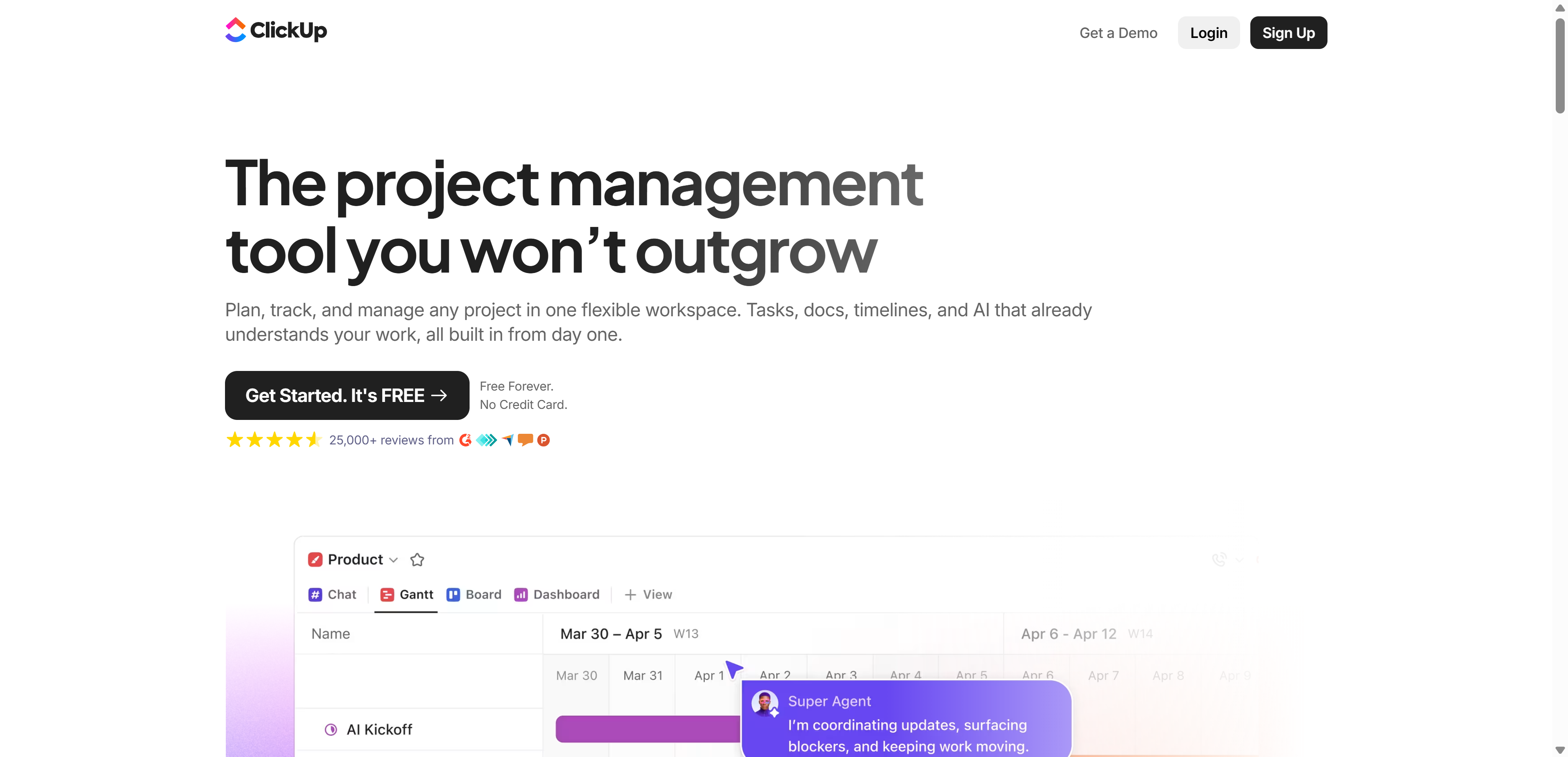 Pricing: Free forever plan available. Unlimited runs $10 per user monthly. Business runs $19 per user monthly with advanced automation and reporting.
Key features: Custom fields and views, docs, whiteboards, goals, time tracking, AI writing assistant, extensive automation builder.
Best for: Teams wanting one platform to replace several separate tools, willing to invest setup time upfront for long-term flexibility.
Not for: Small teams or solo users wanting something they can start using in five minutes, since the depth comes with a genuinely steeper learning curve.
Trello
Trello popularized the Kanban board format for software teams back in 2011, years before most competitors had even conceived of a visual card-based workflow, and its enduring appeal comes entirely from resisting the urge to add complexity most rivals eventually caved into. A board, a list, a card you drag between columns, that's essentially the whole mental model, and it hasn't fundamentally changed in over a decade.
That deliberate simplicity is exactly why it remains the go-to recommendation for small teams, freelancers, and anyone managing a personal project who's been burned by an overly complex tool before. Power-Ups extend functionality when genuinely needed, but the core experience stays intentionally uncluttered.
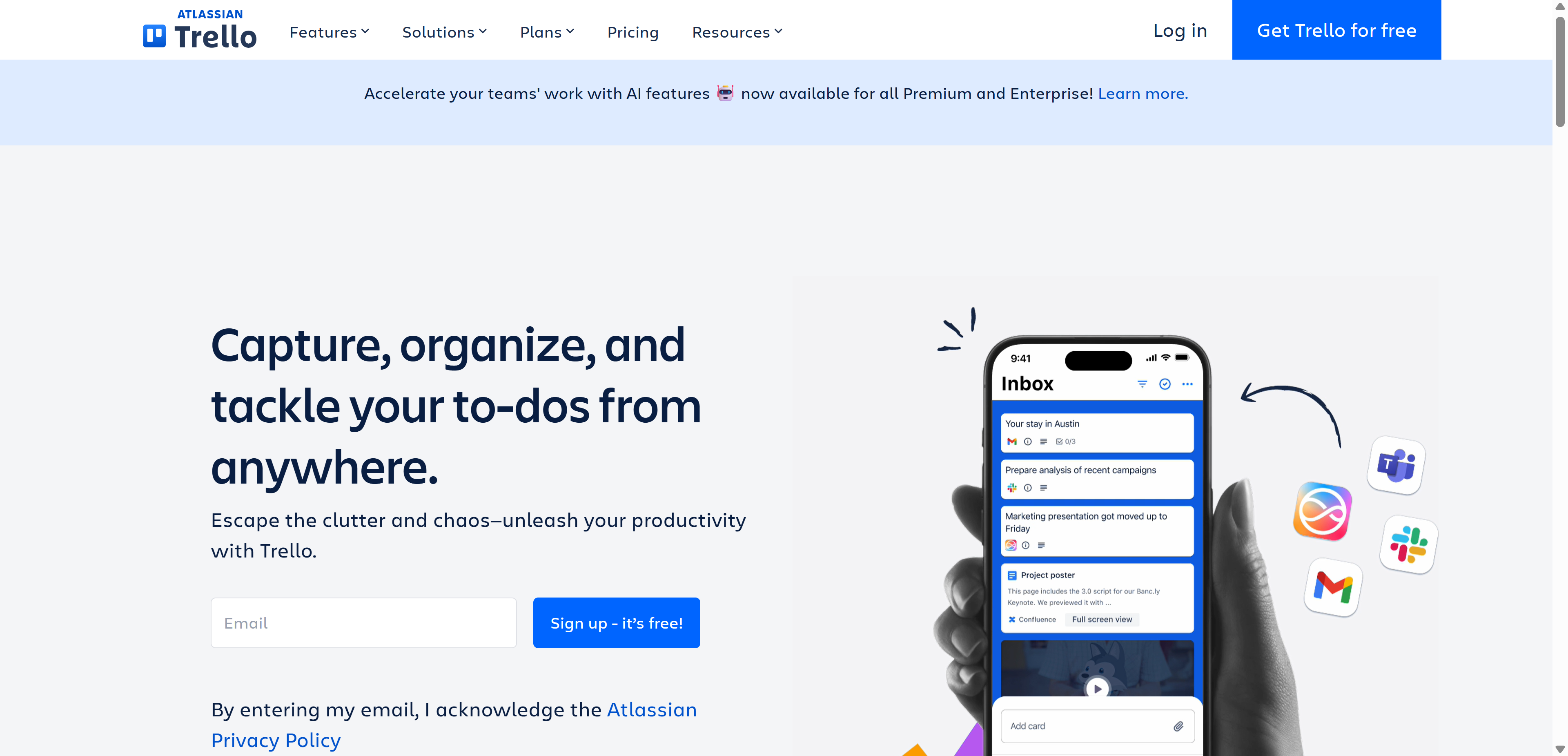 Pricing: Free for unlimited boards with limited automation. Standard runs $6 per user monthly. Premium runs $12.50 per user monthly with dashboard and timeline views.
Key features: Drag-and-drop cards, Butler automation, Power-Ups for integrations, calendar and timeline views on paid tiers.
Best for: Small teams or individuals who just need visual task cards without deep reporting or workflow complexity.
Not for: Larger teams managing complex, interdependent projects, where the simplicity that makes Trello approachable becomes a real limitation.
Jira
Jira has been the backbone of software development team workflows since 2002, originally built purely as a bug-tracking tool before expanding into full agile project management as Scrum and Kanban methodologies took over the industry. Its terminology, sprints, epics, story points, backlogs, is essentially the shared vocabulary of modern software engineering teams worldwide at this point.
That deep specialization is both its greatest strength and its clearest limitation. Engineering teams get a tool genuinely built around how software actually gets shipped, tightly linked to code repositories and release pipelines, while non-technical teams trying to use Jira for general project tracking often find themselves fighting terminology and structure that was never designed with them in mind.
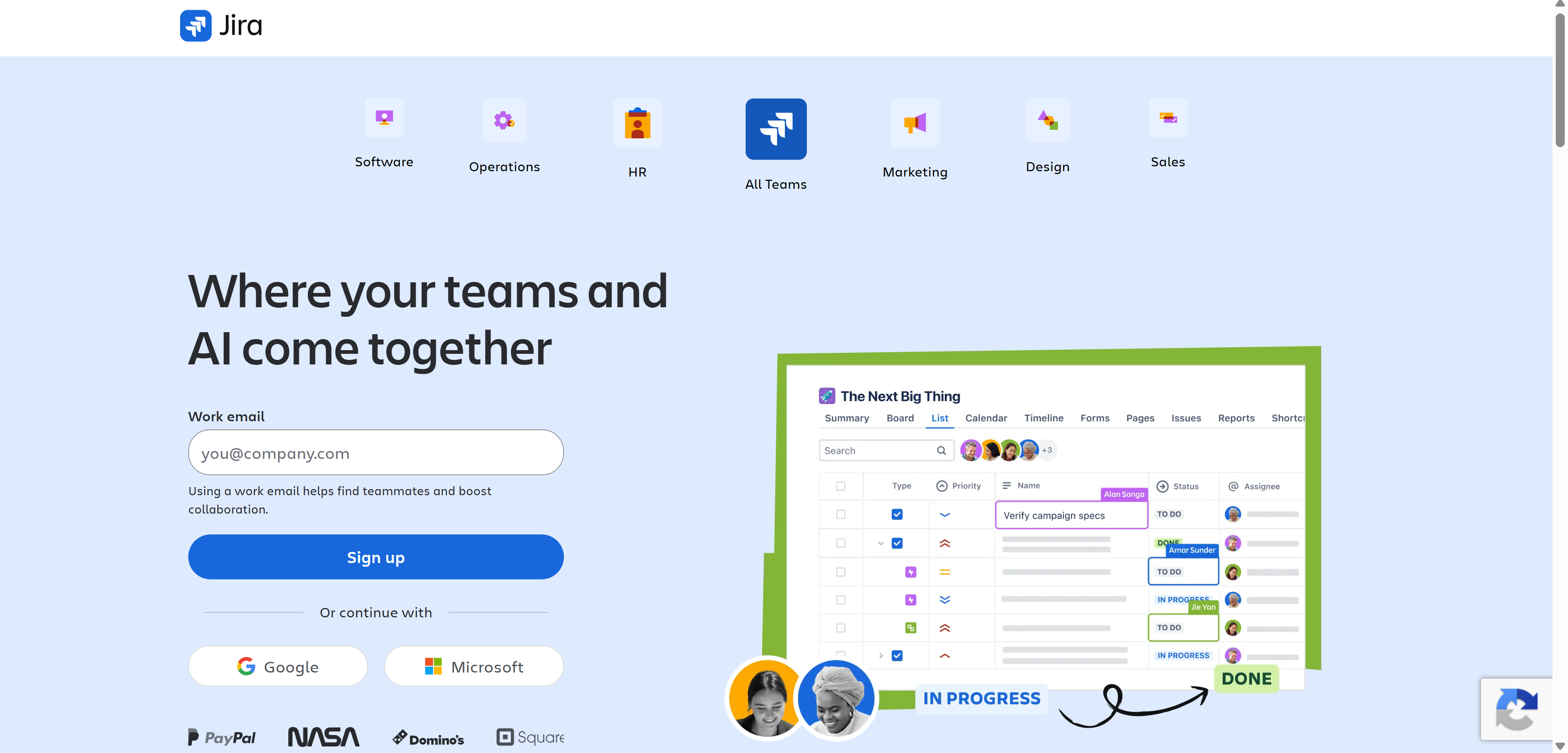 Pricing: Free for up to 10 users. Standard runs $8.15 per user monthly. Premium runs $16 per user monthly with advanced roadmaps and admin controls.
Key features: Scrum and Kanban boards, sprint planning, bug and issue tracking, roadmaps, deep integration with Confluence and Bitbucket.
Best for: Software development teams running agile workflows who need issue tracking tightly linked to code and release management.
Not for: Non-technical teams, where Jira's terminology and structure feel unnecessarily complex for general project tracking.
Wrike
Wrike was founded in 2006 specifically targeting the enterprise segment other project tools were still too immature to serve properly, and that enterprise focus has remained its defining identity ever since. Resource management, approval workflows, and custom reporting dashboards go significantly deeper here than in most mid-market alternatives, built for organizations coordinating hundreds of people across multiple concurrent projects.
That depth genuinely pays off at scale, where a marketing director needs to see resource allocation across twelve simultaneous campaigns, or a professional services firm needs formal client approval chains built directly into project workflows. It's considerably more than most small teams need, which is exactly the point.
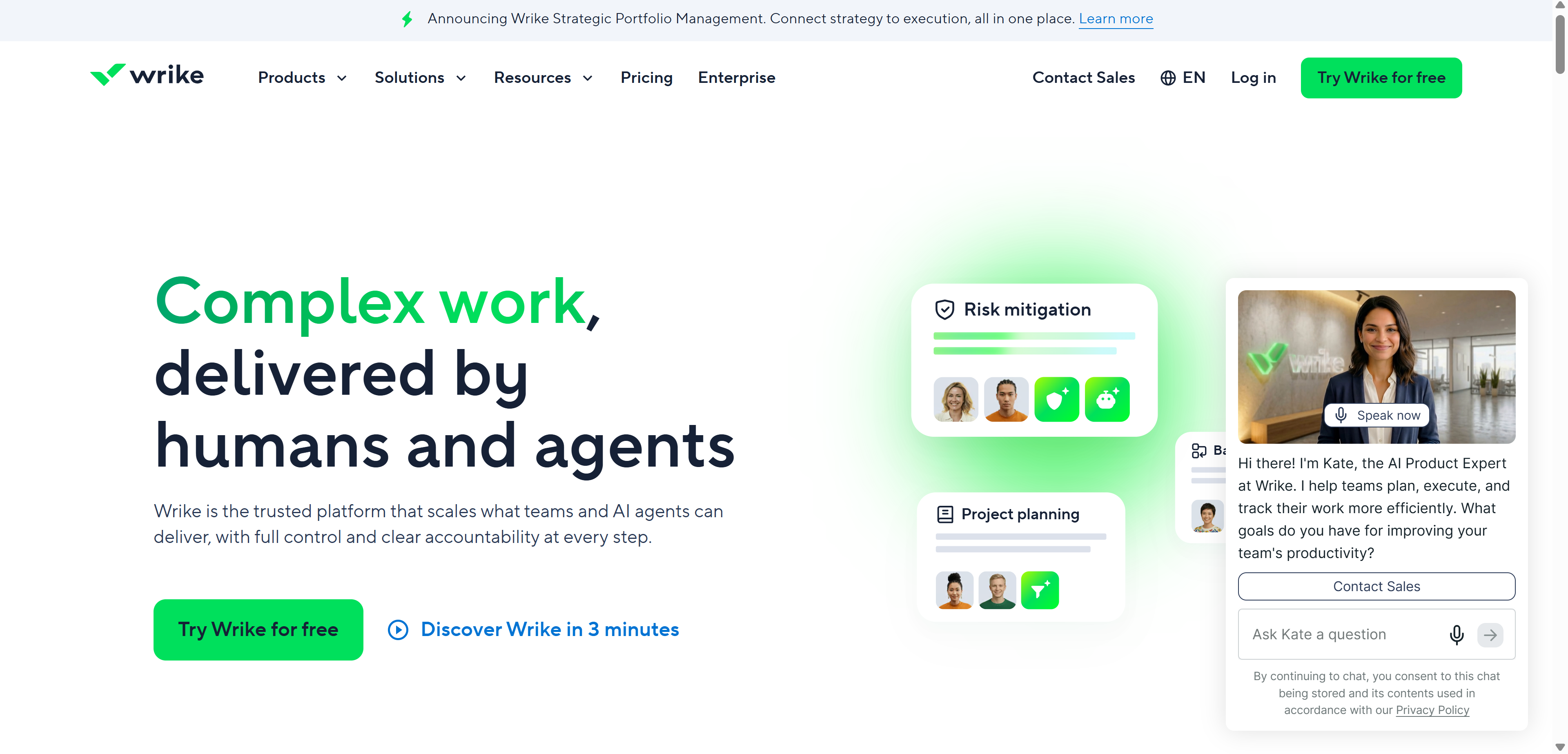 Pricing: Free tier available. Team runs $10 per user monthly. Business runs $24.80 per user monthly with custom fields and approval workflows.
Key features: Gantt charts, resource management, time tracking, approval workflows, custom dashboards, advanced reporting.
Best for: Larger organizations and enterprise teams needing deep reporting, resource allocation, and formal approval processes.
Not for: Small teams, where the depth of features and pricing at scale outweighs what a lighter tool like Trello or Asana would cover.
Basecamp
Basecamp was built by 37signals back in 2004, and its founders have spent the two decades since deliberately refusing to chase the feature-bloat arms race most competitors eventually joined. There are no Gantt charts, no complex automation builders, no dozens of view types, just message boards, to-do lists, schedules, and docs, organized cleanly around each individual project.
Where Basecamp genuinely stands apart is its pricing philosophy. While every other tool on this list charges per user, scaling costs painfully as teams grow, Basecamp offers a flat monthly rate for unlimited users, which fundamentally changes the math for larger teams that would otherwise pay hundreds more monthly on a per-seat competitor.
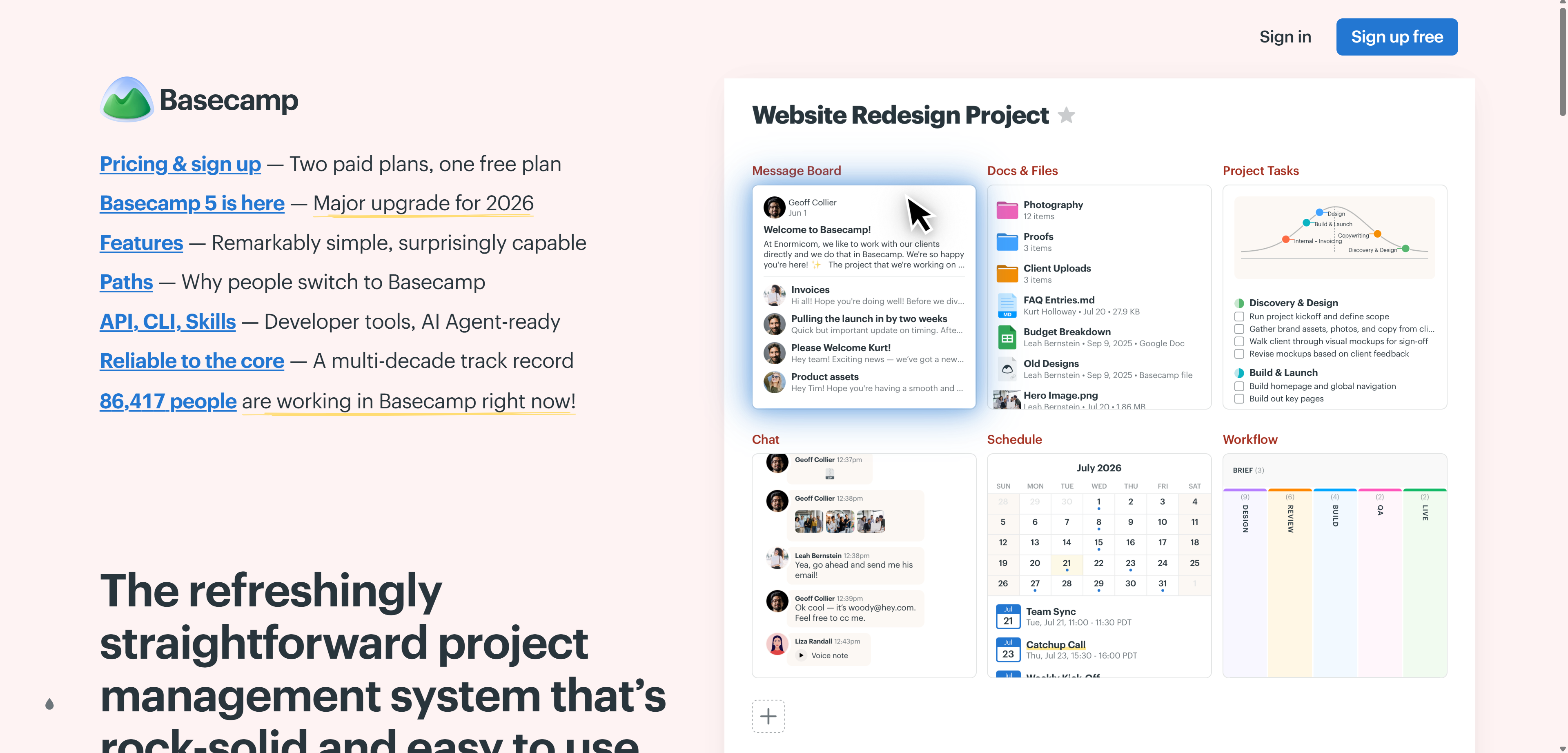 Pricing: $15 per user monthly, or a flat $299 monthly for unlimited users on the Pro Unlimited plan.
Key features: Message boards, to-do lists, schedules, docs and files, client access controls, Hill Charts for progress visualization.
Best for: Small to mid-size teams and agencies that want simplicity and predictable flat-rate pricing at scale rather than per-seat billing.
Not for: Teams needing granular task dependencies, Gantt charts, or advanced reporting, which Basecamp deliberately doesn't offer.
Document and Knowledge Collaboration
Google Workspace
Google Workspace, formerly G Suite, fundamentally changed document collaboration when it introduced real-time multi-user editing well before that was standard anywhere else, letting multiple people type into the exact same document simultaneously and watch each other's cursors move live. That single innovation eliminated the version-control chaos of emailing Word documents back and forth that defined office work for decades before it.
Beyond documents specifically, the entire suite, Gmail, Meet, Drive, Calendar, functions as one interconnected system rather than separate purchased add-ons, and Gemini AI is now embedded directly into Docs and Sheets for drafting, summarizing, and analyzing data without leaving the document itself.
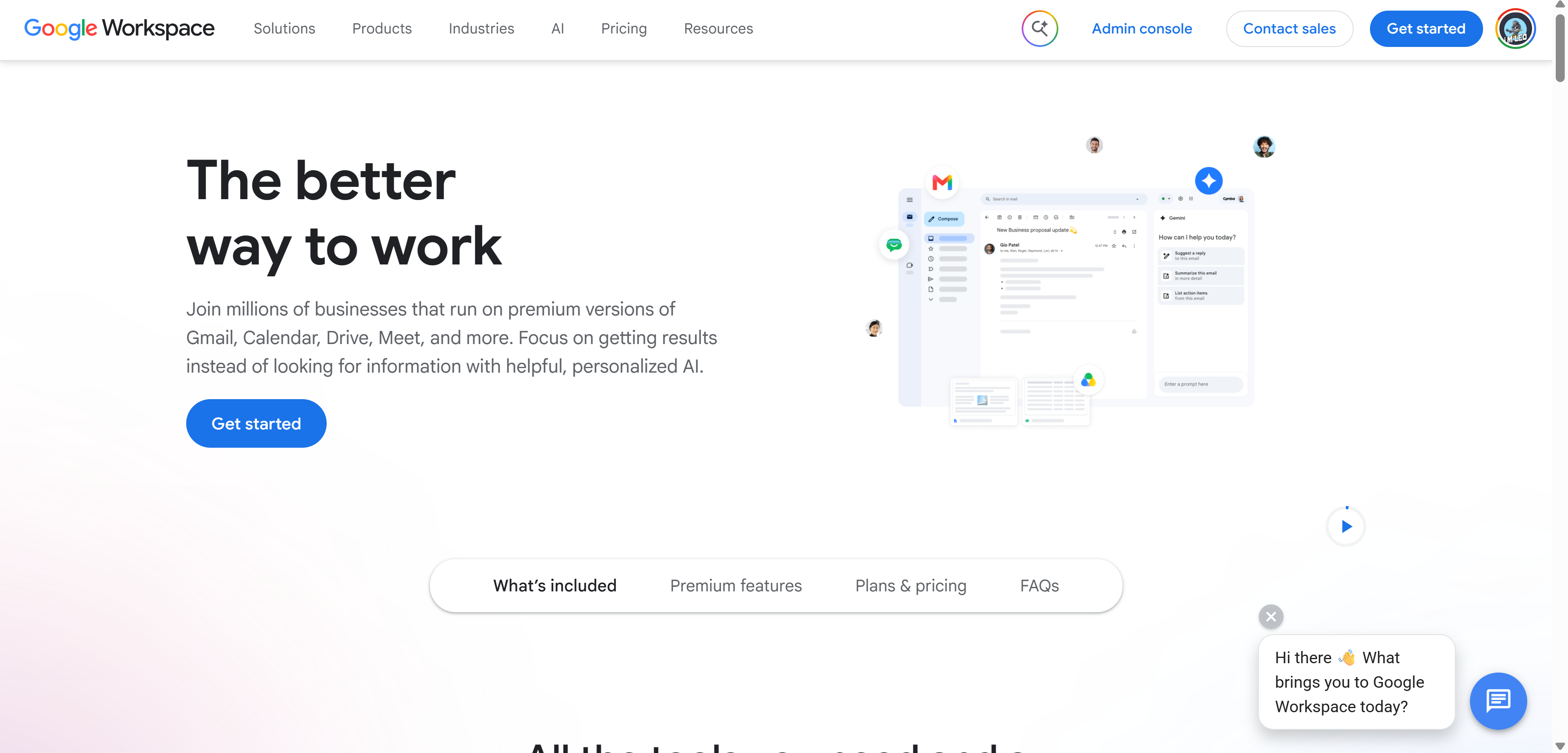 Pricing: Business Starter runs $7 per user monthly. Business Standard runs $14 per user monthly with more storage. Business Plus runs $22 per user monthly with enhanced security.
Key features: Docs, Sheets, Slides with real-time multi-user editing, Gmail, Meet, Drive storage, Gemini AI integration on higher tiers.
Best for: Teams needing seamless real-time document collaboration bundled with email and video conferencing in one subscription.
Not for: Organizations already committed to Microsoft 365, where running both suites in parallel creates unnecessary duplication and cost.
Notion
Notion launched in 2016 with an unusually ambitious premise for the time, that blocks of content, text, tables, images, embeds, could be freely rearranged into literally any structure a team needed, whether that resembled a document, a database, a wiki, or a project board. That block-based foundation is still what makes it feel meaningfully different from every purpose-built alternative on this list.
The trade-off for that flexibility is that Notion doesn't excel at any single specialized function the way a dedicated tool does, it's genuinely good at documentation, decent at light project tracking, and solid as an internal wiki, all inside one workspace that many teams end up treating as their actual company homepage.
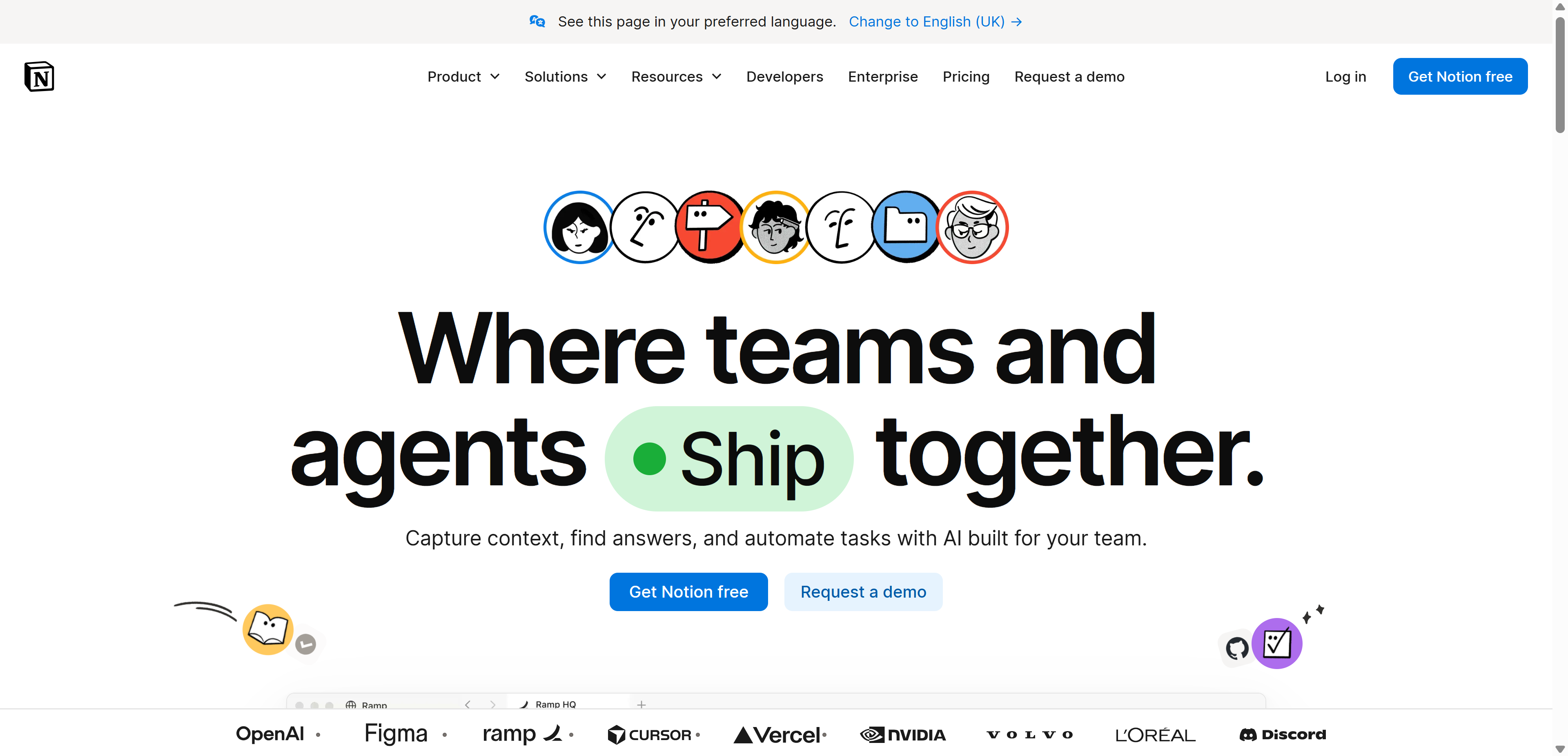 Pricing: Free for individuals. Plus runs $10 per user monthly. Business runs $18 per user monthly with advanced permissions and analytics.
Key features: Flexible pages and databases, Notion AI for writing and summarization, templates, collaborative wikis, task and project views.
Best for: Teams wanting a single, flexible source of truth for documentation, wikis, and lightweight project tracking without separate tools.
Not for: Teams needing robust, dedicated project management with Gantt charts or resource management, since Notion's project features stay comparatively basic.
Confluence
Confluence launched back in 2004 as Atlassian's original product, predating even Jira, built specifically to be the structured documentation layer that engineering teams desperately needed as their codebases and processes grew too complex for scattered text files and email threads. It's designed from the ground up to link directly into Jira issues, turning technical decisions and their documentation into one connected system rather than two separate silos.
For teams already inside the Atlassian ecosystem, that native integration is genuinely hard to replicate with a standalone tool, since every Jira ticket can pull context directly from linked Confluence pages and vice versa, keeping technical decisions traceable months or years after the fact.
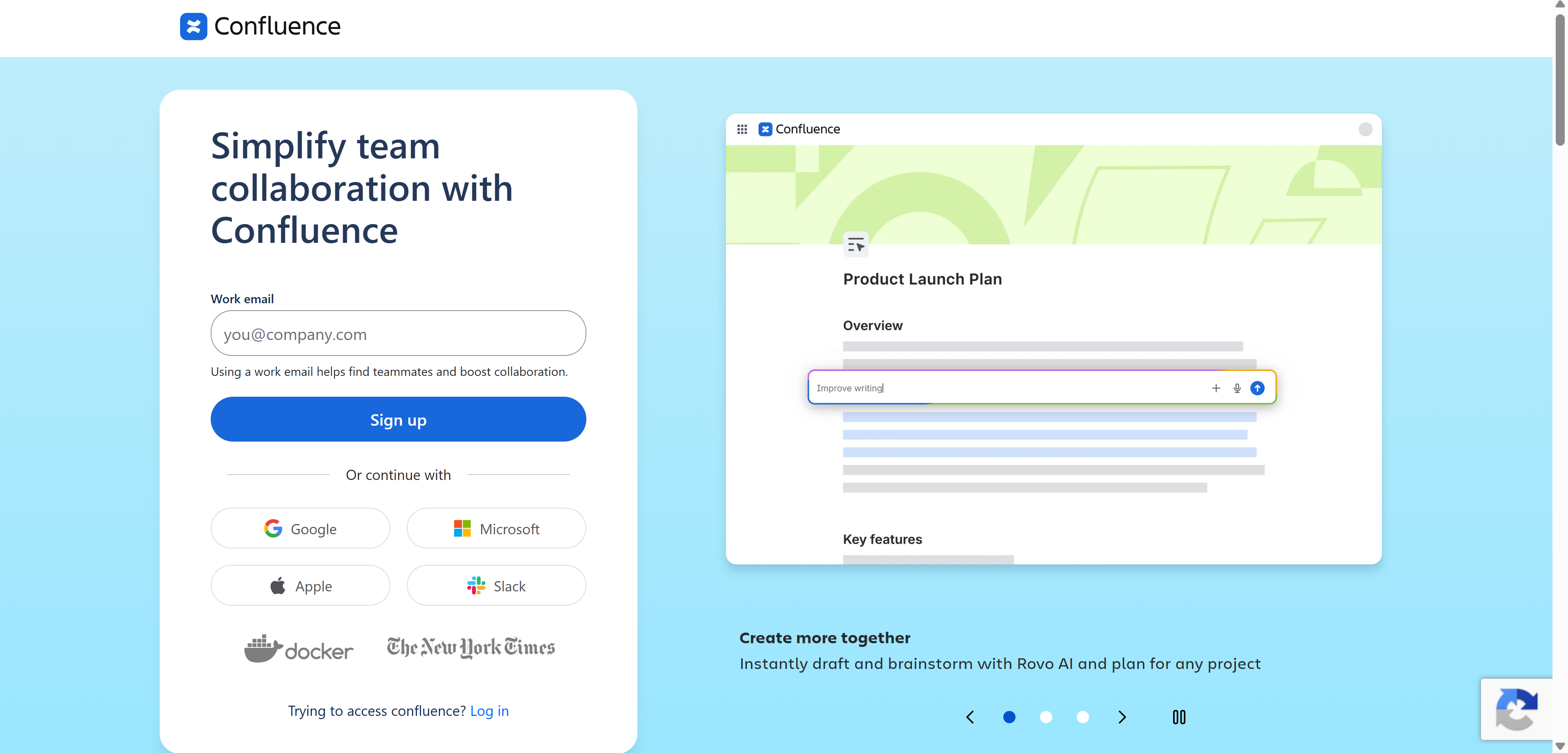 Pricing: Free for up to 10 users. Standard runs $6.05 per user monthly. Premium runs $11.55 per user monthly with analytics and advanced permissions.
Key features: Structured wiki pages, templates, deep Jira integration, page permissions, version history, spaces for team organization.
Best for: Technical teams and engineering organizations already using Jira who need structured, linked documentation.
Not for: Teams outside the Atlassian ecosystem, where standalone tools like Notion offer a more modern interface without the same learning curve.
Airtable
Airtable launched in 2012 with a genuinely clever premise, take the familiar, non-intimidating interface of a spreadsheet and quietly give it the relational power of an actual database underneath. Non-technical teams could build genuinely sophisticated systems, linked records, automated workflows, custom views, without ever touching SQL or hiring a developer.
That positioning between "simple spreadsheet" and "full database" is exactly where a lot of real business problems actually live, content calendars with linked authors and campaigns, inventory systems tracking suppliers and stock levels, applicant tracking with linked interview stages, none of which fit cleanly into a basic task list but don't justify custom software either.
 Pricing: Free tier available. Team runs $20 per user monthly. Business runs $45 per user monthly with advanced automation and admin controls.
Key features: Spreadsheet-database hybrid views, automation builder, forms, custom apps, integrations with hundreds of external tools.
Best for: Teams whose real bottleneck is disorganized information needing structured, relational data management, like content calendars or inventory tracking.
Not for: Teams wanting a simple task list or chat-first workflow, since Airtable's database logic requires more setup thinking than a Kanban board.
Dropbox
Dropbox essentially created the modern cloud file-sync category back in 2007, syncing files silently across every device a user owned years before that felt like a normal expectation for consumer or business software. That original engineering advantage, near-instant, reliable file syncing even on unstable connections, remains the foundation the entire product is still built around.
As Google Workspace and Microsoft 365 have both baked increasingly capable storage directly into their broader suites, Dropbox has had to lean harder into being the best possible option specifically for large file handling, creative asset management, and cross-platform sync reliability rather than competing as a full collaboration suite on its own.
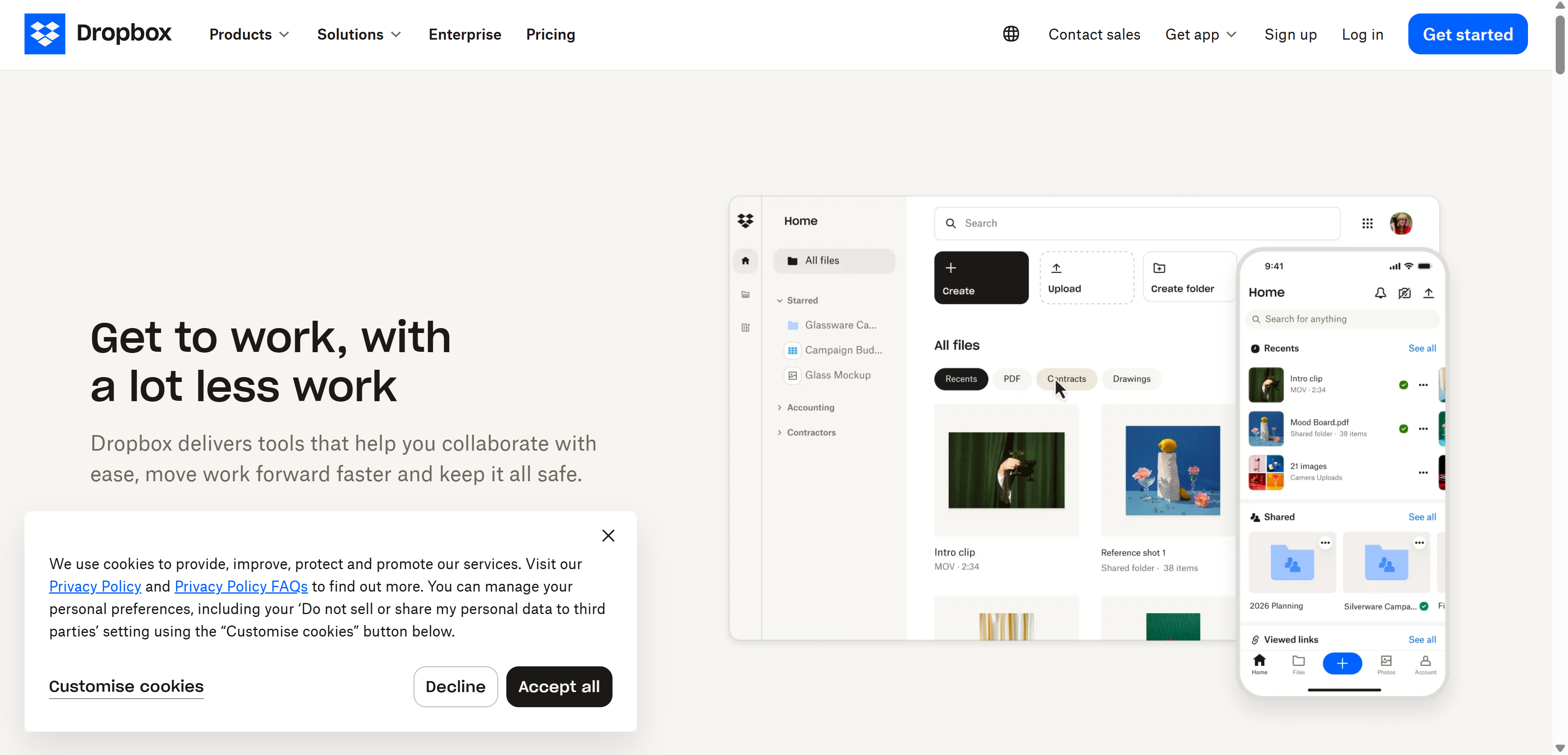 Pricing: Plus runs $11.99 monthly for one user. Business runs $18 per user monthly with team folder management and admin controls.
Key features: File sync and sharing, Dropbox Paper for lightweight docs, version history, e-signature integration, granular sharing permissions.
Best for: Teams whose primary need is reliable, high-capacity file storage and sharing across large media or design files.
Not for: Teams wanting a full collaboration suite, since Dropbox increasingly competes with the built-in storage layers of Google Workspace and Microsoft 365 rather than standing entirely alone.
Video Conferencing and Visual Collaboration
Zoom
Zoom launched in 2011 but became genuinely synonymous with video calling almost overnight in 2020, when its combination of call stability and dead-simple joining, no account required for participants, made it the default choice during the sudden global shift to remote work. That reputation for reliability under real-world network conditions has remained its core competitive advantage ever since.
Rather than trying to become a full collaboration suite chasing Slack or Teams, Zoom has stayed disciplined about doing video conferencing extremely well and expanding into adjacent areas, webinars, phone systems, AI meeting summaries, that directly support that core call experience rather than diluting it.
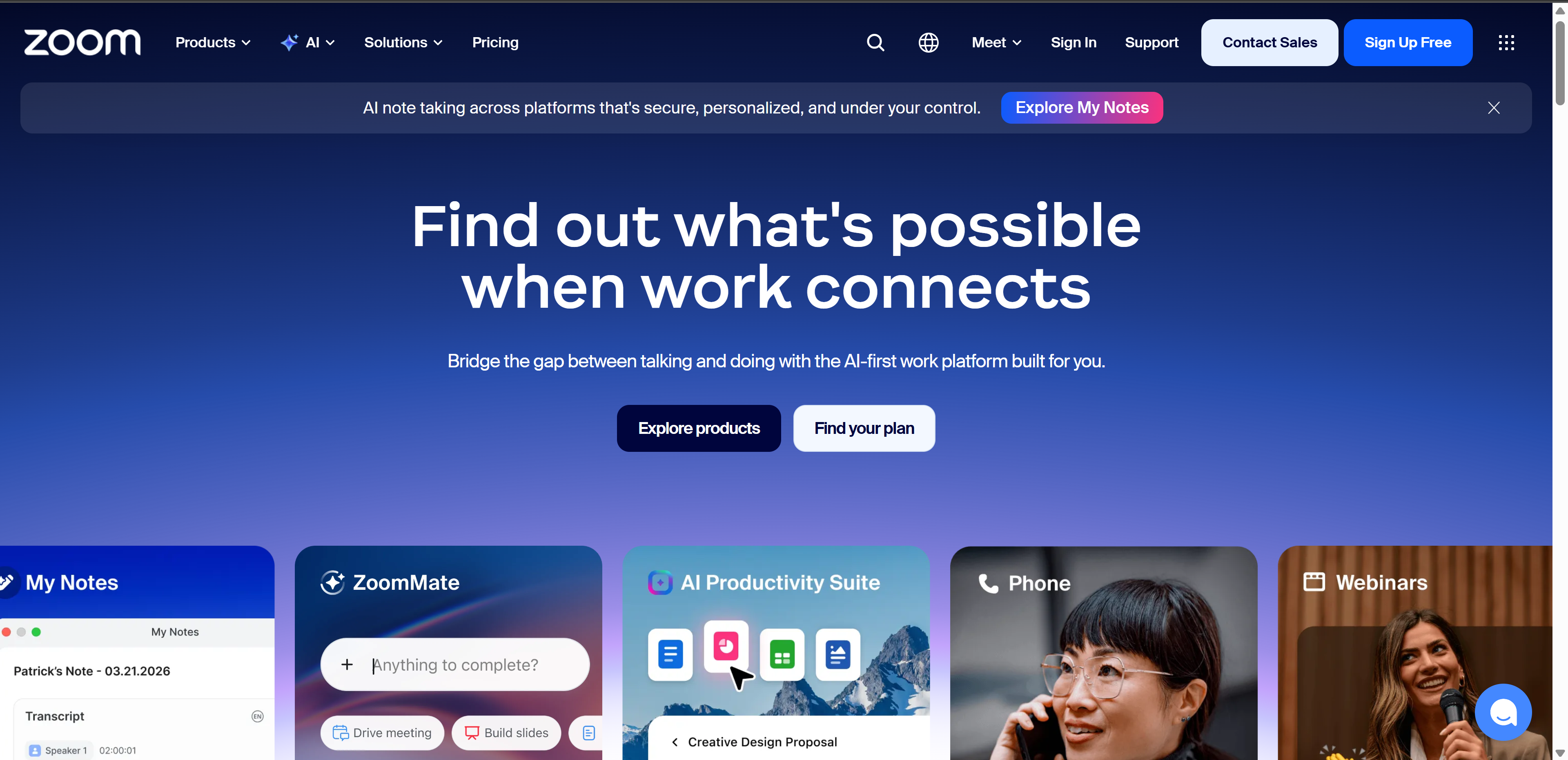 Pricing: Free for meetings up to 40 minutes. Pro runs $15.99 per user monthly. Business runs $21.99 per user monthly with larger meeting capacity and admin controls.
Key features: HD video and audio, screen sharing, breakout rooms, cloud recording, AI Companion for meeting summaries.
Best for: Organizations needing reliable, high-quality video conferencing as a standalone tool paired with a separate chat or project platform.
Not for: Teams wanting an all-in-one platform, since Zoom is deliberately focused on calls rather than broader collaboration features.
Webex
Webex actually predates Zoom by over a decade, launching in 1996 and later being acquired by Cisco, which shaped its entire subsequent trajectory toward the enterprise and government sectors where Cisco already had deep, trusted relationships. That heritage shows clearly in how heavily Webex leans on security certifications and compliance frameworks that matter enormously to regulated industries but feel like overkill to a five-person startup.
For large enterprises specifically, banks, healthcare systems, government agencies, that compliance depth isn't a nice-to-have, it's frequently the entire reason procurement chooses Webex over more consumer-friendly competitors regardless of interface polish.
 Pricing: Free tier available. Meet runs $14.50 per user monthly. Suite runs $25 per user monthly with calling and advanced admin features.
Key features: Enterprise-grade video conferencing, webinars, real-time translation, security certifications for regulated industries.
Best for: Large enterprises and regulated industries needing strict compliance certifications alongside video conferencing.
Not for: Small teams or startups, where the pricing and enterprise-focused feature set outweigh what a lighter tool like Zoom offers at that scale.
Miro
Miro launched in 2011 as RealtimeBoard before rebranding, and it exists to solve a problem remote work created that nobody fully appreciated until offices actually emptied out, the loss of a shared physical whiteboard for spontaneous brainstorming, sticky-note exercises, and visual planning sessions. An infinite digital canvas replaced that physical wall, and crucially, made it permanently saved and accessible to anyone regardless of timezone.
What's kept Miro relevant rather than replaced by simpler alternatives is how deeply it's built for actual live collaboration rather than static diagramming, dozens of people can move sticky notes and draw simultaneously during a workshop exactly the way they would around a physical whiteboard, just without needing to be in the same room.
 Pricing: Free for up to 3 boards. Starter runs $10 per user monthly. Business runs $20 per user monthly with advanced permissions and integrations.
Key features: Infinite canvas whiteboards, templates, sticky notes, diagramming, real-time multiplayer editing, integrations with major project tools.
Best for: Remote and hybrid teams needing visual brainstorming, workshops, and diagramming that replaced the physical whiteboard when they left the office.
Not for: Teams needing structured task management, since Miro is purely visual collaboration rather than a project tracker.
Figma
Figma launched in 2016 with a genuinely radical bet for its time, that professional design software could run entirely in a browser with real-time multiplayer editing, at a moment when the entire design industry was still built around locally installed desktop applications with painful file-locking and version conflicts between collaborators. That bet paid off dramatically, reshaping how design teams work together industry-wide within a few short years.
Figma has since expanded well beyond pure interface design into FigJam for whiteboarding and broader team collaboration, but its core strength remains unmatched real-time collaborative editing specifically for visual and product design work, with tight handoff tools that let developers pull exact specs directly from finished designs.
 Pricing: Free for starter teams. Professional runs $15 per editor monthly. Organization runs $45 per editor monthly with enterprise admin controls.
Key features: Real-time multiplayer design editing, prototyping, design systems, FigJam for whiteboarding, developer handoff tools.
Best for: Design teams and product organizations needing real-time collaborative design work with tight developer handoff.
Not for: Non-design teams, where Figma's specialized toolset offers little value outside of visual and product design workflows specifically.
The AI Layer That's No Longer Optional
2026 is the year AI features stopped being marketing and became load-bearing. Meeting summaries, writing assistance, smart search, and automated workflows are now baseline expectations across this entire category, not differentiators.
That shift extends into specialized collaboration tools too, not just general-purpose platforms. In regulated industries specifically, team-based AI documentation tools with built-in compliance are becoming their own category.
BastionGPT is worth knowing about here specifically. It's a HIPAA-compliant AI assistant built for healthcare teams, priced at $20 per user monthly on the Professional tier, with a Saved Prompts Library and team-wide prompt sharing that standardizes documentation across an entire practice. It's not for general business teams, since it's purpose-built for clinical documentation, but it's a genuinely useful pattern to understand if you're evaluating how compliant AI fits into a regulated team's collaboration stack. Our full BastionGPT review covers the complete pricing tiers and feature breakdown.
Security and Compliance Considerations
If your team handles sensitive client data or operates in a regulated industry, verify the platform's actual security certifications rather than trusting marketing copy alone. For a genuinely authoritative reference on how cloud-based collaboration and data storage should be evaluated for security, NIST's guidance on cloud computing security lays out the framework most enterprise compliance teams already use to vet SaaS vendors.
This step gets skipped constantly, and it's the reason IT teams end up doing painful mid-year platform migrations after legal flags a gap nobody checked during initial evaluation.
Building the Actual Stack: What Real Combinations Look Like
Here's what most listicles skip entirely, real stack patterns that cover every collaboration mode without duplicating strengths, and what the combined monthly cost actually looks like per user.
Hybrid balanced team: Slack ($8.75) plus Asana ($13.49) plus Google Workspace ($7) plus Miro ($10) covers messaging, tasks, documents, and visual work for roughly $39 per user monthly combined.
Microsoft-committed enterprise: Microsoft Teams, included with M365, layered with Wrike ($10) or Asana for deeper project tracking, since Teams' native task features stay fairly basic.
Engineering-first startup: Slack ($8.75) plus Jira ($8.15) plus Confluence ($6.05) covers chat, sprint tracking, and technical documentation for around $23 per user monthly.
Design and creative team: Figma ($15) plus Notion ($10) plus Slack ($8.75) skips heavier project management tools that add friction without adding value for creative workflows specifically.
The Evaluation Checklist Before You Commit
Run through these before signing any contract, not after.
Onboarding speed matters more than feature depth for most teams, since tools requiring extensive configuration before they're useful score poorly regardless of what they can theoretically do. Integration breadth should cover your existing CRM, communication tools, and project platforms, plus Zapier or Make support for anything not natively connected.
Pricing at actual scale needs checking against your real headcount, since many tools that look affordable at 10 seats get genuinely expensive past 50. What's locked behind higher tiers deserves scrutiny too, since several platforms gate genuinely essential features, not just nice-to-haves, behind premium pricing you won't discover until you're already dependent on the tool.
Which Tools Fit Your Actual Situation
Your Situation | Best Fit |
|---|---|
Small team, tight budget | Trello plus Slack free tiers |
Already on Microsoft 365 | Teams plus Wrike or Asana |
Software engineering team | Jira plus Confluence plus Slack |
Design or creative agency | Figma plus Notion plus Slack |
Remote-first, visual work | Miro plus Asana plus Zoom |
Enterprise with compliance needs | Webex plus Confluence, both audited against NIST-aligned security standards |
Structured data-heavy workflows | Airtable plus Slack |
My Honest Take
Stop looking for the single tool that does everything. That tool doesn't exist in a form that's genuinely good at all of it simultaneously, and every all-in-one platform I've seen teams adopt eventually gets a Slack workaround built on top of it anyway.
Identify your actual bottleneck first, pick one tool that solves it well, and add a second only when a genuinely separate gap appears, not because a vendor's sales page convinced you their platform does it all. That's how the stacks that actually work in 2026 get built, and it's exactly the audit my friend's 60-person agency needed but never ran.
FAQs
What is the best collaboration software overall?
There isn't one universal winner since tools specialize differently. Slack leads chat, Asana and Monday.com lead project management, and Google Workspace leads document collaboration.
What is the best free collaboration software?
Trello, Slack, ClickUp, and Notion all offer genuinely usable free tiers suitable for small teams before you need to upgrade.
Is Microsoft Teams better than Slack?
Teams wins for organizations already committed to Microsoft 365. Slack generally wins on chat experience and third-party integrations outside that ecosystem.
What collaboration software is best for remote teams?
A combination of Slack or Teams for communication, Asana or Monday.com for tasks, and Zoom or Miro for meetings and visual work covers most remote team needs.
Do collaboration tools need AI features in 2026?
Yes, meeting summaries, smart search, and writing assistance have become baseline expectations rather than optional extras this year.