
A dentist I know almost skipped setting up her practice's imaging integration during Overjet onboarding, thinking she'd configure it "later." Three weeks in, she was still manually uploading X-rays one at a time because that step never got done. The login itself takes thirty seconds. Getting the setup right the first time saves you weeks.
Here's the complete picture of what Overjet actually does, how the login and setup process actually works, and what to check before you assume something's broken.
What Overjet Actually Is
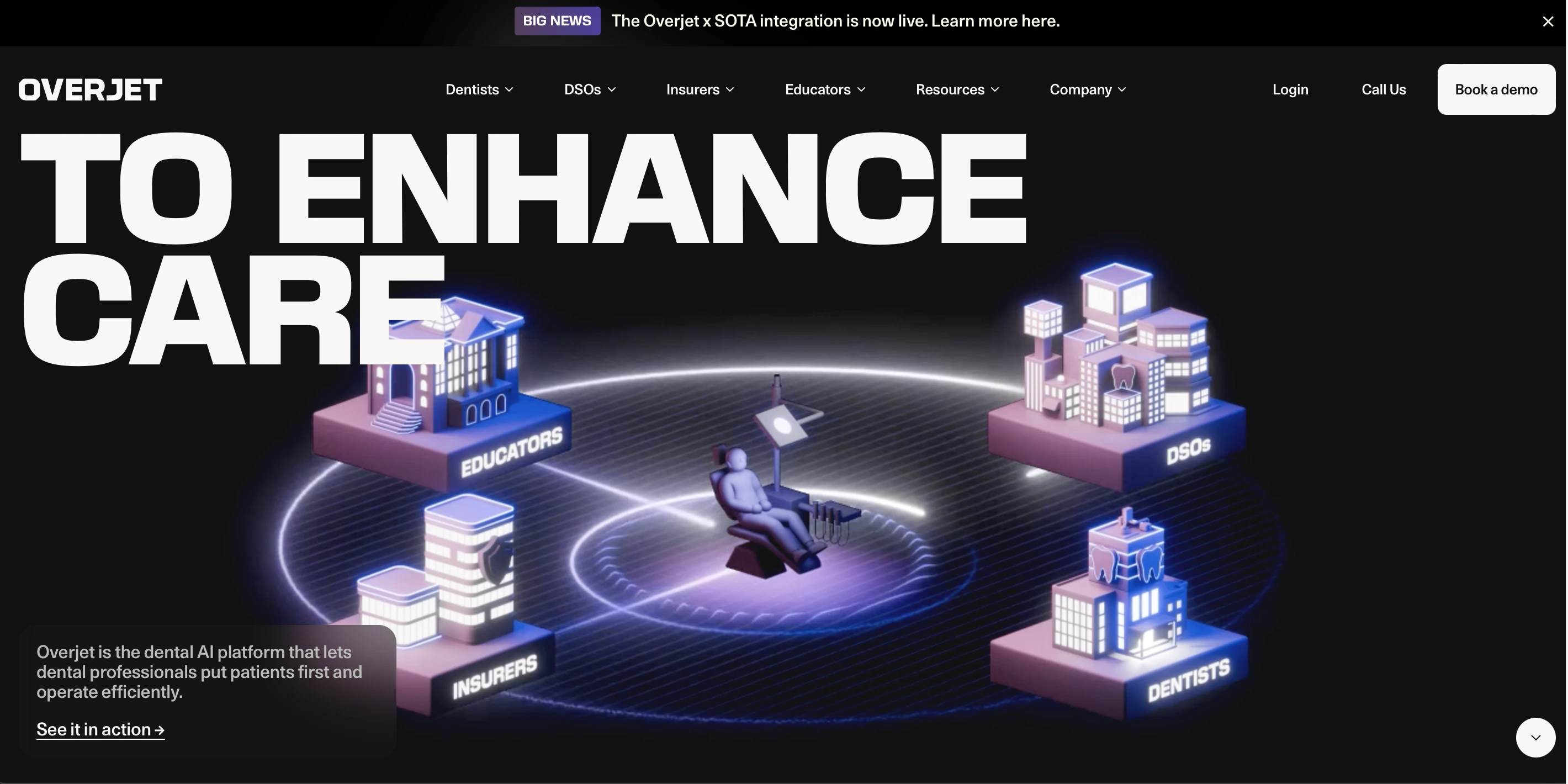
Overjet is a dental AI platform designed to support dentists, insurers, and dental organizations in diagnosing oral diseases, managing insurance claims, and streamlining workflows.
That's a broad description covering a genuinely wide range of use cases, and the login process shifts slightly depending on which of those you're accessing.
 What the Platform Actually Delivers
Before getting into the login mechanics, it's worth understanding why organizations bother onboarding this platform in the first place.
Accurate dental analysis comes from sophisticated algorithms detecting cavities, bone loss, calculus, and other issues on dental radiographs. Overjet highlights and outlines these problems, helping dentists make accurate diagnoses rather than relying purely on manual review.
Improved patient communication follows naturally from that visual output. Annotated images make it easier to show patients exactly what the problem is, which can improve trust, transparency, and acceptance of recommended treatments.
Faster insurance processing extends beyond diagnosis entirely. The platform supports insurance verification, auto-generates narratives and documentation, and can speed up claim approvals meaningfully.
Practice analytics matter specifically for dental support organizations and multi-site practices, offering dashboards that help monitor clinician performance, case acceptance rates, and overall efficiency across locations.
Who Actually Needs to Log In
Four distinct groups use Overjet, each with a different reason to be inside the platform.
Dentists and dental clinics review X-rays, detect pathologies, plan treatments, and show annotated visuals directly to patients during appointments. Dental Support Organizations manage multiple clinics, using analytics dashboards to monitor performance across every site under their umbrella.
Insurers and insurance review teams verify clinical necessity, review claims backed by objective visual evidence, and speed up approval timelines. Dental educators and students learn from annotated radiographs, using the platform's clear visual output to understand oral health issues more concretely than a textbook diagram allows.
 Logging In Step by Step
Here's the full process from credential setup through active use.
Step 1: Get Your Account Credentials
Typically, your dental practice or insurer sets up an account for you, providing a username and password. If your practice hasn't onboarded Overjet yet, you'll need to request access through Overjet's sales or support team directly.
Step 2: Navigate to the Login Portal
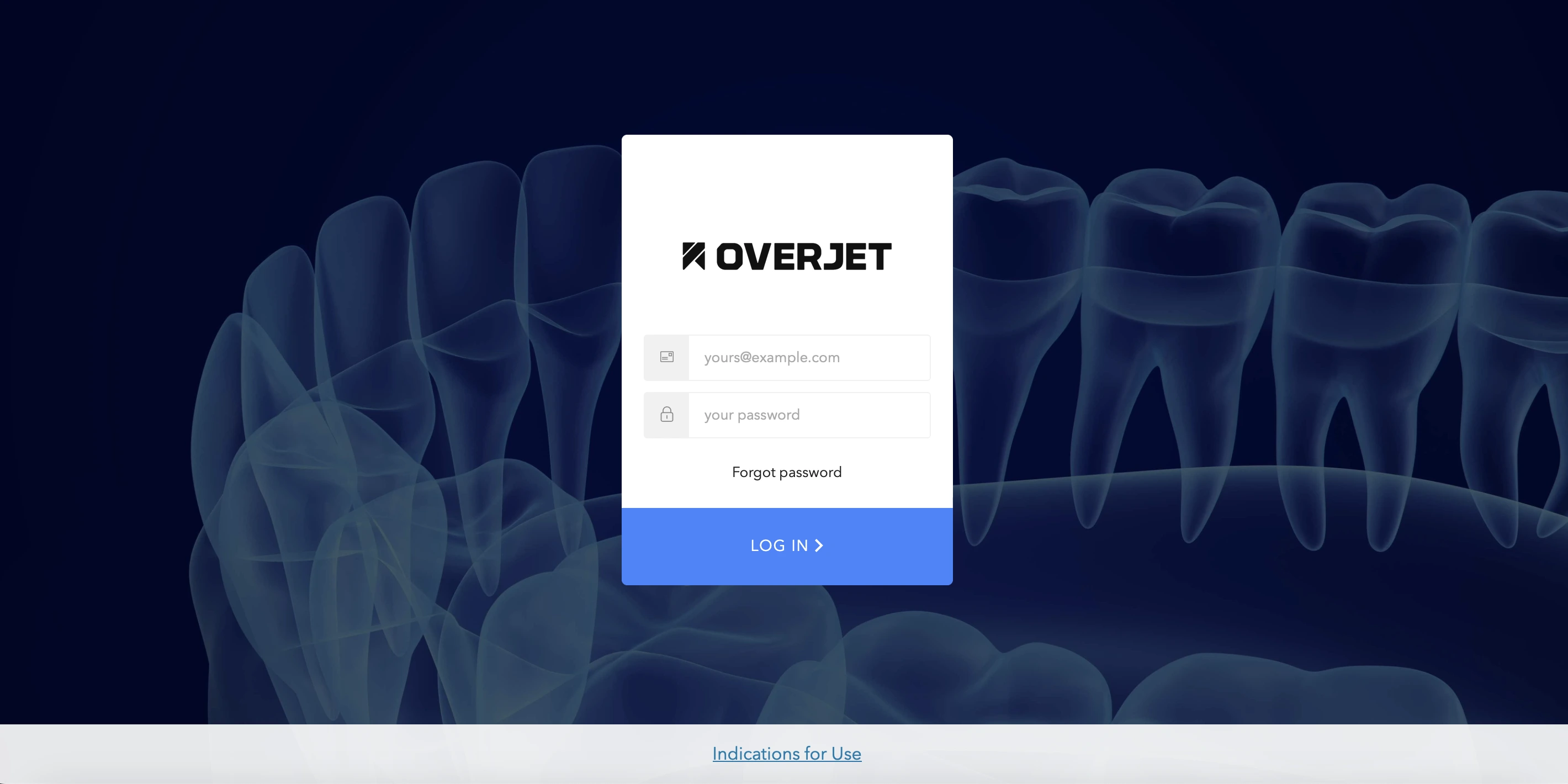
Open your browser and go to Overjet's official login page, usually accessible directly through their main website.
Step 3: Enter Your Credentials
Fill in your username and password. Some practices enable multi-factor authentication or additional security checks on top of the base login.
Step 4: Accept Terms if Prompted
On your first login specifically, you may need to accept a terms of service or privacy agreement before proceeding further.
Step 5: Complete Your Role-Specific Setup
Depending on whether you're a dentist, insurer, or DSO administrator, you might be asked to link your imaging software, integrate with your practice management system, or upload initial radiographs. This is the exact step my dentist friend delayed, and it's worth doing immediately rather than working around it manually.
Step 6: Start Actually Using the Platform
Once setup is genuinely complete, you can upload X-rays, review AI annotations, generate reports, and verify insurance claims without friction.
What You Need Before You Even Try Logging In
A few technical prerequisites prevent avoidable headaches.
You need a valid account provided by your practice, DSO, or insurance organization, which typically includes a username and password, sometimes paired with multi-factor authentication for added security. Access the platform using a current version of Chrome, Edge, or Safari specifically, since outdated browsers can cause display or functionality problems that look like login failures but aren't.
Properly configured dental imaging software matters too, since Overjet integrates with most common radiograph and practice management systems, but that integration needs to actually be set up correctly on your end first.
What You Get Access to Once You're Logged In
The feature set unlocks in layers depending on your role, but here's the full picture.
Radiograph analysis lets you upload or view dental X-rays, with the AI highlighting areas of concern like cavities, bone loss, or calculus through clear visual overlays, catching problems that might otherwise be subtle or easy to miss during a quick manual review.
Patient education tools turn abstract explanations into annotated visuals patients can actually see and understand, which measurably improves trust and case acceptance in practice.
Insurance documentation generates automatically once diagnoses and treatment plans are finalized, with the AI-annotated images serving as objective evidence supporting claims, and in some configurations, automatic insurance verification speeds up the entire approval timeline.
Practice analytics, relevant specifically for larger organizations, provide dashboards tracking clinician performance, case acceptance rates, and claim success across every location under one umbrella.
Regulatory compliance comes built in as well. Because Overjet is cleared by relevant regulatory bodies and uses standardized criteria when analyzing radiographs, it helps maintain consistent diagnostics across multiple clinicians, which genuinely reduces risk and improves care quality at scale.
The regulatory clearance point matters more than it might initially seem. For context on how the FDA evaluates AI-based diagnostic imaging tools specifically, the FDA's guidance on AI and machine learning in medical devices covers the regulatory framework platforms like Overjet operate within, useful background if your practice's compliance team asks how AI diagnostic tools get cleared for clinical use.
Troubleshooting Login Problems
Here's the systematic fix path if login isn't working as expected.
Check your credentials carefully first, since mistyped usernames or passwords, including capitalization and special characters, cause the majority of login failures. Reset your password through the Forgot Password option if you're genuinely locked out rather than repeatedly guessing.
Verify account activation with your practice administrator or DSO, since an account that hasn't been properly activated will fail login regardless of how correct your credentials are. Clear your browser cache and cookies, which resolves a surprising number of display and loading issues that masquerade as login failures.
Update or switch browsers if you're on an outdated version, sticking to current Chrome, Edge, or Safari releases specifically. If none of that resolves it, contact Overjet support directly, since persistent issues beyond these steps usually point to a backend account configuration problem rather than something fixable on your end.
Session and credential troubleshooting patterns like this repeat across most institutional and healthcare-adjacent software platforms. Our guide to NBIS login covers a nearly identical set of role-based access and account activation issues in a different biomedical imaging context, useful if your organization runs multiple specialized platforms with similar credential structures.
Practical Tips Worth Following
A handful of habits genuinely reduce friction with this platform specifically.
Double-check credentials carefully before assuming something's broken, since simple typos are the overwhelming majority of reported login issues. Confirm your practice's imaging system compatibility before onboarding rather than discovering integration gaps mid-setup, exactly the mistake my dentist friend made.
Invest in proper staff training even though the platform is genuinely user-friendly, since maximizing the AI annotation and documentation features takes more than just knowing how to log in. Use the annotated images actively during patient conversations rather than just for internal documentation, since that visual clarity is one of the platform's most concrete benefits for treatment acceptance. For larger practices, actually use the analytics dashboard regularly rather than letting it sit unopened, since identifying performance patterns early is where the real operational value lives.
Why This Actually Matters Beyond the Login Screen
A seamless login to a platform like this genuinely reduces administrative burden and minimizes human error across an entire practice. The imaging and practice management integration streamlines workflows meaningfully, while patients benefit directly from visual proof of dental issues that increases comfort and treatment acceptance.
For insurers and claim reviewers specifically, AI-generated documentation provides clear, objective evidence that speeds approvals and reduces disputes on both sides. Multi-clinic organizations gain a unified platform that standardizes diagnostics and reporting, making oversight meaningfully more efficient than juggling separate systems per location.
FAQs
What is Overjet AI login?
The process of accessing Overjet's platform with your credentials, used by dentists, insurers, and dental organizations for X-ray analysis, documentation, and claims management.
Who needs Overjet AI login?
Dental professionals, insurance reviewers, and dental support organizations all need access to use the platform's AI-powered diagnostic and workflow tools.
What should I do if I forget my Overjet password?
Use the Forgot Password option on the login page, or contact your account administrator directly to reset your credentials.
Can Overjet be accessed on mobile devices?
Yes, typically through compatible web browsers on phones, tablets, or desktops, depending on your organization's specific configuration.
Is Overjet secure after login?
Yes, the platform follows industry-standard security protocols and data compliance requirements to keep patient information and documents protected.