
What is StealthGram?
StealthGram is an online tool that allows you to view and download public Instagram stories, posts, reels, and highlights without logging into an Instagram account.
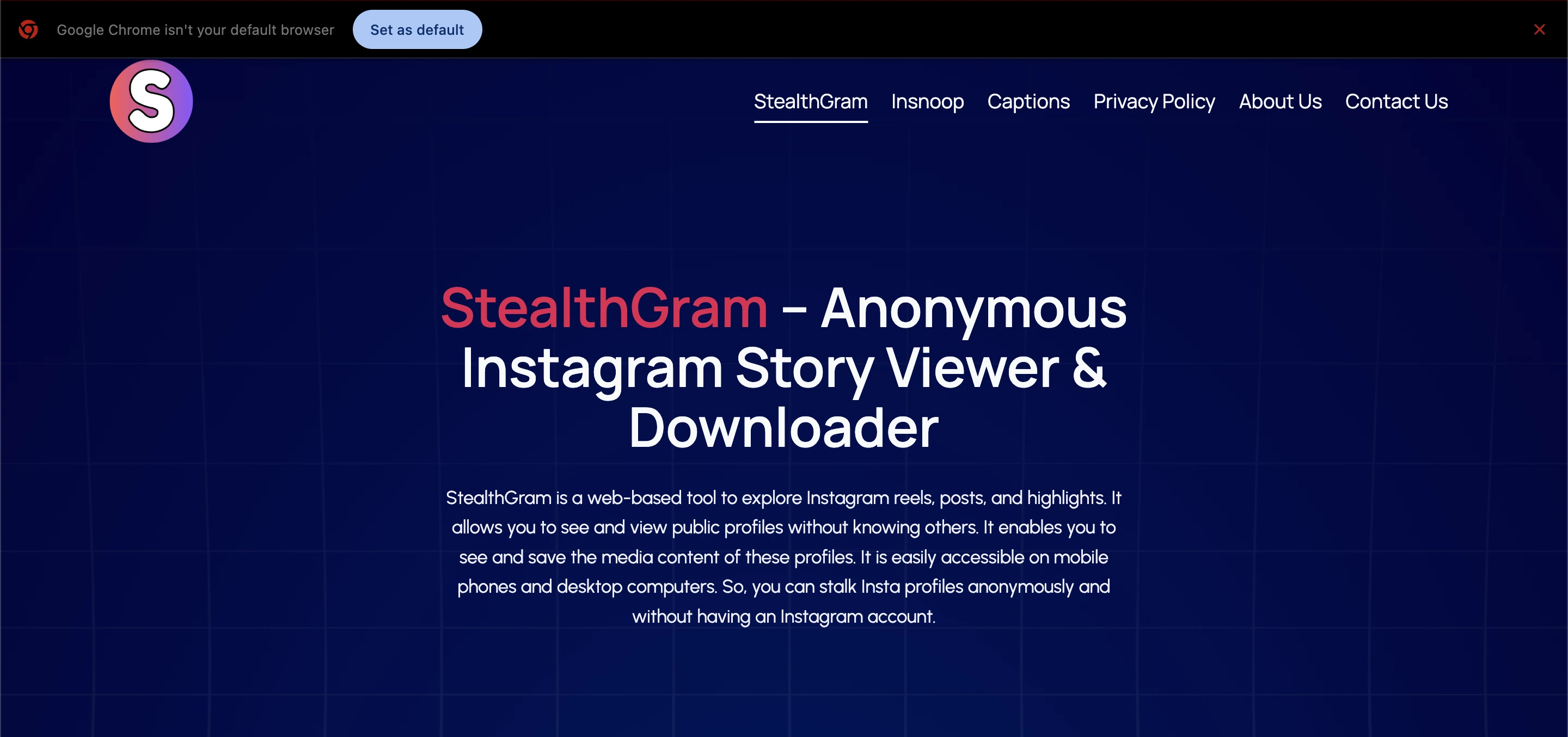 It works in your browser and keeps you anonymous meaning your activity is not shown to the account owner.
How It Works?
StealthGram works by acting as a middle tool between your device and Instagram’s public content. Instead of opening Instagram directly, you go to the StealthGram site, enter the username or profile link of a public Instagram account, and then you can view available media anonymously. No login, no account, and no cookies or tracking are required.
Here’s a simple breakdown:
Go to the StealthGram website.
Enter a public Instagram username or profile URL.
Click “Search” or “View.”
Browse stories, reels, posts, and highlights.
Download media if needed.
Because you never log into Instagram, your activity does not show up in the story viewer list or feed analytics. This is the main reason people turn to StealthGram.
Key Features
To understand why StealthGram is popular, let’s break down its main features in simple language.
1. Anonymous Instagram Viewing
The most talked‑about feature of StealthGram is the ability to view Instagram stories without letting the account owner know you looked at them. Normally, Instagram shows all viewer names in the story list, but with StealthGram, your identity stays hidden.
This works because StealthGram doesn’t connect to Instagram using your account credentials. It pulls only publicly available content and displays it without linking it to your profile.
2. No Login or Account Needed
StealthGram does not ask for your Instagram login or personal information. You don’t need to sign up, provide an email, or link a phone number. This makes the process simple and keeps your identity private.
This is different from some third‑party apps that require login details these can pose security risks and privacy concerns.
3. View and Download Instagram Content
StealthGram allows users to view and download various types of Instagram content with ease. Using the platform, you can access Instagram stories, reels, photos, carousel posts, highlights, and even profile media from public accounts.
The tool makes it simple to save images and videos directly to your device, usually in good quality, with just a single click no complicated steps required.
4. Works on Any Device
StealthGram can be used on a wide range of devices, including smartphones, tablets, laptops, and desktop computers.
Since it works directly in your web browser, there’s no need to download an app or install any extensions, making it convenient and accessible on any device.
5. Fast and Easy to Use
StealthGram is designed to be clean and simple. There are no complicated menus or buttons to figure out. Just enter the name, search, and start browsing.
Read Also: Cliptalk: Easy Video Sharing and Collaboration
Use Cases
StealthGram has many practical uses. Let’s look at some real‑world examples:
1. Casual Browsing Without Attention
Some users simply want to look at trending stories or public profiles without appearing in viewer lists. Whether you’re following celebrities, influencers, or public pages, StealthGram lets you browse quietly.
2. Content Research and Inspiration
Content creators and marketers often use StealthGram to study how others post stories or reels. By viewing content anonymously, they can gain ideas without affecting engagement metrics or recommendations.
3. Save Stories Before They Disappear
Instagram stories are temporary and stay online only for 24 hours. With StealthGram, you can view and download these stories before they expire. This is useful if you want to save important content.
4. Competitive Business Research
Small businesses might use StealthGram to check competitor campaigns and content strategies without revealing their identity. This can help in planning marketing moves or understanding trends.
5. Stay Anonymous for Personal Reasons
Some users prefer to keep their social media activity private. StealthGram offers a way to browse public content without leaving digital traces or alerts.
StealthGram vs. Instagram
Feature / Aspect | StealthGram | |
|---|---|---|
Purpose | View and download public Instagram content anonymously | Social media platform for sharing, posting, and interacting with content |
Account Required | No login or account needed | Requires account to access most features |
Privacy / Anonymity | Fully anonymous when viewing public content | Account activity is visible; story views and likes are tracked |
Content Accessibility | Only public profiles, posts, stories, reels, and highlights | Public and private profiles, posts, stories, reels, and more |
Interaction | Cannot like, comment, share, or follow | Full interaction including likes, comments, shares, and follows |
Downloading Media | Can download stories, posts, reels, and highlights | No native download option; requires third-party tools |
Platform / Device | Works on any browser (PC, mobile, tablet) | Mobile apps (iOS & Android) and web platform |
Story Viewing | Anonymous, not tracked by profile owner | Story viewers are visible to account owner |
Security & Privacy Risk | Only safe if official site is used; no login required | Managed by Instagram; secure for account holders |
Cost | Free for basic features | Free with optional ads and promotions; premium features optional |
Safety and Legal Considerations
Using tools like StealthGram raises questions about privacy and security. Here are key points to consider.
1. Privacy and Data Safety
StealthGram does not ask for your login or personal data, which means it has nothing to store or track about your Instagram account. This design makes it safer than tools that require credentials.
However, because it’s a third‑party service, it’s always smart to use caution. Only use official versions and avoid providing sensitive information. Some review sites also warn that certain domains connected with these tools have mixed trust results so exercise careful judgment.
2. Respecting Others’ Privacy
Even though you can view public profiles anonymously, it’s important to respect privacy. Avoid collecting personal data or re‑sharing content in ways that violate rights or terms of service. Use StealthGram responsibly.
3. Legal Limits
StealthGram operates by accessing public content only. It doesn’t hack accounts or bypass official privacy protections. Viewing public media is generally allowed, but you should not misuse downloads or share copyrighted material without permission.
Pros and Cons
Pros | Cons |
|---|---|
View Instagram stories and media anonymously | Works only with public profiles |
No login or account needed | Cannot interact or engage with posts |
Supports downloads of stories, posts, reels, and highlights | Sometimes website outages or technical issues can occur |
Easy to use on any device | Some versions online may have low trust scores exercise caution |
Free to use with basic features | Limited functionality compared to full Instagram experience |
How to Use StealthGram
Here’s a clear guide to using the tool:
Open your browser and go to the official StealthGram site.
Type a public Instagram username or paste the profile URL.
Press “Search” and wait for content to load.
Browse stories, reels, and more without logging in.
Click download if you want to save media to your device.
That’s it no app store, no installation, no account. It’s slow or quick depending on your internet connection and profile size.
Tips for Efficient Use
Using StealthGram is straightforward, but applying a few smart tips can make your experience faster, safer, and more effective. Here’s how to get the most out of it:
1. Double-Check the Username
Make sure you type the exact Instagram username or copy the correct profile URL. Even a small typo can result in errors or show the wrong profile.
2. Use a Fast and Stable Internet Connection
Since StealthGram loads media from Instagram, a strong internet connection ensures faster loading of stories, reels, posts, and highlights.
3. Focus on Public Accounts Only
Remember, StealthGram works exclusively with public profiles. Trying private accounts will not work, so always confirm the account is public.
4. Download Media Promptly
Stories disappear after 24 hours, and even highlights may get updated. If you want to save content, download it immediately instead of relying on viewing it multiple times.
5. Avoid Multiple Tabs or Searches at Once
Opening too many profiles or searches simultaneously can slow down the site. For smoother performance, search one profile at a time.
6. Bookmark the Official Website
Save the official StealthGram link in your browser bookmarks to avoid accidentally visiting fake or scam sites.
7. Respect Content Rights
Even though you can download media, always use it responsibly. Avoid reposting or sharing without permission, especially for commercial purposes.
8. Keep Your Browser Updated
Using the latest version of your browser ensures compatibility with StealthGram and better security while browsing anonymously.
Summary
StealthGram is a powerful and easy tool for those who want to browse and save Instagram content without leaving a trace. It’s user‑friendly, works on all devices, and does not require login information.
While it has limitations such as being limited to public profiles its simplicity and privacy features make it a valuable choice for casual users, marketers, and content researchers alike.
Just use it responsibly, respect others’ content rights, and always double‑check that you’re accessing the official and safe version of any tool online.
Frequently Asked Questions (FAQs)
Is StealthGram really anonymous?
Yes, it hides your name from story viewers since you don’t log into Instagram.
Can I view private profiles?
No. Only public Instagram accounts are supported.
Do I need an Instagram account?
No login or account is required.
Is it free?
Basic features are free to use.
Can I interact with content?
No, you can only view and download; you cannot like, comment, or follow.