
A friend running a 40-person marketing agency told me she'd tried consolidating everything into one collaboration platform three times. Every time, the team ended up building workarounds in Slack anyway because the all-in-one tool couldn't do real-time chat well.
That's the mistake almost every collaboration software guide sets you up to make. They rank tools like there's one winner. There isn't. Here's how to actually pick the right combination for how your team specifically works.
The Real Challenge Nobody States Plainly
There is no single definition of collaboration software. Some platforms focus on team communication. Others specialize in project management, documentation, workflow automations, video meetings, or data collaboration.
That's not a footnote, it's the whole reason "best collaboration software" lists are frustrating to read. You're comparing a chat app to a project tracker to a document editor as if they're competing for the same job. They're not.
Start With the Bottleneck, Not the Feature List
Think about what's not working right now. Identify the bottlenecks in your team's collaborative workflows, whether it's slow feedback, disorganized information, or long email threads. Then shortlist solutions that address that specific pain point.
That reframing matters because most teams don't need a new all-in-one platform. They need one specific gap filled without duplicating what already works.
The Core Categories You're Actually Choosing Between
Category | Job It Does | Leading Tools |
|---|---|---|
Real-time chat | Fast async and live messaging | Slack, Microsoft Teams |
Project management | Task tracking, timelines, workload | Asana, monday.com, ClickUp, Trello |
Video meetings | Calls, screen share, recordings | Zoom, Google Meet |
Document collaboration | Shared docs, real-time editing | Google Workspace, Notion |
Async video updates | Recorded walkthroughs, status updates | Loom |
Whiteboarding | Visual brainstorming, diagramming | Miro, FigJam |
The mistake is picking one tool from this table and expecting it to cover every row. It almost never does that well.
Slack: Still the Default for Real-Time Chat
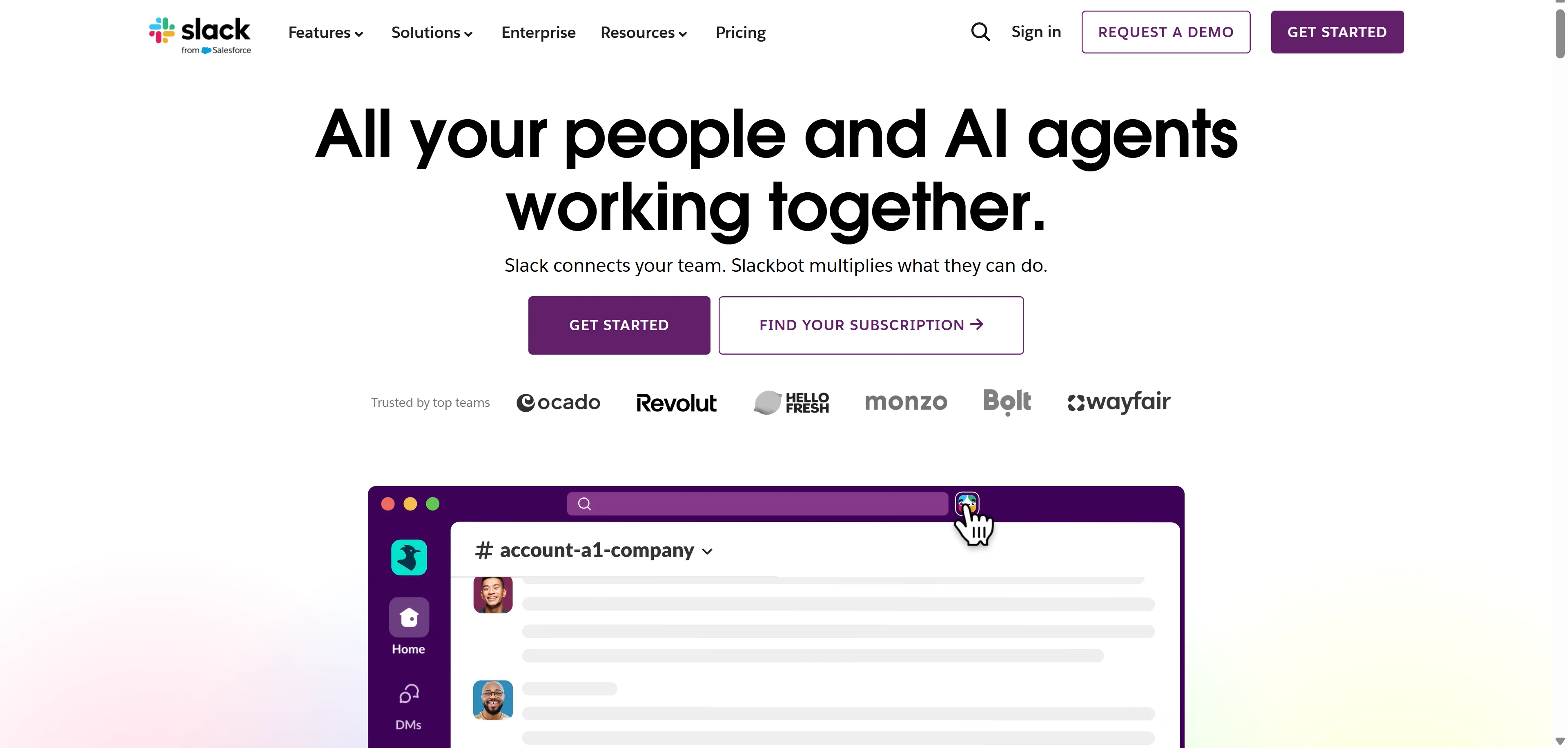
Slack is a team chat app where you can send direct messages and create channels for larger groups. Create as many channels as you want, with file sharing, threaded conversations, and emoji reactions, plus quick video huddles for impromptu collaborative calls.
Slack AI now handles channel summaries, search across history, and Q&A on past conversations, which matters more than it sounds like once your workspace has years of buried context nobody can find manually anymore.
 Who Should NOT Use Slack as Their Core Tool
If your team is mostly async across wildly different time zones, Slack's real-time chat culture can quietly become a source of pressure to respond immediately. Teams that genuinely work async benefit more from a documentation-first tool as the primary hub, with chat as a secondary layer.
Microsoft Teams: The Default for Microsoft Shops
Microsoft Teams is popular among organizations using Microsoft 365, and it's especially well-known for its call feature and secure communication, which makes it a common choice for government agencies and regulated industries specifically.
Microsoft Teams has around 300 million monthly active users, more than any other tool in this category, largely because it ships bundled with Microsoft 365 subscriptions many companies already pay for.
Who Should NOT Use Microsoft Teams
If you're not already in the Microsoft ecosystem, adopting Teams purely for collaboration without the surrounding Office suite context tends to feel clunky compared to tools built chat-first from the ground up, like Slack.
Asana, monday.com, and ClickUp: The Project Management Layer
These three dominate project tracking for different reasons. Asana suits teams wanting clean task hierarchy without excessive customization. monday.com is a colorful, customizable work management platform, strong for marketing campaigns and content calendars, with Monday AI adding workflow automation and content generation.
ClickUp leans toward teams wanting maximum configurability in one tool, sometimes at the cost of a steeper learning curve for new hires.
Who Should NOT Use monday.com Specifically
Teams needing tightly structured data relationships, similar to a database, find monday.com's board model less flexible than something like Notion or Airtable built specifically for that use case.
Notion and Airtable: When You Need Structure, Not Just Chat
Baserow, Airtable, Coda, and Smartsheet approach collaboration through structured data, workflow automation, and information management rather than messaging or task lists specifically.
If your team's real bottleneck is scattered spreadsheets and disconnected systems rather than communication, this category solves a completely different problem than Slack or Teams ever will.
The AI Layer That's No Longer Optional
2026 is the year AI features stopped being marketing and started being load-bearing. Meeting summaries, writing assistance, smart search, and automated workflows are now baseline expectations across this entire category, not differentiators.
That shift matters when you're comparing tools, since a platform lacking meaningful AI features in 2026 is genuinely behind, not just missing a nice-to-have. If you're evaluating AI capability specifically across general-purpose tools before layering them into your collaboration stack, our breakdown of the best AI chatbots in 2026 covers which models actually handle summarization and search well, useful context since several collaboration platforms are quietly built on top of the same underlying AI providers.
Building the Actual Stack: Real Combinations That Work
Here's the part most comparison articles skip entirely, real stack patterns that cover collaboration modes without overlap.
Hybrid balanced team, mixing in-office and remote: Slack for the messaging hub, Asana for project management, Google Workspace for document collaboration, and Loom for async video updates and walkthroughs. This is the most common stack pattern for mid-size teams in 2026 because it covers every collaboration mode without duplicating strengths.
Microsoft-committed enterprise: Microsoft Teams as the single hub for chat, calls, and file storage, layered with a dedicated project tool like Asana or monday.com since Teams' native task features stay fairly basic.
Engineering-first startup: Slack for chat given its strong API and clean keyboard shortcuts, paired with a dedicated issue tracker rather than a general project management tool, since engineering workflows need structure that general tools handle poorly.
The key principle across every combination: pick tools that complement each other's gaps rather than duplicate each other's strengths.
Security and Enterprise Considerations
If your team handles sensitive client data or operates in a regulated industry, verify the platform's actual security certifications rather than trusting marketing copy. Slack, for instance, publishes its full compliance and security posture directly through its enterprise trust center, which is worth checking against your specific compliance requirements before rolling any collaboration tool out company-wide.
This step gets skipped constantly, and it's the reason IT teams end up doing painful mid-year platform migrations after legal flags a gap nobody checked during initial evaluation.
The Evaluation Checklist Before You Commit
Run through these before signing any contract, not after.
Onboarding speed. How long does it take a new team member to get productive? Tools requiring extensive configuration before they're useful score poorly here regardless of their feature depth.
Integration breadth. Assess native integrations with your existing CRM, communication tools, and project platforms, plus Zapier or Make support for anything not natively connected.
Pricing at actual scale. Compare free tier generosity against per-user pricing once you're past 20 or 50 seats, since many tools that look affordable early get expensive fast at team scale.
What's locked behind higher tiers. Several platforms gate genuinely essential features, not just nice-to-haves, behind premium pricing. Know exactly what you're losing on a free or entry tier before committing your whole team to it.
My Honest Take
Stop looking for the one tool that does everything. That tool doesn't exist in a form that's actually good at all of it simultaneously, and every all-in-one platform I've seen teams adopt eventually gets a Slack workaround built on top of it anyway.
Identify your actual bottleneck first. Pick one tool that solves it well. Add a second only when a genuinely separate gap appears, not because a vendor's sales page convinced you their platform "does it all." That's how the stacks that actually work in 2026 get built.
FAQs
What is the best team collaboration software overall?
There isn't one universal winner since tools specialize differently. Slack leads real-time chat, Asana and monday.com lead project management, and Google Workspace leads document collaboration.
Should I use one all-in-one tool or multiple specialized ones?
Most successful mid-size teams in 2026 run a small stack of specialized tools rather than one all-in-one platform, since single tools rarely handle every collaboration mode well.
Is Microsoft Teams better than Slack?
Teams wins for organizations already committed to Microsoft 365. Slack generally wins on chat experience and API flexibility for teams outside that ecosystem.
Do collaboration tools need AI features in 2026?
Yes, meeting summaries, smart search, and writing assistance have become baseline expectations rather than optional extras this year.
How do I know if a collaboration tool is secure enough for my business?
Check the vendor's published compliance certifications and trust documentation directly rather than relying on general marketing claims, especially if you handle regulated data.