
My cousin texted me last month at like 11pm. He had a lecture video on YouTube for his online class and his campus internet was going to be down the next morning during his study session. He needed it offline. I sent him a tool. Then I realized I should probably write all of this up properly because the question comes up more than people admit.
Video downloaders in 2026 are actually way more capable than most people expect. We're talking 8K support, batch playlist downloads, subtitle extraction, AI upscaling. The right tool can save you hours every week if you download content regularly.
Here's a quick look at the ten best options I found, followed by a full breakdown of each one:
4K Video Downloader+: The cleanest and most reliable overall pick. Supports up to 8K, batch downloads, and playlists in one simple interface.
VideoProc Converter AI: Best for Mac users who want downloading plus AI-powered video conversion and upscaling in one place.
SnapDownloader: Premium option with 8K support, flexible format options, and one of the cleanest interfaces in this category.
iTubeGo: Lossless quality preservation on downloads up to 8K. Works on Mac, Windows, and Android.
ClipGrab: Free, simple, no setup headache. Works on Mac, Windows, and Linux.
YTD Video Downloader: Free tier covers HD. Premium unlocks 4K and 8K with faster speeds.
Any Video Converter: Combines downloading and format conversion in one app. Supports up to 4K.
Freemake Video Downloader: Downloads from over 10,000 websites. Broad compatibility and easy to use.
WinX YouTube Downloader: Windows only but supports 4K and works with 300 plus platforms.
JDownloader 2: Free and open source. Best option for power users who want maximum site support and full control.
Quick Comparison Table
Tool | Max Quality | Batch Downloads | Platforms | Free Version |
|---|---|---|---|---|
4K Video Downloader+ | 8K | Yes | Mac, Windows, Linux | Limited |
VideoProc Converter AI | 8K | Yes | Mac, Windows | Trial |
SnapDownloader | 8K | Yes | Mac, Windows | Trial |
iTubeGo | 8K | Yes | Mac, Windows, Android | Trial |
ClipGrab | 1080p | No | Mac, Windows, Linux | Yes |
YTD Video Downloader | 8K (Premium) | Yes | Windows | Yes |
Any Video Converter | 4K | Yes | Mac, Windows | Yes |
Freemake Video Downloader | 1080p | Yes | Windows | Yes |
WinX YouTube Downloader | 4K | Yes | Windows only | Limited |
JDownloader 2 | Varies by source | Yes | Mac, Windows, Linux | Yes |
Key Features That Actually Matter in a Video Downloader
Before I get into the individual tools, I want to walk through the features that separate a genuinely useful downloader from one that just looks good in a screenshot.
Here's what I was looking for when I put this list together:
Resolution support: 1080p is fine for most things. But if you've got a 4K monitor or you're saving content for editing, you want a tool that actually downloads in the source quality without secretly compressing it behind the scenes.
Batch downloading: This is the one that saves the most time. Downloading a 200-video playlist one link at a time is not a workflow. You want a tool that handles the whole queue while you go do something else.
Platform support: YouTube is obvious. But good tools also work with Vimeo, Facebook, TikTok, Instagram, Dailymotion, and hundreds of other sites. The broader the support, the more useful the tool over time.
Format options: MP4 is the universal default. But being able to pull audio as MP3, download in MOV for editing, or grab in MKV for Plex setups matters depending on what you're doing with the file.
Subtitle extraction: Underrated feature. For language learners, accessibility, or anyone studying lecture content, being able to pull the subtitles alongside the video is genuinely useful. This can be especially helpful for learners using online study platforms and tools such as Conjuguemos, where reviewing educational content at their own pace can support a more flexible learning experience.
Clean interface: I'm going to be real with you here. A tool you actually open and use beats a technically superior one you find confusing every single time.
No bundled garbage: Some free tools come packaged with browser toolbars, adware, or "recommended software" checkboxes you have to watch carefully. The tools on this list don't do that.
Privacy and security: Always download from official developer websites. I'll link the real sources throughout this article.
Modern tools are also adding things like audio track separation, chapter-based downloads, and even AI upscaling for older low-res content. Those extras are worth knowing about.
 1. 4K Video Downloader+
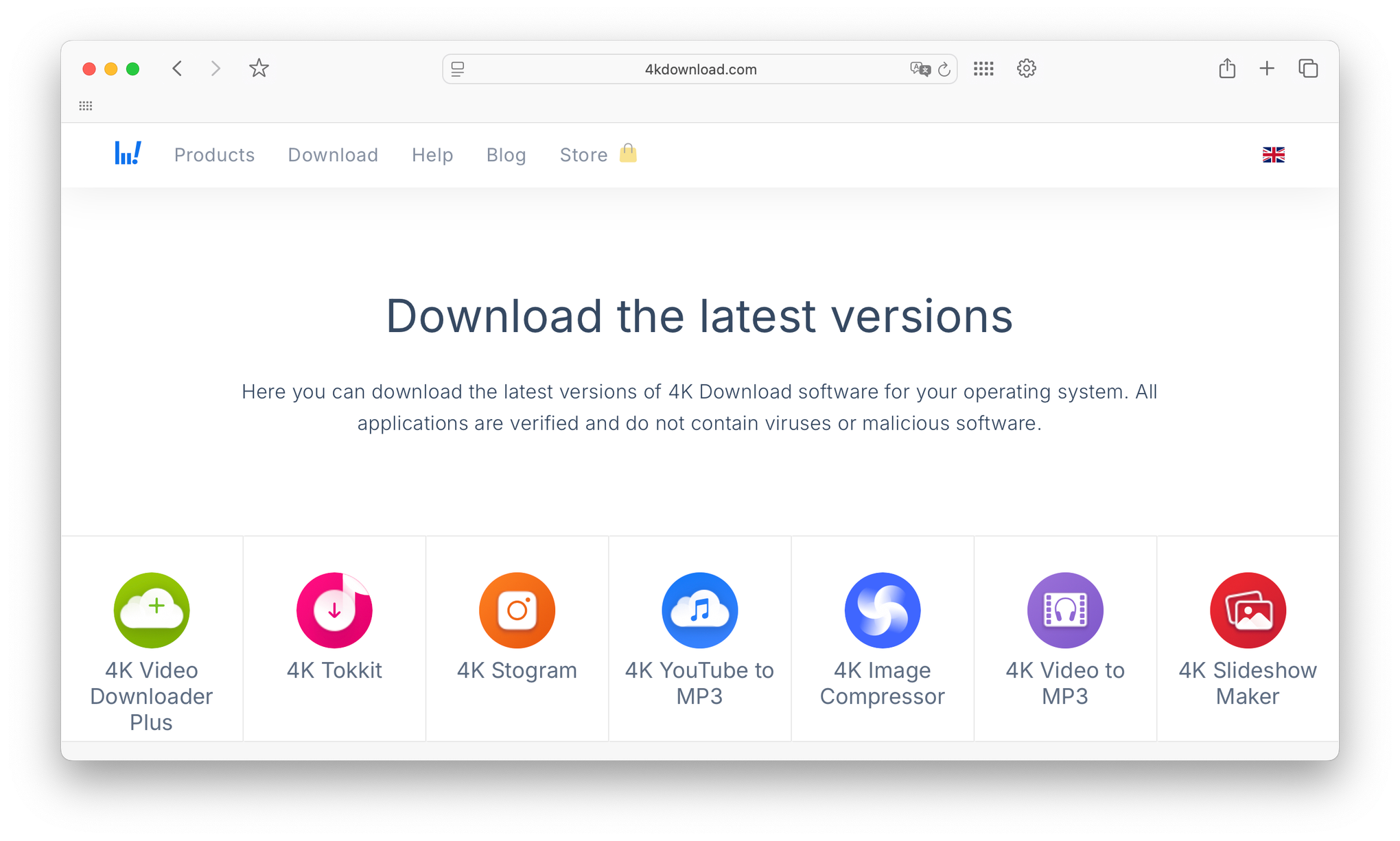
4K Video Downloader+ is the benchmark for consumer video download software in 2026. It's been the most recommended tool in this category for years and the current version only strengthens that position.
The interface is clean enough that a first-time user can figure it out in under two minutes. But it's feature-rich enough that people managing large content libraries use it daily without ever hitting a ceiling.
Platform Compatibility
It runs on Mac, Windows, and Linux. That cross-platform consistency is one of the reasons it stays at the top of every list. Whether you're on a MacBook Pro, a Windows gaming PC, or a Linux machine, you get the same experience.
Download Quality Options
This is where 4K Video Downloader+ earns its name. It supports resolutions from 240p all the way up to 8K, including 60fps and HDR content. You pick the resolution when you paste the link and the tool shows you exactly what's available from the source.
The Smart Mode feature is the thing I personally use the most. You set your preferred resolution, format, and save folder once. Every subsequent download applies those settings automatically. For anyone downloading regularly, that one feature alone saves meaningful time.
The 2026 version added AI-powered quality detection that automatically suggests the best available format based on the source video's actual quality. From what I saw, it works well and removes a lot of decision fatigue.
Batch Downloading and Playlist Support
Paste a playlist URL and the tool grabs every video in the list. You can also download entire YouTube channels in one go. Set it up, let it run, come back to a full folder of content. It handles hundreds of videos in a single queue without issues.
Subtitle extraction is included and works across multiple languages. If the source video has subtitles available, 4K Video Downloader+ can pull them as a separate file or embedded in the video depending on what you need.
Support for Multiple Video Platforms
Beyond YouTube, it supports Vimeo, Facebook, Bilibili, TikTok, SoundCloud, and dozens of other platforms. The in-app browser lets you log into platforms directly for higher-quality options on sites that restrict resolution without authentication.
Pricing
The free version is genuinely usable but has a cap on how many videos you can download per day. The premium license removes all limits and adds a few additional features. It's a one-time purchase rather than a subscription, which I appreciate.
 2. VideoProc Converter AI
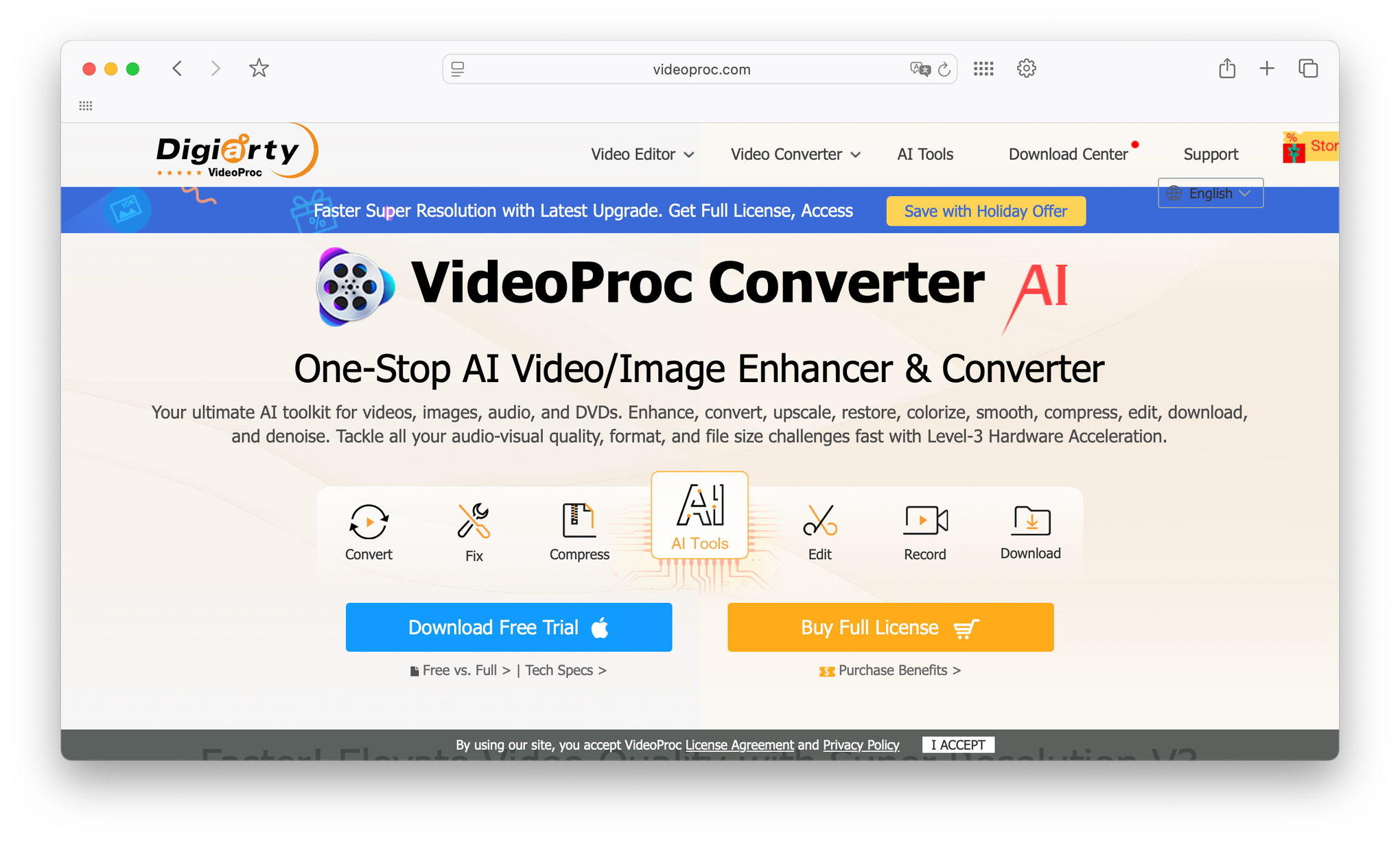
VideoProc Converter AI is what I'd recommend if you're on a Mac, especially Apple Silicon, and you want one tool that handles downloading, converting, editing, and AI upscaling all in the same window.
It solves the "download and then what?" problem better than any other tool on this list. You don't need a separate converter. You don't need a separate editor. It's all built in.
Platform Compatibility
It runs on both Mac and Windows. On Apple Silicon Macs specifically, it takes advantage of the M-series chip hardware acceleration for video processing. We're talking 4K to 1080p compression at up to 47 times real-time speed on an M-series chip.
That means a one hour 4K file processes in under two minutes. If you're doing any volume of video work, that speed difference is genuinely significant.
Download Quality Options
The built-in downloader supports grabbing content from over 1,000 sites including YouTube, Vimeo, Facebook, Instagram, Twitch, and Dailymotion. You can download in original quality whether that's 1080p, 4K, or 8K without any re-encoding during the download itself.
When you paste a link, the tool analyzes it and returns all available quality and format options alongside codec information. You pick what you want and download it losslessly.
The AI Super Resolution feature takes things further. It can upscale standard definition videos to 1080p, or take 1080p footage and push it to 4K or 8K. For older content you want to watch on a high-res display, this is actually a meaningful feature rather than a marketing bullet point.
Batch Downloading and Playlist Support
You can batch download entire playlists with no concurrent download limits on the paid version. The free version gives you access to a set number of sites and downloads to test the tool before committing.
The built-in media converter handles format conversion immediately after download if needed. You download a video, convert it to whatever format your device needs, and move on. No opening a second app.
AI and Editing Features
VideoProc Converter AI includes AI deinterlacing and frame interpolation that produces noticeably cleaner output than basic conversion tools. There's also AI Trimmer which automatically detects video transitions and can split content into segments, and AI Audio Splitter for separating audio tracks.
For content creators or anyone building a local media library, this depth of tools in one application is hard to match at the price.
Pricing
Free version covers downloads from a limited set of sites with no time limit on the download feature itself. The paid version unlocks all 1,000 plus sites, unlimited batch downloading, and the full AI feature suite. Trial available before purchase.
 3. SnapDownloader
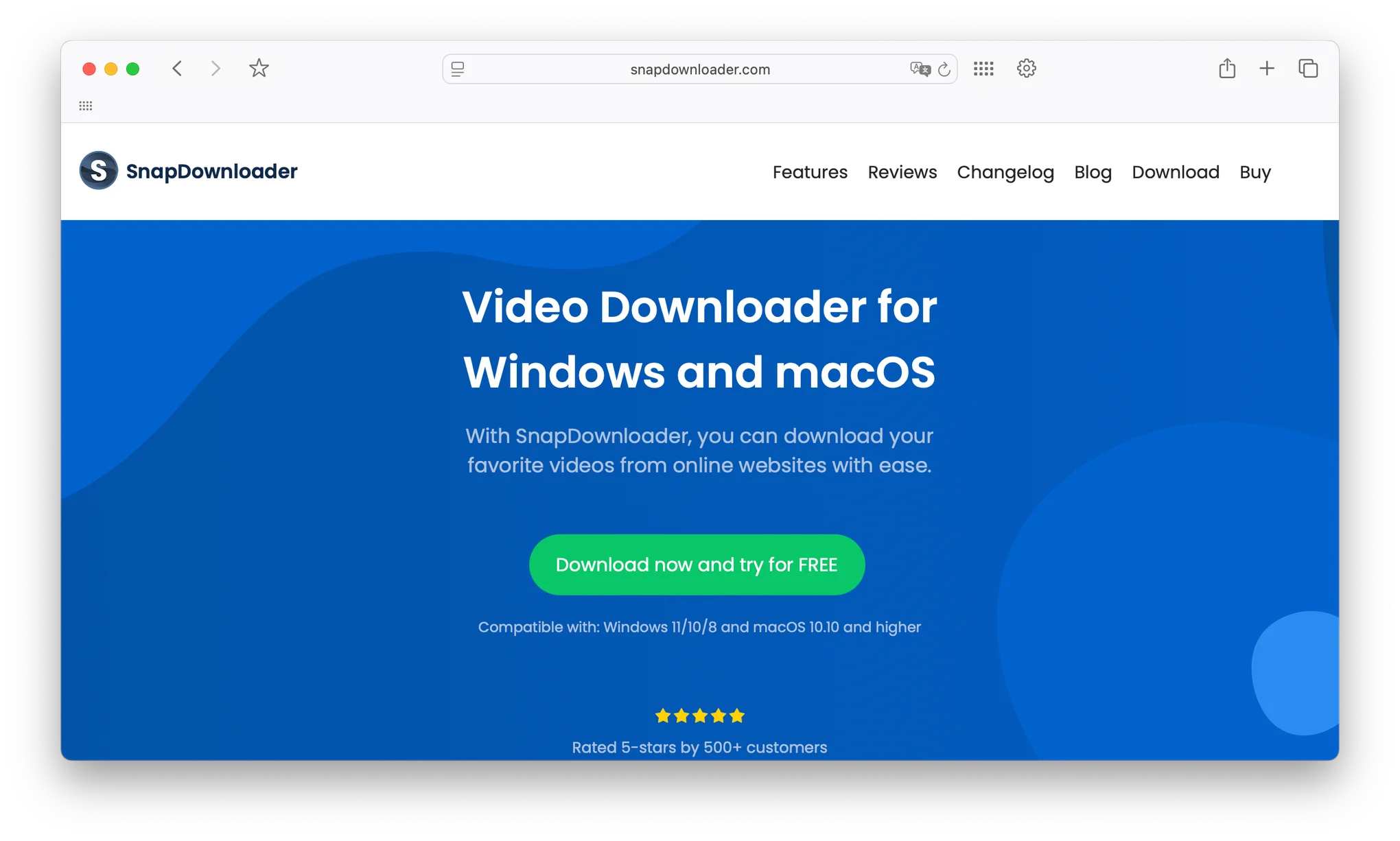
SnapDownloader is the premium option for people who want a focused, polished downloading experience without the bloat of an all-in-one suite. It's built specifically for one job and it does that job very well.
From what I saw, it consistently comes up in discussions among content creators and serious media collectors who want reliability over anything else.
Platform Compatibility
SnapDownloader runs on both Mac and Windows. The interface is identical across both platforms, which makes switching between machines easy. No relearning the layout if you use a work Windows machine and a personal Mac.
Download Quality Options
It supports resolutions from 720p all the way up to 8K, including 1080p HD, 4K, and QHD. The format options are broad: MP4, MP3, M4A, MOV, WAV, and AAC are all supported natively.
The interface makes quality and format selection clean. You paste a URL, see all available options laid out clearly, make your selection, and download. No digging through menus or settings screens.
Batch Downloading and Playlist Support
Batch downloading is a core feature rather than an add-on. You can queue multiple individual URLs or drop in a playlist link and let it handle the rest. It runs the queue in the background so you can keep working while downloads complete.
Subtitle downloading is built in and supports multiple languages. For anyone who relies on subtitles, that feature being native rather than requiring a workaround is a real quality of life improvement.
Support for Multiple Video Platforms
SnapDownloader works with YouTube, Vimeo, Facebook, Instagram, Twitter, Twitch, Dailymotion, and hundreds of other platforms. The site support is kept up to date through regular updates so compatibility issues are rare.
Pricing
SnapDownloader is a paid tool with a free trial period. The trial gives you enough time to download a meaningful number of videos and judge the quality before committing. It's a one-time license rather than a subscription on certain plans.
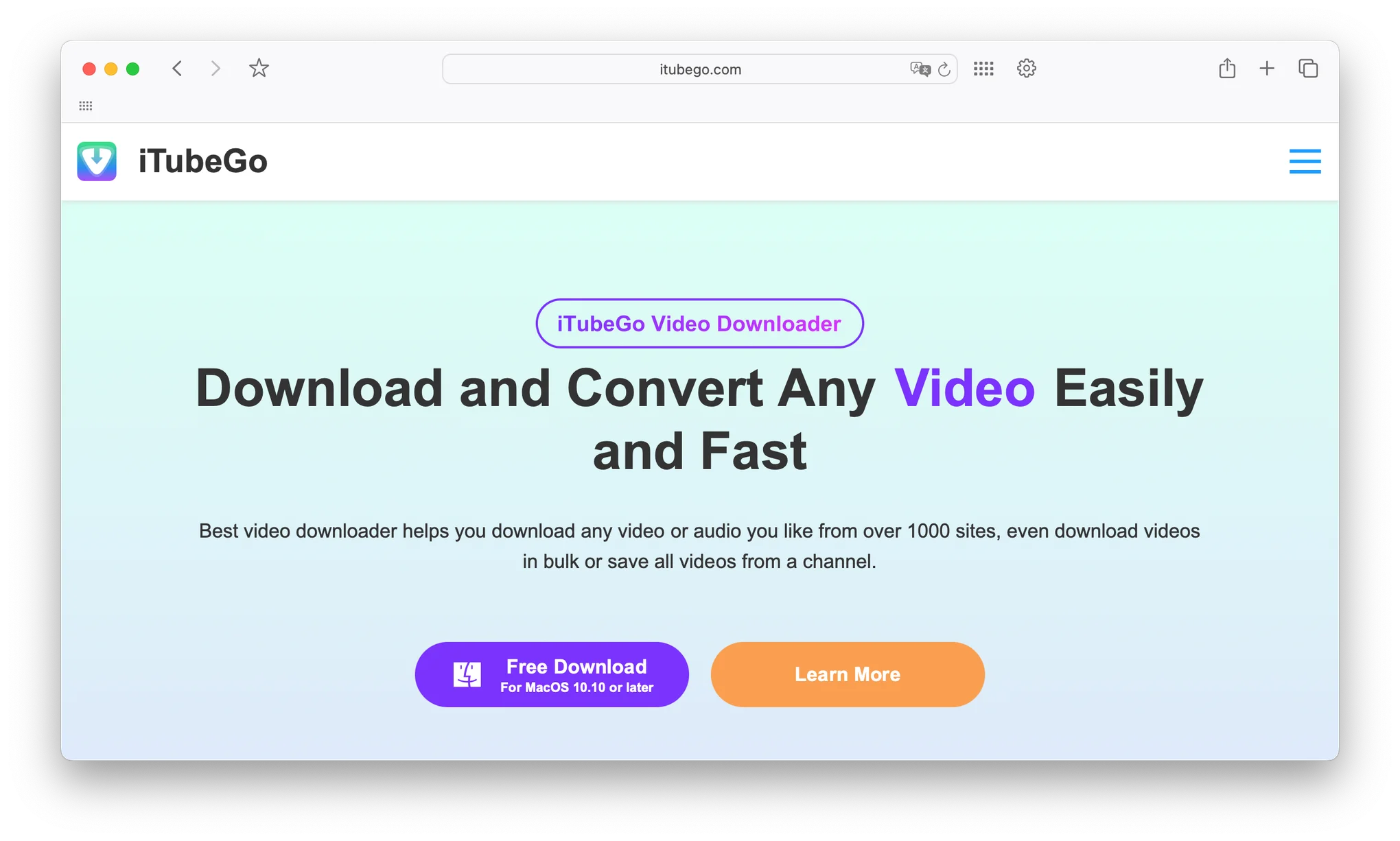 4. iTubeGo
iTubeGo is the tool I'd recommend to anyone who needs to preserve original video quality precisely, especially content creators downloading reference material or anyone archiving content they want to watch years from now on higher-res displays.
The lossless technology underneath it is the main differentiator. Nothing gets compressed or re-encoded during the download unless you specifically ask for a format conversion.
Platform Compatibility
iTubeGo is available for Mac, Windows, and Android. That Android support is genuinely useful because it means you can download directly to your phone without transferring from a desktop. From what I saw, the Android version supports resolutions up to 2160p which is 4K, while the desktop versions reach 8K.
The cross-platform consistency means your workflow on desktop translates to mobile without any friction.
Download Quality Options
Resolutions go from 360p up to 8K. The lossless technology means the downloaded file is as close to the source as possible. No hidden compression, no quality degradation during the process.
It also supports format conversion built directly into the download workflow. You can save as MP4, MP3, M4A, AVI, MOV, or FLV without needing a separate converter app. You pick the format before downloading and the tool handles the conversion as it saves.
Batch Downloading and Playlist Support
Batch downloading works by queuing multiple URLs at once. The tool handles them sequentially or in parallel depending on your settings. Playlist support means you paste one URL and walk away while it processes every video in the list.
Private video downloading is also supported with the right credentials, which is a useful feature for downloading content from accounts you have legitimate access to.
Support for Multiple Video Platforms
iTubeGo pulls from YouTube, Facebook, Dailymotion, Instagram, TikTok, Twitch, Vimeo, and many more. The built-in browser lets you navigate to a video directly from inside the app, which helps with platforms that require authentication for higher quality options.
Pricing
Free trial available that lets you test the core features. The paid license is a one-time purchase with lifetime updates included.
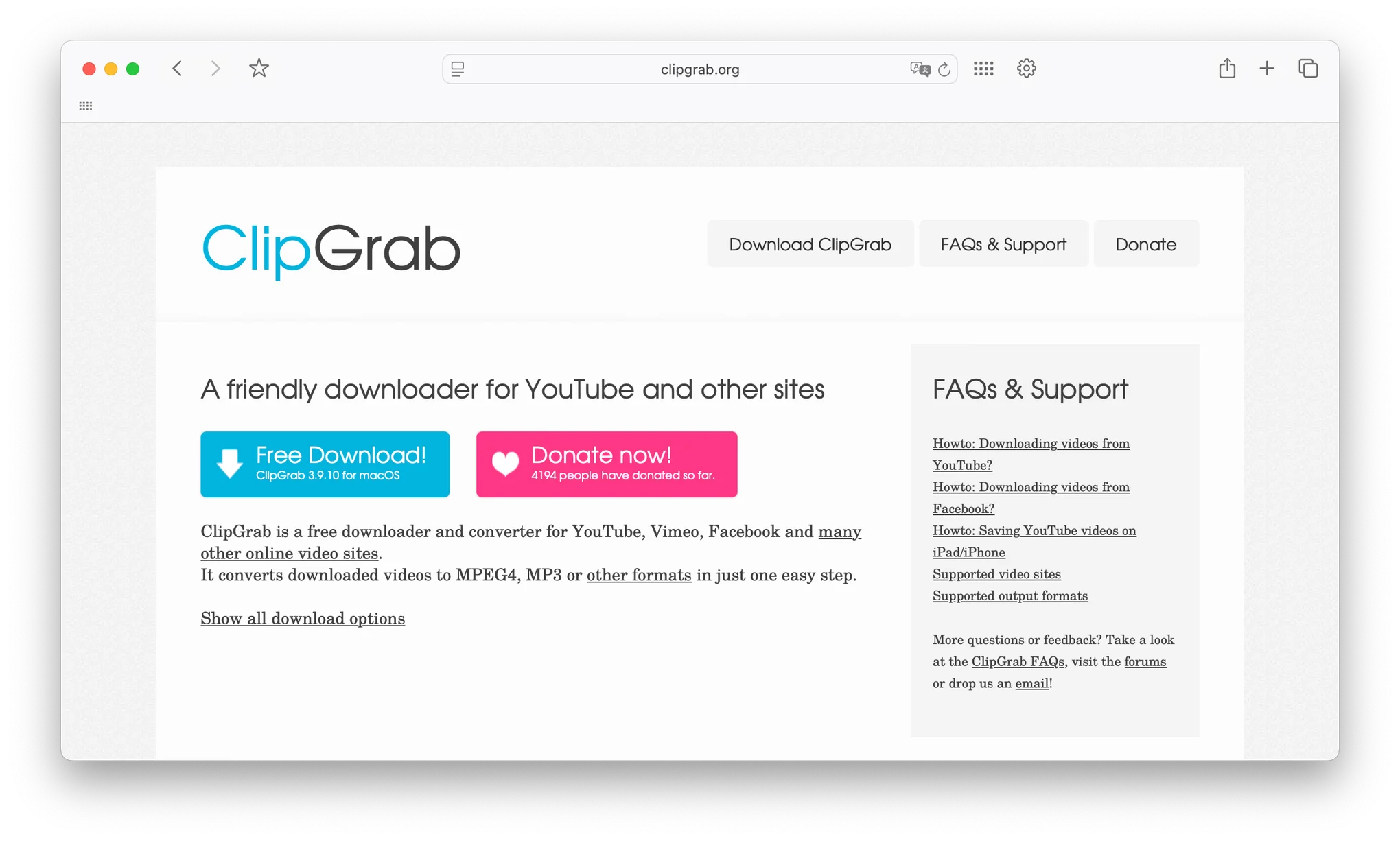 5. ClipGrab
ClipGrab is the answer to the question "what's the simplest, completely free video downloader that just works?" It does not try to be everything. It's a focused, clean tool that downloads videos without asking you to create an account, pay anything, or navigate through upsell screens.
I respect tools that know what they are. ClipGrab knows what it is.
Platform Compatibility
It runs on Windows, macOS, and Linux. The cross-platform support is wider than most tools on this list, which matters if you're on a Linux machine and tired of seeing "Windows and Mac only" everywhere.
Download Quality Options
When downloading from YouTube, ClipGrab offers HD options at 1080p and 720p alongside standard definition options at 480p, 360p, and 240p. Vimeo downloads support HD or standard definition. Dailymotion gives you HD, high quality, and standard quality options.
The ceiling is 1080p rather than 4K or 8K. For casual use, watching on a laptop screen, or saving content for mobile devices, 1080p is more than enough. If you need 4K regularly, you're better served by one of the other tools on this list.
Support for Multiple Video Platforms
ClipGrab works with YouTube, Vimeo, Dailymotion, Facebook including private videos, and thousands of other sites through its advanced video recognition system. The built-in YouTube search feature means you can find videos without even opening a browser. Just search inside ClipGrab and download directly from the results.
Batch Downloading
This is the honest limitation. ClipGrab doesn't support true batch downloading in the way the other tools do. You're downloading one video at a time. For occasional use that's fine. For anyone managing large content libraries or downloading playlists regularly, you'll want a different tool.
Pricing
Completely free. No premium tier, no subscription, no trial expiry. Just download it and use it.
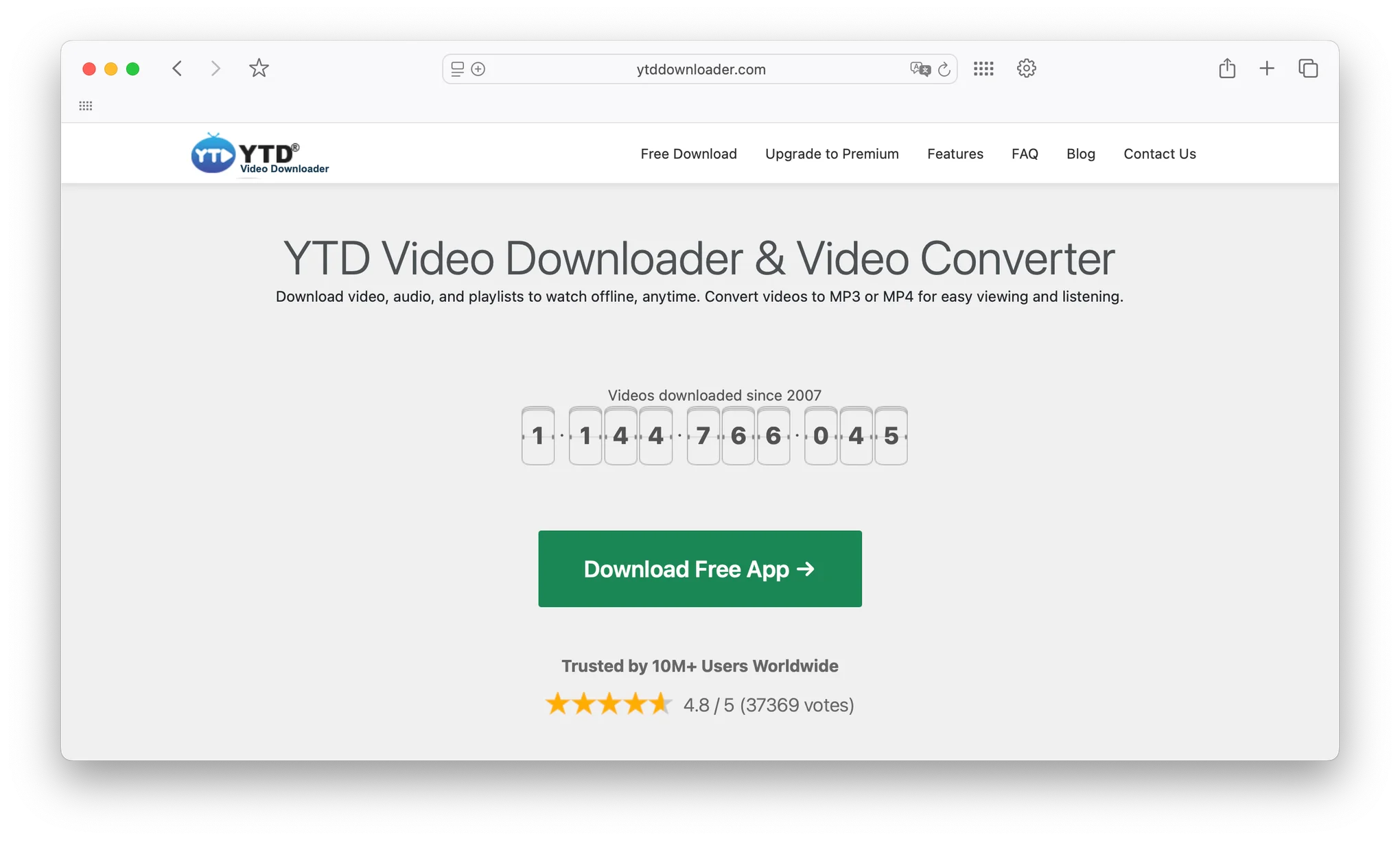 6. YTD Video Downloader
YTD Video Downloader has been around a long time and sits in a specific useful position in this category. The free version is genuinely functional for everyday HD downloads. The premium tiers add speed, 4K and 8K quality, and bulk capabilities for people who need more.
It's the tool I'd recommend to someone who downloads maybe five to ten videos a week and doesn't want to pay immediately but wants the option to upgrade later without switching tools.
Platform Compatibility
The full-featured version is Windows-focused. There is a version available for other platforms but the Windows experience is the most polished and the most actively updated.
Download Quality Options
The free version handles HD which covers 720p and standard HD quality. That's enough for most casual use cases. Upgrading to the Lite plan opens 1080p. The Pro plan adds 4K. The Ultimate plan unlocks 8K at the top end.
From what I saw, the paid versions download at the source resolution without any quality loss. The premium tiers also remove download limits so you're not capped at a certain number per day.
Batch Downloading and Playlist Support
Batch downloading and playlist support are premium features. On the free version you're doing one video at a time. The Pro plan doubles download speed and removes individual download limits. The Ultimate plan adds 4x faster downloads and parallel downloading so multiple files process simultaneously.
Pricing
Three subscription tiers are available. The Lite plan starts at around $3 per month on annual billing and covers basic features with 1080p quality. The Pro plan runs around $4 per month annually and adds unlimited downloads and faster speeds. The Ultimate plan sits at around $6 per month annually and adds 8K support and maximum download speeds. All plans include a 30-day money-back guarantee.
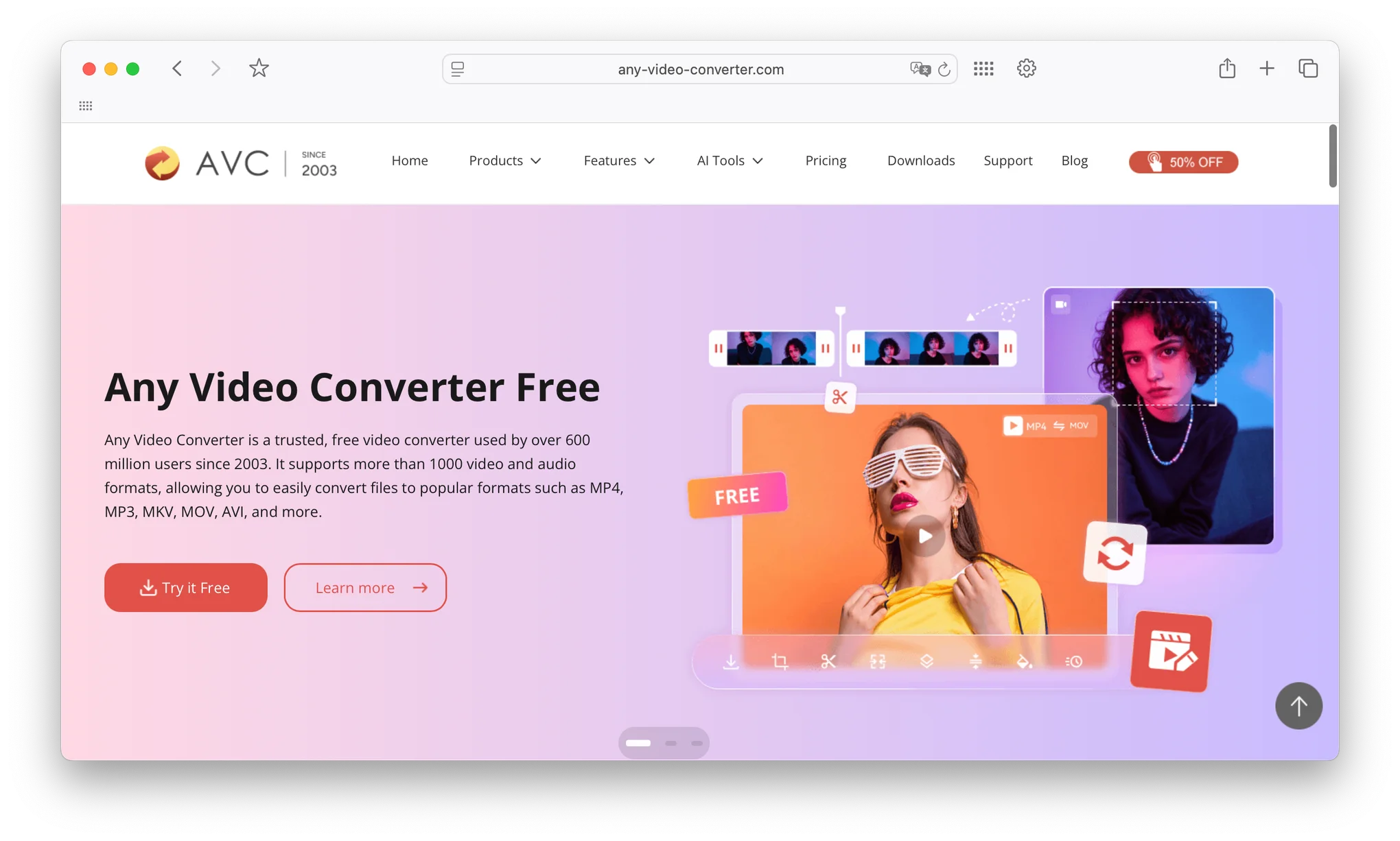 7. Any Video Converter
Any Video Converter does something smart. It combines video downloading, format conversion, basic editing, and screen recording into one app so you're not managing four separate tools for related tasks.
If you download content regularly and then immediately need to convert it for a different device or edit it, the all-in-one approach saves a real amount of friction.
Platform Compatibility
It runs on both Windows and Mac across multiple operating system versions. The experience is consistent across both platforms with no notable feature gaps between them.
Download Quality Options
Any Video Converter supports downloading in standard definition all the way up to 4K Ultra HD. You can also download losslessly in HD formats including 720p, 1080p, 2K, and 4K when the source supports it.
The built-in format converter handles output in MP4, MP3, AVI, WMV, MOV, MKV, M4A, and more. You pick your format during the download setup and the conversion happens automatically as part of the process. No second step needed.
The newer versions include AI features including an AI Trimmer that detects video transitions and splits content automatically, and an AI Audio Splitter for separating audio tracks from video files.
Batch Downloading and Playlist Support
Batch downloading works by adding multiple URLs to a queue. They all process in sequence or in parallel depending on your settings. Playlist support works by pasting a playlist URL and letting the tool pull every video in the list. Both features are available without upgrading to a premium tier.
Support for Multiple Video Platforms
Downloads work from YouTube, Bilibili, Facebook, Vimeo, Dailymotion, Metacafe, and thousands of other video websites. The broad site support makes it genuinely versatile rather than a YouTube-only tool with a different name.
Pricing
A free version is available with full download and conversion functionality. The paid version adds a few additional features but the free tier covers the majority of what most users need.
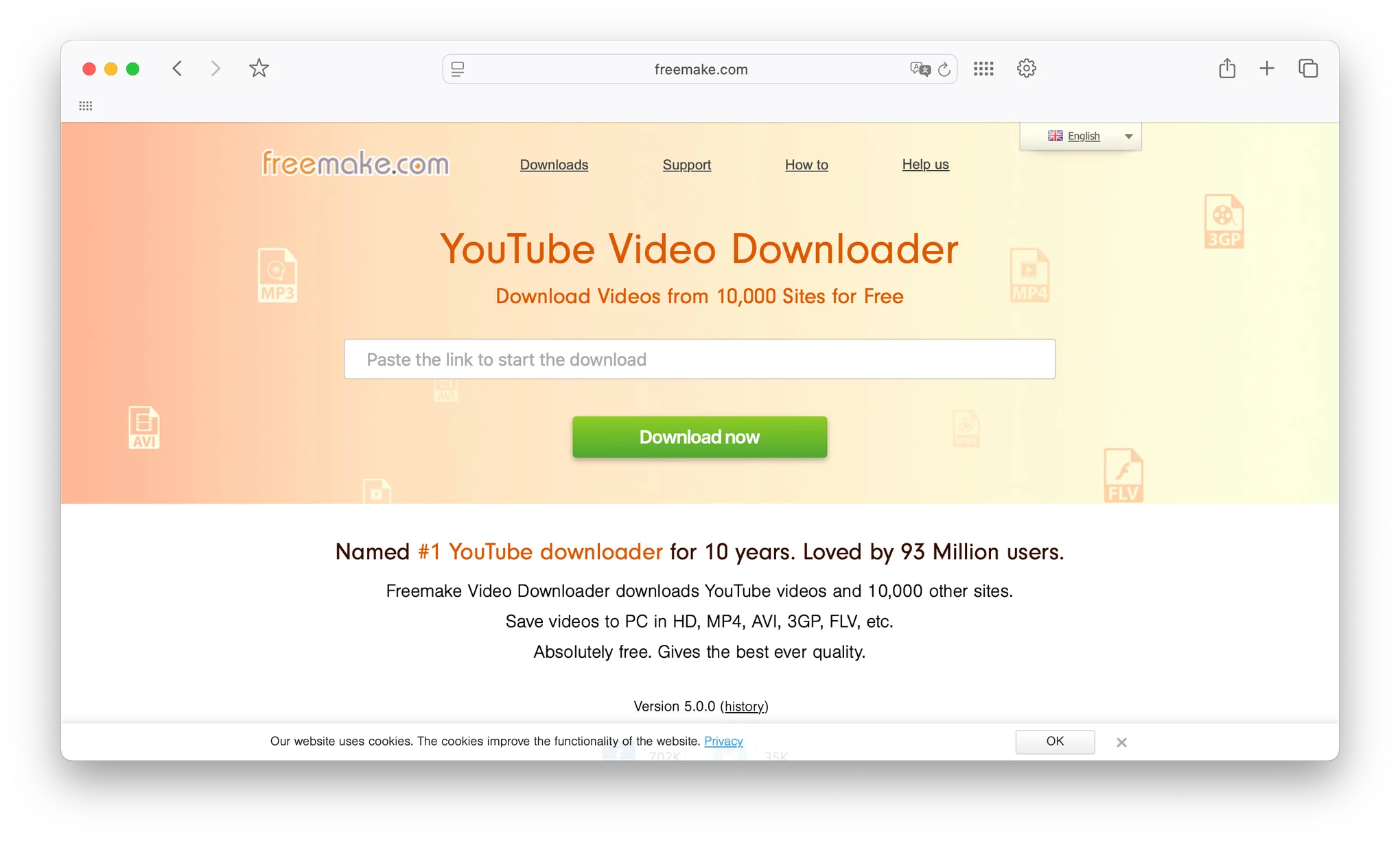 8. Freemake Video Downloader
Freemake Video Downloader wins on one specific metric that matters more than people give it credit for: it works with over 10,000 websites. Not 10 major platforms with a dozen edge cases. Ten thousand sites.
For anyone who downloads content from niche platforms, regional video sites, or anywhere outside the YouTube and Vimeo bubble, that breadth of support is actually the reason to pick this tool.
Platform Compatibility
The Windows version is the primary and most up to date release, supporting Windows 11, 10, 8, 8.1, 7, and Vista. A Mac version is available though the Windows version gets more consistent updates and feature additions.
Download Quality Options
Freemake handles standard HD downloads up to 1080p on the free version. That covers the majority of content you'll find across those 10,000 sites since not everything is available in 4K anyway.
For the platforms that do offer higher quality options, the tool presents all available resolutions and lets you pick before downloading. The interface is simple enough that this selection takes about two seconds.
Batch Downloading and Playlist Support
Batch downloading is supported. You can queue multiple URLs or paste a playlist link and let it run. The batch feature is particularly useful given the breadth of site support, since you might be pulling content from several different platforms in a single session.
Support for Multiple Video Platforms
This is the standout feature. More than 10,000 websites are supported covering every major video platform plus a massive range of regional, niche, and specialty sites. If you've ever tried another tool and gotten a "this site isn't supported" error, Freemake is usually the answer to that problem.
Pricing
The core downloader is free. There are premium add-ons available for specific features but the free version handles the main downloading use case without requiring payment.
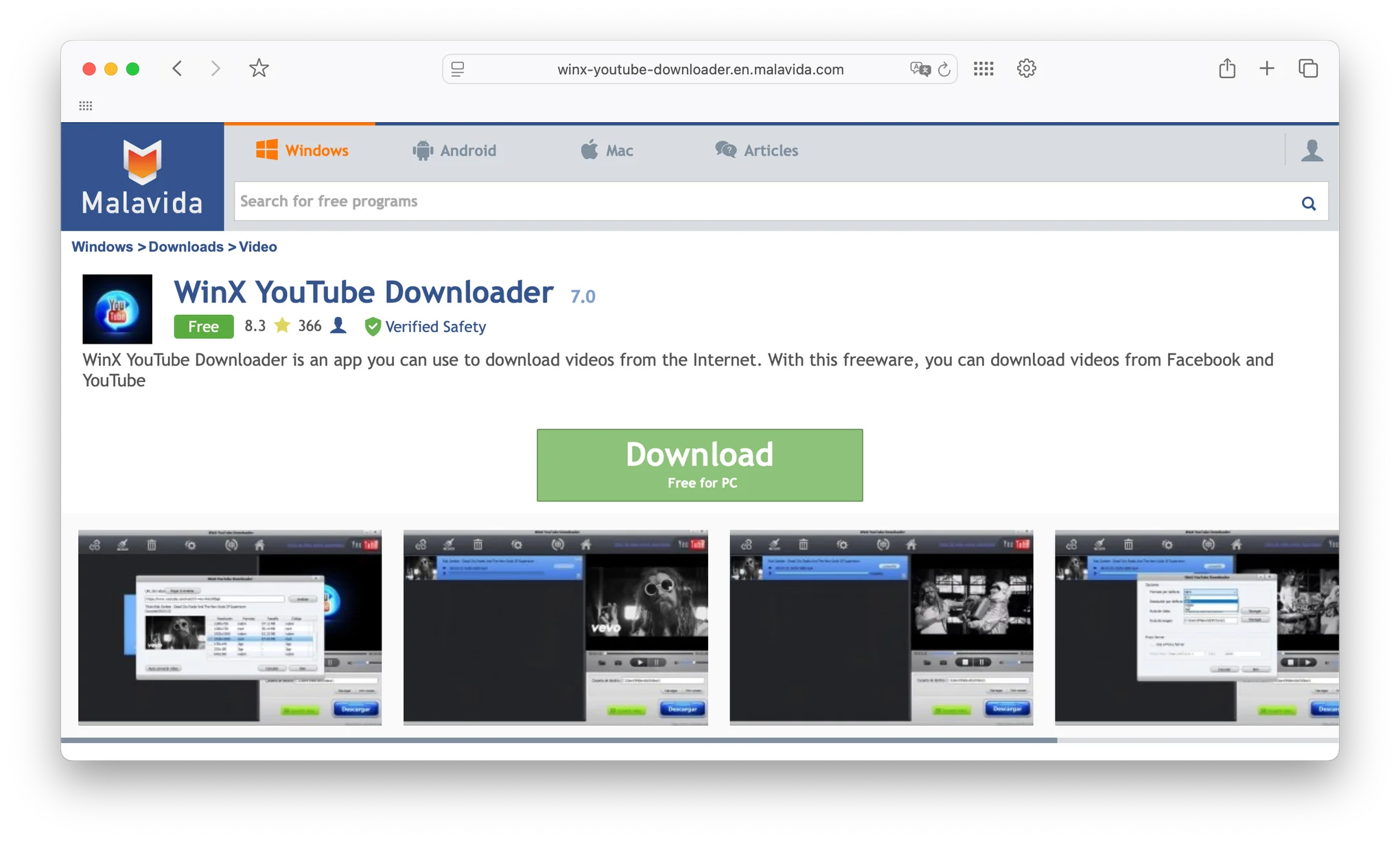 9. WinX YouTube Downloader
WinX YouTube Downloader is a Windows-exclusive tool. If that limitation doesn't affect you, it's a solid 4K downloader that works with over 300 platforms and has a clean enough interface to appeal to people who don't want to spend time in settings menus.
From what I saw, it's particularly well-regarded among Windows users who want something purpose-built rather than a cross-platform compromise.
Platform Compatibility
Windows only. This is both the limitation and the reason it performs the way it does. Being built specifically for Windows means no compromises in how it integrates with the operating system. If you're on Mac or Linux, this isn't the tool for you and I'd point you to 4K Video Downloader+ or ClipGrab instead.
Download Quality Options
The premium version supports resolutions up to 4K, including 4096 by 2160, 3840 by 2160, 1920 by 1080, and 1080 by 720. Supported formats include MP4, MP3, FLV, and WebM. MP4 is the recommended default for balancing quality against file size.
The free version caps downloads at 720p. For most casual use cases that's sufficient. If you need full 4K capability, the premium version unlocks it. From what I saw, TechRadar specifically highlighted the 4K capability as a standout feature of this tool.
Batch Downloading and Playlist Support
Batch downloading of multiple individual videos is supported in the free version. Downloading entire playlists or channels requires the premium version. Recent updates have specifically improved stability for UHD batch downloads, which was previously a known weak spot.
Support for Multiple Video Platforms
Despite the name, WinX works well beyond YouTube. It supports over 300 platforms including Vimeo, Facebook, Dailymotion, Metacafe, Yahoo Video, and Instagram. That platform breadth makes it a solid general-purpose downloader rather than a single-site tool.
Pricing
Free version is available with the 720p resolution cap. The premium version removes that cap and unlocks playlist and channel downloading. License pricing is a one-time purchase rather than a subscription.
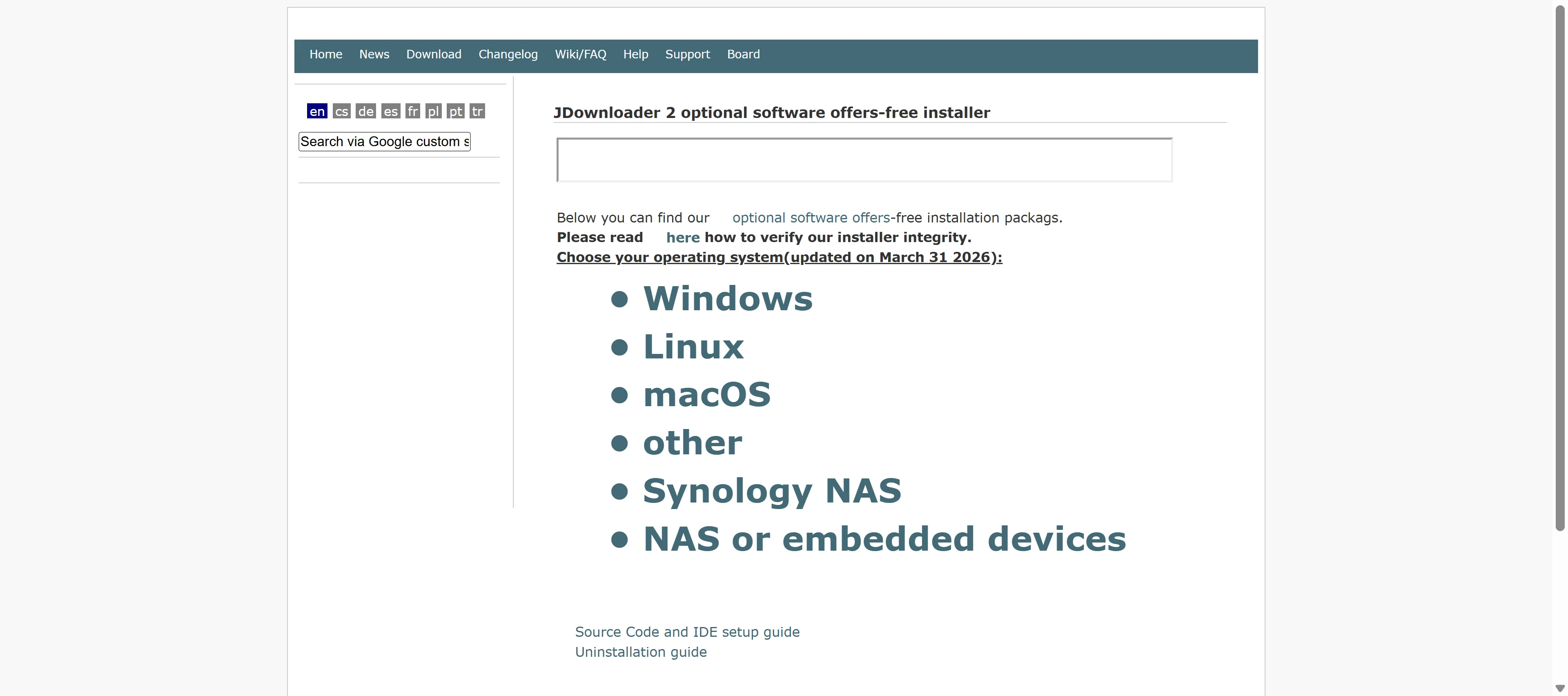 10. JDownloader 2
JDownloader 2 is the power user pick. It's free, open source, Java-based, and supports over 700 websites. It has more configuration options than any other tool on this list by a significant margin.
I want to be upfront with you here though. It has a steeper learning curve than everything else I've covered. If you open it expecting ClipGrab-level simplicity you're going to be surprised. If you're someone who likes to configure tools exactly to your specifications, JDownloader 2 is going to feel like a toolbox rather than a toy.
Platform Compatibility
Being Java-based means it runs identically on Windows, macOS, and Linux. The same interface, the same behavior, the same feature set across all three platforms. That cross-platform consistency is actually one of its strongest points for users who work across multiple operating systems.
Download Quality Options
Quality depends entirely on what the source platform offers. JDownloader 2 grabs whatever the source makes available and presents every option to you. For YouTube it can reach 4K. For other platforms it varies based on what the site provides.
You have full control over format preferences, download location organization, filename templates, and how it handles queues. The level of customization here is well beyond what any other tool on this list offers.
Batch Downloading and Playlist Support
Batch downloading is one of the core strengths of JDownloader 2. The link grabber feature automatically detects downloadable content when you paste URLs or even when you copy links to your clipboard. You can add hundreds of URLs to a queue, organize them by folder or category, schedule download times, set bandwidth limits, and pause and resume without losing progress.
For someone managing genuinely large volumes of downloads across many different sites, this level of control is exactly what you need.
Support for Multiple Video Platforms
700 plus sites is a number that covers almost everything you could want to download from. YouTube, Vimeo, Facebook, Dailymotion, Twitch, SoundCloud, Bandcamp, file hosting services, and a long list of regional and specialty platforms are all supported.
The plugin system means new site support gets added regularly by the open source community. When a site changes its structure and breaks compatibility, a fix typically appears in short order.
Pricing
Completely free and open source. No premium tier, no feature locks, no subscription. The full feature set is available to everyone from day one.
Full Feature Comparison Table
Feature | 4K Video Downloader+ | VideoProc Converter AI | SnapDownloader | iTubeGo | ClipGrab | YTD Video Downloader | Any Video Converter | Freemake | WinX YouTube Downloader | JDownloader 2 |
|---|---|---|---|---|---|---|---|---|---|---|
Supported OS | Mac, Win, Linux | Mac, Win | Mac, Win | Mac, Win, Android | Mac, Win, Linux | Windows | Mac, Win | Windows | Windows | Mac, Win, Linux |
Max Quality | 8K | 8K | 8K | 8K | 1080p | 8K (Premium) | 4K | 1080p | 4K | Source quality |
Batch Download | Yes | Yes | Yes | Yes | No | Premium | Yes | Yes | Yes | Yes |
Playlist Support | Yes | Yes | Yes | Yes | Limited | Premium | Yes | Yes | Premium only | Yes |
Format Conversion | Yes | Yes | Yes | Yes | Yes | Yes | Yes | Yes | Yes | Yes |
Audio Extraction | Yes | Yes | Yes | Yes | Yes | Yes | Yes | Yes | Yes | Yes |
Subtitle Download | Yes | Yes | Yes | Yes | No | No | Yes | No | No | Yes |
AI Features | Quality detection | Upscaling, editing | No | No | No | No | AI Trimmer | No | No | No |
Free Version | Limited | Trial | Trial | Trial | Full free | Yes | Yes | Yes | Limited | Full free |
Site Support | 50+ | 1,000+ | 100s | 100s | 1,000s | Limited | 1,000s | 10,000+ | 300+ | 700+ |
Key Takeaways From the Comparison
Here's the thing. Looking at a table is useful but it doesn't tell you which one to pick. So let me break it down into actual decision points.
For raw site support breadth, Freemake and JDownloader 2 are the leaders. For resolution ceiling and overall feature balance, 4K Video Downloader+ and VideoProc Converter AI are the strongest. For simplicity with zero cost, ClipGrab and JDownloader 2 cover very different ends of the free spectrum. For lossless quality preservation specifically, iTubeGo is the dedicated answer.
How to Choose the Right Video Downloader
Picking the right tool depends entirely on how you actually plan to use it. Here's how I'd think through the decision.
1. Start With Your Operating System
If you're on Mac, your top options are 4K Video Downloader+, VideoProc Converter AI, ClipGrab, SnapDownloader, and iTubeGo. WinX YouTube Downloader and YTD are Windows-focused and I wouldn't recommend fighting that. If you're on Linux, ClipGrab, 4K Video Downloader+, and JDownloader 2 are your clean options.
2. Decide How Much Quality You Actually Need
Here's the thing that gets overcomplicated. Most people downloading YouTube videos for personal use are completely fine with 1080p. You only need 4K if you're watching on a 4K display or keeping reference footage for editing work. And you only need 8K if you're running a very specific professional workflow.
If 1080p is your ceiling need, ClipGrab and the free tier of YTD handle it completely. If 4K is the goal, Any Video Converter, WinX, or 4K Video Downloader+ cover it. If 8K is genuinely required, VideoProc Converter AI, SnapDownloader, or iTubeGo are the tools built for that.
3. Figure Out If You Need Batch Downloading
If you're ever going to download a playlist, a channel, or more than five videos in one session, batch downloading is not optional. It's the feature that separates a useful daily tool from something you use once a month for a single video.
Every paid tool on this list handles batch downloading well. For free options, JDownloader 2 is the strongest batch downloader at zero cost. ClipGrab doesn't do batch and I'd be honest with you about that limitation upfront.
4. Think About What Happens After the Download
This is the question most people skip and then regret later. If you need to convert to MP3, edit the video, compress it for a device, or upscale old content, a tool like VideoProc Converter AI or Any Video Converter handles all of that in one place. If you just want the file and you'll deal with it in a separate app, simpler tools work fine.
5. Budget Is a Real Factor
Free tools like ClipGrab, JDownloader 2, and the free tiers of Freemake and Any Video Converter cover the basic use case well. The paid tools earn their price through reliability, faster updates to maintain site compatibility, better customer support, and features like subtitle extraction and AI upscaling.
If you're downloading occasionally, go free. If you're downloading regularly and your time has value, the paid options are worth the cost.
6. Test Before You Commit
Every premium tool on this list offers either a free trial or a money-back guarantee. Use the trial. Download a few videos in the resolutions and formats you actually need. Check the output quality. Make sure the interface works for your brain before you spend anything.
7. Only Download From Official Sources
I want to be real with you here. There are cloned versions of these tools floating around on sketchy download sites. Always go to the official developer website. All the tools I've listed are from their legitimate sources. That's not negotiable from a security standpoint.
Wrapping This Up
The right video downloader depends on your actual situation. Not what sounds impressive, not what has the highest maximum resolution in the spec sheet.
If I had to pick one for most people, it's 4K Video Downloader+. Clean interface, cross-platform, 8K ceiling, Smart Mode for effortless repeat downloads, reliable updates. It covers almost every use case without requiring you to become a power user.
If you're on Mac and you do video work beyond just downloading, VideoProc Converter AI is the move. The combination of downloading, converting, and AI upscaling in one app is genuinely hard to beat.
If you want completely free with no limitations and you're comfortable with a bit of setup, JDownloader 2 is the one I'd tell a technical friend about. 700 plus sites, full batch capability, zero cost.
And if you just need something simple right now with no installation headache, ClipGrab opens, downloads, and gets out of your way.
Take advantage of the free trials. Test with your actual use case. The best downloader is the one that fits your workflow, not the one with the most features you'll never touch.
FAQs
What should I look for in a video downloader for Mac and Windows?
Focus on platform compatibility, resolution support, batch downloading capability, and whether the tool handles the specific websites you actually download from.
How do video downloaders preserve the original quality?
Good tools download the source file directly without re-encoding during the download process. Lossless downloading means what you save matches what the platform served.
What is the best free video downloader in 2026?
ClipGrab for simplicity with no cost. JDownloader 2 for power users who want full control, maximum site support, and complete features at zero cost.
Can I download 4K videos for free?
Yes. 4K Video Downloader+ has a limited free tier that includes 4K. Any Video Converter's free version also handles 4K from supported sites.
Which video downloader supports the most websites?
Freemake Video Downloader supports over 10,000 websites. JDownloader 2 covers 700 plus. VideoProc Converter AI handles over 1,000. For the broadest site support, Freemake is the leader.
Is it safe to use video downloaders?
Yes, if you download from the official developer websites. Avoid third-party download sites that bundle adware or modified versions. Every tool I've listed here links to its legitimate source.
What is the difference between batch downloading and playlist support?
Batch downloading means queuing multiple individual video URLs at once. Playlist support means pasting one playlist URL and having the tool automatically find and download every video in that list. Both features save time but they solve slightly different workflow problems.