
A friend's teenager got hired at McDonald's last month and came home nervous about her first register shift, worried she'd freeze up with a line of customers waiting. Someone on her crew mentioned a training app that mimics the real POS system. Three days of practice later, her first shift went smoothly.
That's the whole value of this tool in one story. Here's everything you need to know about it before your own first shift.
What Is the McDonald's Cashier Training App?
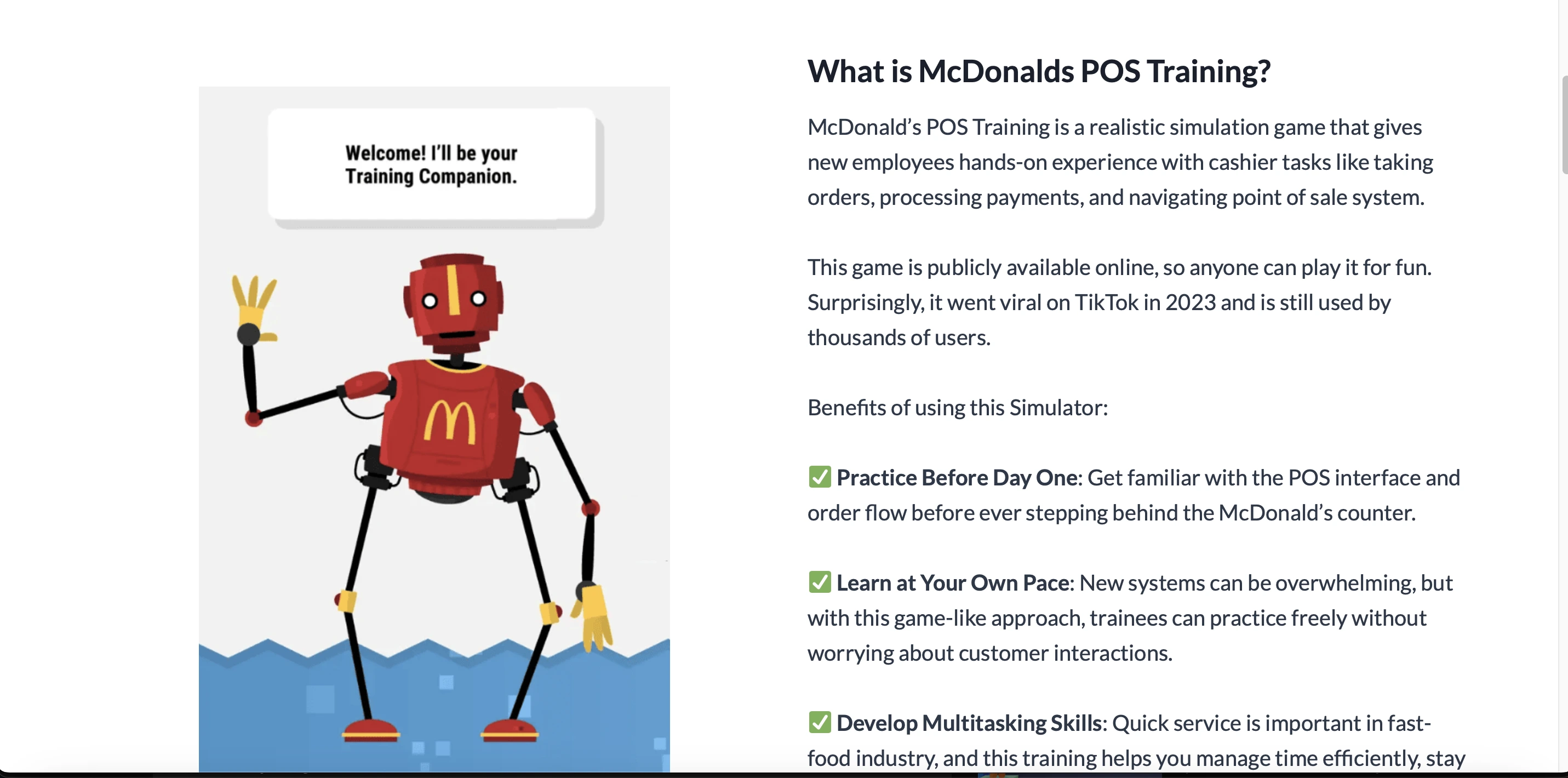
The McDonald's cashier training app, sometimes called the POS Training Simulator, is a mobile or web-based simulation tool designed to replicate the real McDonald's point-of-sale interface.
It's built for crew members, especially new cashiers, to practice common tasks like entering orders, customizing meals, processing payments, and handling customer interactions, all without the pressure of a live restaurant environment.
Though not officially from McDonald's corporate training, the app is made by experienced crew members. According to the app's about page, it was built "by a crew member, for crew members."
 Key Features Worth Knowing About
Here's what the simulator actually offers once you open it.
Realistic Simulation
The app's layout closely resembles the real McDonald's POS terminal, familiar buttons, receipt printing, and order flow that mirrors what you'll see behind the counter.
Two Training Modules
Module 1, called Register Training, guides you through fundamental tasks like order input, payment processing, and using different register tools. Module 2, the Quick Game or Fast Find mode, is a timed challenge that tests your speed and accuracy under pressure.
Payment Methods
The simulation supports a variety of payment types, cash, cards, coupons, and wallet, so you can learn how to process each one correctly before handling real transactions.
Order Customization
You can practice customizing orders, changing drink sizes, adding or removing items, or applying deals and discounts, exactly the kind of modification requests you'll field constantly on a real shift.
Progress Feedback
After each session, you receive feedback that helps you identify mistakes and improve, turning practice into measurable progress rather than aimless repetition.
Offline Mode
You can use the app without an internet connection if needed, which makes it flexible for practicing anywhere.
Cross-Platform Compatibility
The app is available for both Android and iOS devices.
Should You Trust This App? Privacy and Security Considerations
Here's the section most guides on this topic skip entirely, and I think it deserves honest attention before you download anything.
This is an unofficial, community-built tool, not something distributed or verified by McDonald's corporate IT. That distinction matters because of two specific things you'll encounter using it.
The APK Sideloading Issue
For Android, downloading happens via an APK file rather than the official Google Play Store. Sideloading apps outside official stores carries real risk since those files bypass Google's built-in malware scanning. Only download from a source you genuinely trust, and check recent user reviews or community discussion for red flags before installing anything.
The Login Credential Question
Some versions of the app request employee credentials, and the original guidance floating around online suggests disabling your internet connection to bypass that login screen. I want to be direct about this rather than repeat it as a casual tip.
Never enter your actual McDonald's employee login credentials into a third-party app that isn't officially sanctioned by corporate IT, regardless of how legitimate it looks. If a module requires login and you're unsure of the app's legitimacy, stick to whatever training mode works fully offline without needing your real credentials at all. When in doubt, ask your shift manager whether the specific app your crew uses has been vetted by your franchise location.
That one section of caution is worth more than any speed tip in this guide, because a compromised employee login is a genuinely bigger problem than a slow shift.
Why Use the Cashier Training App
One of the biggest benefits is that it lets you practice without pressure. Since it's a simulation, you can learn the POS system safely and make mistakes without affecting real customers.
It helps you build speed and accuracy. Timed challenges like Fast Find train you to move faster and make fewer errors, extremely useful during busy shifts when the line doesn't stop growing.
Another advantage is the familiar layout. The buttons and order flow are similar to the real McDonald's POS, so new cashiers quickly understand how the system works before touching the actual register.
It's also free to use, meaning you get helpful training without any cost. And the app tracks your progress, showing your mistakes and improvements after each session so you can focus practice time where it actually matters.
Use Cases for the Training App
Train New Cashiers
Helps new crew members practice the POS system before their first shift, reducing stress and errors on day one.
Improve Speed and Accuracy
Timed challenges let trainees work faster and enter orders correctly, even during busy hours when speed genuinely matters.
Practice Order Customizations
Users can learn to handle meal modifications, combos, and special requests without holding up a real line while figuring it out.
Learn Payment Methods
Supports cash, card, and coupon transactions, building confidence in handling payments correctly the first time.
Refresh Skills for Existing Staff
Employees can stay up to date with menu updates or POS changes without affecting store operations during a live shift.
Safe Practice Environment
Trainees can make mistakes and retry tasks without impacting real customers or cash handling accuracy.
Common Challenges and How to Overcome Them
While the app is genuinely helpful, users may face a few friction points worth knowing upfront.
For beginners, the buttons and flow can feel confusing at first. Starting in Training Mode without a timer helps you learn the basics, including order customization, modifiers, and payment procedures, before adding pressure.
The app may not fully reflect real-world scenarios, such as rush hours or unpredictable customer behavior. Combining app practice with shadow shifts or on-the-job training gives a far more complete picture than the simulator alone.
Repetition can also become boring when practicing the same orders repeatedly. Using the challenge mode or timed exercises keeps training engaging while genuinely improving speed and accuracy at the same time.
How the App Works Step by Step
Download and install. For Android, download the APK from a trusted source. For iOS, download from the App Store if available in your region.
Open the app and explore. Take the Get to Know tour when you first open it, showing the POS layout, menu categories, order modifiers, and payment options.
Select training mode. Choose basic training with guidance and no timer, or challenge mode with a timer, depending on your comfort level.
Take orders. Practice different order types, including simple, customized, and combo meals across a range of scenarios.
Process payments. Handle various payment methods, cash, credit cards, coupons, and digital payments, until each feels automatic.
Track your progress. Review your score after each session, identify mistakes, and focus on improvement areas specifically.
Repeat and improve. Continue practicing regularly to become faster and more accurate, reducing errors during real shifts over time.
If you're taking a break from learning about the McDonald's Cashier Training App and are also a fan of sports insights, you might enjoy checking out some interesting content on IndiaLineup. For example, the Mullanpur Cricket Stadium pitch report gives an in-depth look at how the pitch plays, what conditions favor batters or bowlers, and strategic takeaways for upcoming matches, a fun read if you're into cricket analysis.
Myths and Clarifications
Myth | Fact |
|---|---|
This app is an official McDonald's corporate training tool | No, it's unofficial and created by crew members, not McDonald's corporate |
You need to be an employee to use it | Full access may require credentials, but some parts work offline |
It teaches you everything about working at McDonald's | It focuses specifically on POS training, not food prep, safety, or kitchen workflows |
Why This App Matters for Franchises and Crew Members Alike
The McDonalds cashier training app benefits both employees and the company. It provides standardized training, ensuring all new hires learn consistent POS workflows before their first real shift.
By using a simulator, franchises can reduce supervised training hours, lowering onboarding costs measurably. Employees who train with the app tend to be faster and more accurate, which improves performance and reduces mistakes on the floor.
Early confidence also helps staff feel secure in their roles, supporting retention in an industry where turnover runs high. For franchises with multiple locations, the app allows scalable onboarding, making training easier and more consistent across stores.
This same logic, using structured digital tools to standardize onboarding and reduce training overhead, applies well beyond fast food. We covered a very similar dynamic for contractor and shift-based workforce onboarding in our BeeForce by BlueTree review, which walks through how businesses digitize onboarding for large, distributed teams.
Tips for Getting the Most Out of the App
Run through the tutorial first. Start with the guided lessons in Module 1 to get familiar with the register's layout and key functions before adding pressure.
Practice daily rather than in long occasional sessions. Spending a little time every day on both modules builds muscle memory far more effectively than one long cram session.
Use the timed game once you feel confident. Playing Fast Find helps improve speed and simulates the actual pressure of a real shift.
Track and review your progress consistently. Use the built-in feedback to identify weak spots, like giving change or customizing orders, and focus your practice specifically there.
Switch between modes regularly. Alternating between the guided tutorial and challenge modes keeps you both accurate and fast rather than just one or the other.
Use offline mode when needed. If you're somewhere with limited internet, continue training without connectivity interruptions.
Get support from peers. Ask more experienced crew members or trainers for advice when something in the app isn't clear.
Conclusion
If you're starting as a cashier at McDonald's, using the cashier training app is one of the best decisions you can make. It gives you a preview of real tasks and helps you feel ready and confident for your shifts.
And if you're a manager or trainer, integrating the app into your training plan can make onboarding smoother, more consistent, and more effective, provided you're clear with your crew about which version is safe to use and what credentials, if any, it should genuinely require.
FAQs
Is this app officially from McDonald's?
No, it's community-built by crew members rather than McDonald's corporate, though it closely mimics the real POS interface.
Do I need a McDonald's employee login?
Some versions request credentials, but you should avoid entering real work login details into unofficial third-party apps and stick to offline modules when unsure.
Is this the same POS system used in real stores?
Yes, it's modeled after McDonald's NP6 point-of-sale system, which is why the layout feels realistic.
How long does it take to train using this app?
There's no fixed timeline since it's practice-based, but daily short sessions build confidence noticeably faster than occasional long ones.
Is the app available globally?
Availability varies by region, and some users report difficulty finding it in certain countries, so check with your franchise or local app store first.