
A friend of mine in Islamabad nearly panicked last tax season, convinced she'd missed her filing deadline entirely because she'd been logging into a private tax assistance site rather than Pakistan's actual government portal. The two are genuinely easy to confuse if nobody's ever explained the difference clearly.
Here's the accurate picture of how tax filing platforms in Pakistan actually work, where Taxfiler fits into that landscape, and what you genuinely need to know before trusting your CNIC and financial details to any login page.
The Distinction Worth Understanding First
Before anything else, this matters more than any login step. FBR's IRIS portal, at iris.fbr.gov.pk, is Pakistan's official government tax filing platform, developed and operated directly by the Federal Board of Revenue. It's the legally required system where tax returns are actually submitted and processed, and it's the only place your filing genuinely counts toward your official filer status.
Third-party platforms like Taxfiler position themselves as assisted or simplified tax services, helping users navigate the filing process, often through a more approachable interface than the government system itself provides. That's a legitimate category of service, similar platforms like Befiler operate the same way, but it's a genuinely important distinction to keep clear. Any private platform is layered on top of the official FBR system, not a substitute for it.
If you're ever unsure whether a specific tax platform is legitimate, verify it against FBR's own official channels before entering your CNIC, NTN, or financial information anywhere.
What Taxfiler Positions Itself As
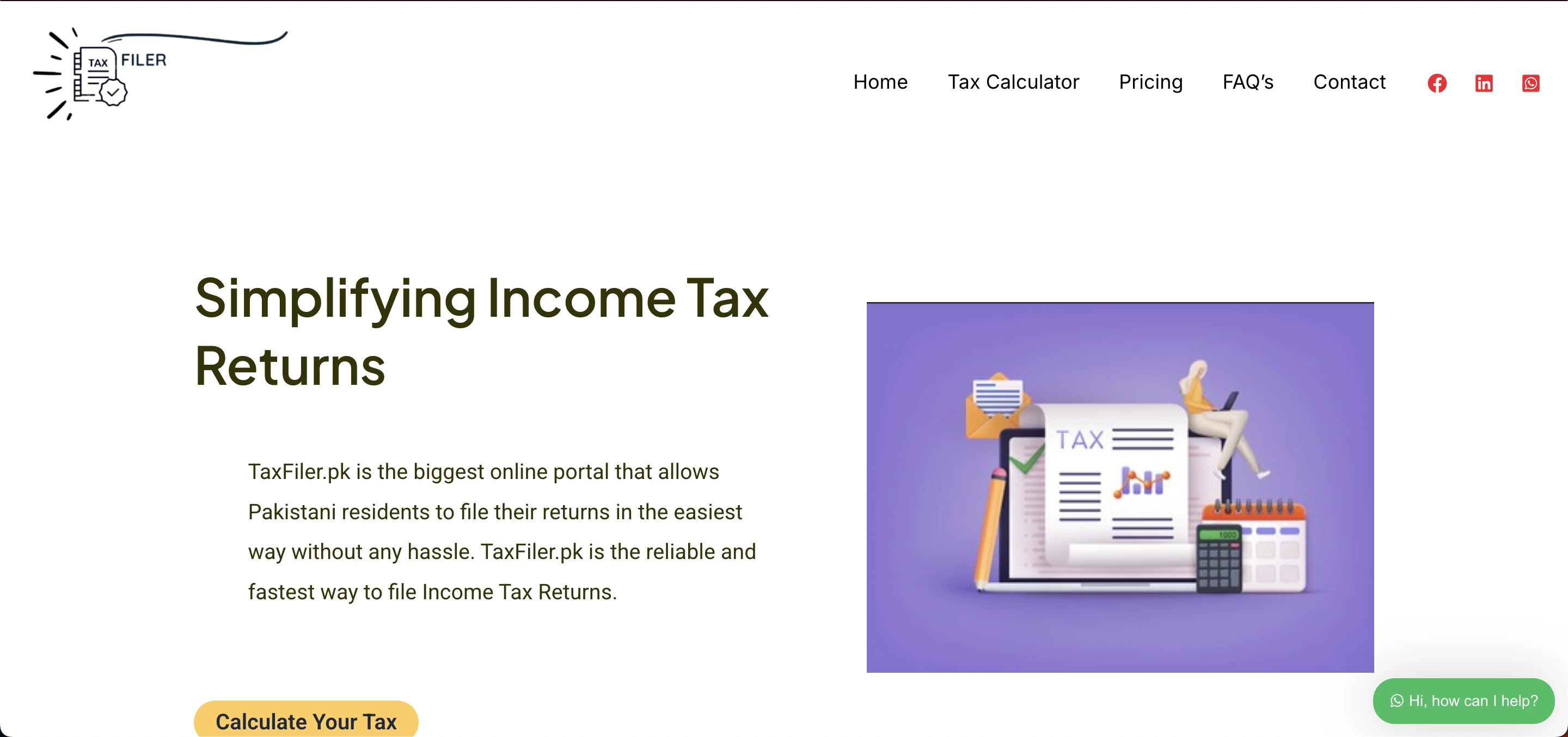
Based on how the platform describes itself, Taxfiler is presented as a Pakistan-based online tax service aimed at individuals, salaried persons, freelancers, and businesses handling tax-related tasks, including NTN registration support, income tax return filing, and profile and notice management.
I want to be straightforward with you that I couldn't independently confirm every specific feature claimed for this platform through outside verification the way I could for FBR IRIS itself or comparable services in this space. If you're evaluating Taxfiler specifically, verify current features, legitimacy, and any fees directly on their site rather than relying solely on secondhand descriptions, including this one.
 Why Secure Login Matters for Any Tax Platform
Whichever platform you're using, your account holds genuinely sensitive information, CNIC details, income records, and tax history. That's exactly the kind of data worth protecting carefully regardless of which specific service you're logging into.
The same principle applies broadly across financial-obligation platforms globally, not just in Pakistan. U.S. borrowers managing federal student loans, for instance, rely on secure login access to track balances and repayment plans through their own dedicated systems. The underlying security stakes are the same everywhere sensitive financial data lives behind a login screen.
The General Login Process for Tax Platforms Like This
Here's how this category of platform typically works, based on standard practice across Pakistani tax filing services.
Visit the platform's official website directly rather than clicking a link from an email or social media post, since fake or duplicate tax filing pages are a real risk given how much sensitive data flows through this category of site. Locate the Login option, usually in the top corner, and enter your registered email address and password carefully, watching for typos, extra spaces, or an accidentally enabled Caps Lock key.
After submitting correct credentials, you're redirected to your dashboard, where filing services, document uploads, and account management typically live.
What Registration Usually Requires
If you're setting up a new account on a platform like this, expect to provide your full name exactly as it appears on your CNIC, your CNIC or NTN number to link your account to official tax records, a valid, actively-checked email address for verification and notifications, and a mobile number for account updates.
Set a genuinely strong, unique password during this step, since this account is protecting real financial identity information, not something worth reusing a casual password on.
Common Login Problems and Fixes
These issues apply broadly across most login-based tax platforms, not just one specific service.
Forgotten password. Use the Forgot Password option, enter your registered email, and follow the reset link sent to your inbox.
Incorrect email or password. Double-check for typos, confirm Caps Lock is off, and remove any accidental extra spaces before retrying.
Unverified account. Check your inbox and spam folder for a verification email you may have missed after initial registration.
Browser issues. Clear your cache, try a different browser, or attempt logging in through an incognito or private window if the page isn't loading correctly.
The Actual Deadlines and Consequences You Should Know
Regardless of which platform you use to file, these facts about Pakistan's tax system are worth knowing directly, since they're consistent across the entire system.
Pakistan's tax year runs from July 1 to June 30, not the calendar year most people default to assuming. The filing deadline for individuals typically falls on September 30 each year, though FBR occasionally announces extensions during unusual circumstances, worth checking FBR's official channels directly rather than assuming a deadline has shifted.
Your filer status carries real financial weight. Active filers pay meaningfully lower withholding tax on property purchases, bank transactions, and vehicle registration compared to non-filers, and FBR has intensified enforcement against non-filers in recent years, with penalties ranging from roughly Rs. 1,000 to Rs. 40,000 depending on income category and how long a return goes unfiled.
Who Actually Uses Platforms Like This
Salaried individuals filing annual returns and maintaining active filer status make up the largest user base. Freelancers earning through platforms like Upwork or Fiverr use these services partly because active filers qualify for meaningfully reduced tax rates on foreign remittances, a real financial incentive worth knowing about if you do freelance work internationally.
Small business owners and overseas Pakistanis navigating tax obligations from abroad round out the typical user base, along with tax consultants managing filings on behalf of multiple clients.
Security Practices Worth Following Regardless of Platform
Strong, unique passwords matter more here than on most accounts, given the sensitivity of what's protected. Sessions that automatically expire after inactivity reduce risk if you forget to log out on a shared device, a feature worth confirming is active on whatever platform you're using.
Never share your login credentials with anyone, always log out fully on shared or public computers, and change your password periodically rather than treating it as a one-time setup task.
These same login security principles apply across any platform handling sensitive personal data, including healthcare technology. Our Overjet AI login guide covers account access for a dental AI diagnostic platform, an example from a completely different industry where the same security habits matter just as much.
If You're Filing Complex Returns or Tracking Multiple Obligations
Tax compliance software genuinely gets more complicated once you're dealing with multiple income sources, wealth statements, or business-related filings rather than a simple salaried return. If you're managing more complex financial compliance tools generally, our breakdown of the Div 7A calculator covers a comparable compliance calculation tool in a completely different tax jurisdiction, useful context on how these calculation and compliance tools function if you're evaluating software in this broader category.
Where to Verify What's Actually Official
For the definitive, government-verified source on Pakistani tax filing requirements, deadlines, and legitimate platforms, FBR's official website is the only place to confirm what's genuinely required versus what a third-party service is offering as an assisted convenience layer on top of that requirement.
My Honest Take
Whatever platform you choose to help with filing, keep the core distinction clear in your head. FBR IRIS is the official system your return actually needs to reach. Third-party assisted platforms can genuinely simplify that process, but verify any specific platform's legitimacy and current features directly before trusting it with your CNIC and financial data, rather than assuming a polished website automatically means official status.
My friend, once she understood the difference, ended up using an assisted platform specifically to prepare her return correctly, then confirmed everything actually submitted through the official FBR system. That two-step awareness is genuinely the most valuable thing to take from this entire guide.
FAQs
Is Taxfiler the same as FBR's official tax portal?
No, FBR's IRIS portal is Pakistan's official government tax system. Third-party platforms are assisted services that help navigate that process, not replacements for it.
What is Pakistan's tax filing deadline?
Typically September 30 each year for individuals, though FBR occasionally announces extensions, verifiable directly through FBR's official channels.
Why does filer status matter financially?
Active filers pay meaningfully lower withholding tax on property, banking, and vehicle transactions compared to non-filers, with real financial consequences for staying unfiled.
What should I check before using any third-party tax platform?
Verify the platform's legitimacy and current features directly on its official site, and never enter CNIC or financial details on an unverified page.
What if I can't access my tax filing account?
Use the password recovery option first, and if problems persist, contact the platform's official support channel directly.