
A sixth-former I know spent her first two weeks of Year 12 confused about whether she'd signed up for "Uplearn" or "Up Learn," genuinely unsure if they were the same thing, before realizing both names lead to the exact same login page. That's a small confusion, but it's exactly the kind of friction worth clearing up before you're trying to revise the night before an exam.
Here's the complete, current guide to getting into the platform, what it actually costs in 2026, and what you're genuinely getting for that money.
What Uplearn Actually Is
Uplearn, officially branded as Up Learn, is an online learning platform designed mainly for A-Level students, focused on helping learners prepare for exams through video lessons, practice questions, and structured revision guidance.
What's genuinely notable is the platform's core positioning. Up Learn uses AI and neuroscience-based learning methods to guarantee an A* or A grade, or your money back, regardless of a student's starting point. That guarantee is a real, stated commitment on their pricing page, not marketing fluff, and it's worth knowing about before you assume this is just another generic revision site.
Courses currently span A Level Biology, Chemistry, Physics, Maths, Economics, and Psychology, plus GCSE Combined Science, with exam-board specific content built for AQA, Edexcel, OCR, and Cambridge International. That subject range is broader than some older summaries of the platform suggest, so if you're checking whether your specific subject is covered, Psychology and GCSE Combined Science are both worth double-checking against, since they're genuine additions to the original core lineup.
 Who Actually Uses Uplearn
Uplearn is primarily built for A-Level students and select GCSE students, alongside parents who want visibility into their child's progress. Schools and tutors also provide platform access to students as part of a broader academic support structure.
Each user type gets a different access level, but everyone needs a valid, active account before logging in at all.
How to Actually Log In
The process itself is quick once your account exists.
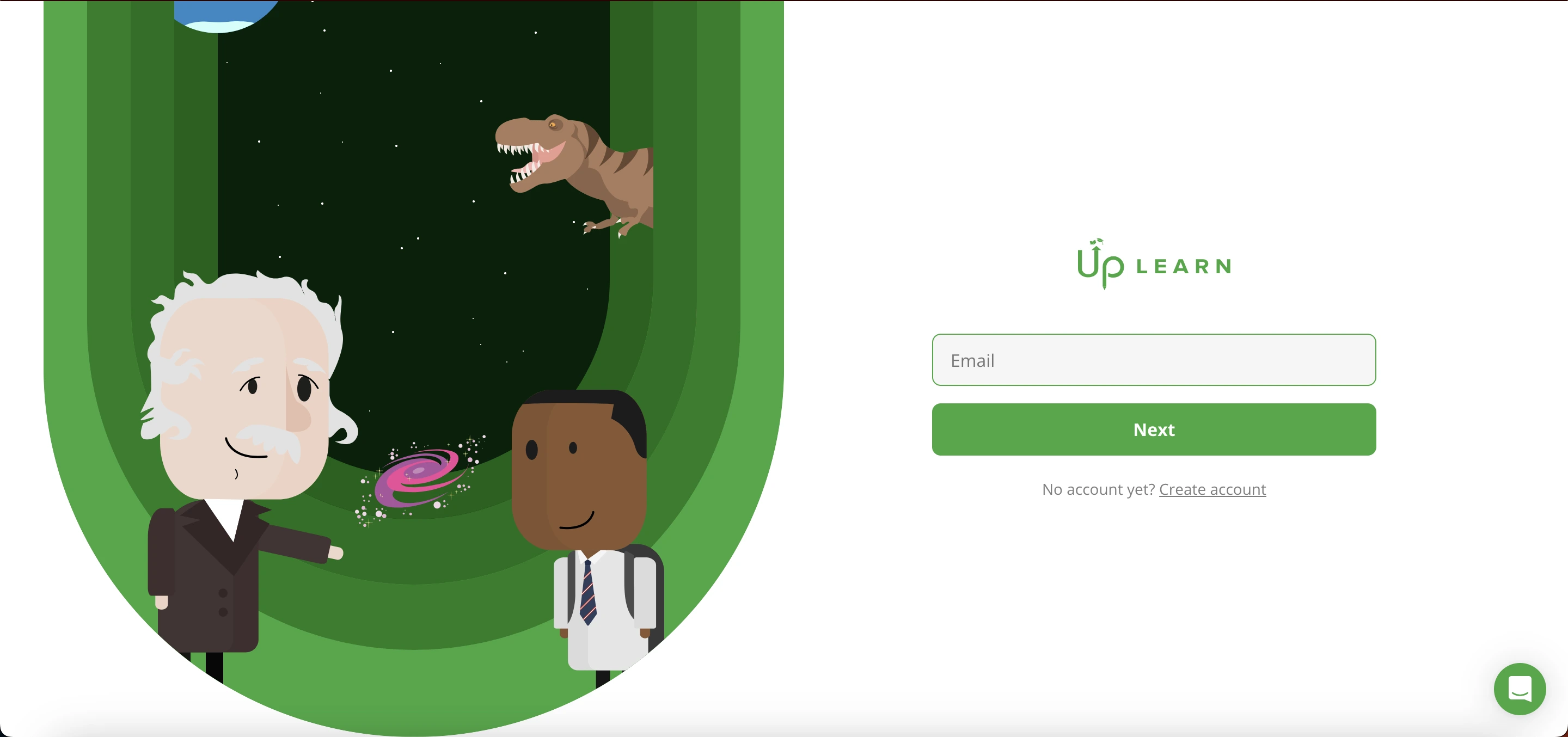
Visit the official Up Learn website, click the Login button, and enter your registered email address and password. Click Sign In and you're taken directly to your dashboard. After a successful login, you can pick up exactly where you left off in any course, since progress saves automatically as you go.
Creating an Account Before You Can Log In
Without an active account, none of the course content, practice questions, or personalized study features are accessible at all. Accounts typically get created through one of three paths.
Student self-registration works for learners signing up independently by providing their name, email, and course preferences directly on the site. Parent-purchased subscriptions happen when a parent buys access and enters their child's details during checkout, generating the student account on their behalf.
School-provided access covers students at partner schools, where accounts are created in bulk by the institution, meaning students receive access as part of their school program without individually signing up themselves.
Whichever path applies to you, login credentials arrive via the registered email address once registration completes, and that email is what you'll use going forward.
What Your Dashboard Actually Shows You
Dashboard Section | Purpose |
|---|---|
Course Overview | Enrolled subjects and completion status |
Progress Tracker | Completed lessons and remaining topics |
Practice Area | Exam-style questions |
Study Plan | Guides what to study next |
Account Settings | Manage login details and preferences |
That structure is deliberately simple. You're not digging through nested menus to figure out what to study next, the dashboard essentially tells you.
What You Actually Get Access To
Video lessons explain topics step by step, structured specifically according to exam board specifications rather than generic curriculum content. Exam-style questions are built to match real exam patterns, so you're practicing the actual format you'll face rather than a loosely related quiz.
Progress tracking shows exactly how much of a course is complete, which helps students stay organized without guessing where they left off. Personal study plans guide what to focus on next based on actual performance data, not a fixed generic schedule everyone follows identically.
24/7 tutor support is worth calling out specifically, since it's a genuine differentiator against most revision platforms. Students get access to AI tutors and human tutors from institutions including Oxford, Cambridge, LSE, and Imperial, available around the clock rather than during limited office hours.
The Real Cost in 2026
Here's where I want to correct something important, since older pricing figures circulating online are genuinely outdated. Current pricing runs £419.99 for full access to a single subject through 31 July 2027, or £694.98 for a tier that adds unlimited one-to-one tutor support plus two exam papers officially marked by real examiners, valid through 31 July 2028.
Both tiers include the A*/A grade guarantee, meaning if you follow the program properly and don't hit that grade, you're eligible for a refund under their stated policy. If your plan expires before you finish, your progress and guarantee eligibility are both preserved, so renewing later picks up exactly where you left off rather than starting fresh.
Worth knowing separately, Up Learn also runs a scholarship programme for eligible students, offering free access in certain circumstances. If cost is a genuine barrier, checking their site directly for current scholarship eligibility is worth the five minutes before assuming full price is your only option.
Real Student Feedback Worth Knowing
Up Learn holds a substantial number of reviews on Trustpilot, with generally positive sentiment around exam preparation quality and the structured revision format specifically. Several students specifically praise the short summary videos as genuinely effective for last-minute pre-exam review.
One honest transparency detail worth mentioning, in a direct response to a student review, Up Learn's own team confirmed that their OCR Physics course uses partnered content for roughly 10 percent of the material, with the remaining 90 percent being their own original lessons, quizzes, and exam-board specific content. That's a small but genuine detail worth knowing if OCR Physics specifically is your subject.
The most common mild criticism across reviews is that some students find certain videos, particularly in maths, a little slow-paced, though several reviewers specifically noted this happens because the platform breaks concepts down more simply than they expected, which some students find genuinely helpful and others find a bit tedious depending on their existing skill level.
Common Login Problems and Fixes
Problem | Solution |
|---|---|
Forgotten password | Use Forgot Password on the login page and follow the emailed instructions |
Incorrect email address | Confirm you're using the exact email used during original registration |
Account not activated | Check your email for an activation link, or contact Up Learn support if missing |
Browser issues | Clear your browser cache or try a different browser or device |
If problems persist beyond these steps, reaching out to Up Learn's support directly through their site is the fastest resolution path, since account-specific issues often need a human to actually check your registration status.
Is Uplearn Login Safe
The platform is designed to protect user data, with login credentials secured and personal learning information kept confidential within the system. That said, basic personal security habits still matter regardless of platform-level protections.
Never share your password with anyone, always log out fully on shared or public devices, and use a strong, unique password rather than reusing one from another account. Combining reasonable platform security with these habits on your end genuinely reduces your actual risk.
Using It Across Different Devices
Uplearn works across desktop, tablet, and mobile browsers without requiring any separate app download. Desktop gives you the fullest experience for detailed lessons and longer practice sessions, tablets suit touch-based navigation well, and mobile browsers work fine for quick study sessions when you're away from a proper desk.
There's no dedicated mobile app, everything runs through the same website regardless of which device you're using, which keeps things consistent rather than fragmenting features across different platforms.
For Parents Specifically
Parents get real value from understanding how the login and account structure works, since it lets you monitor academic progress, keep an eye on consistency, and provide informed support at home rather than guessing how revision is actually going.
Staying informed about a child's actual performance and engagement, rather than just asking generically "how's revision going," makes the difference between vague encouragement and genuinely useful support during exam season specifically.
For Schools and Tutors
Institutions using Uplearn can assign structured study plans, monitor class-wide progress, and extend academic support beyond regular classroom hours. Teachers get visibility into performance insights that help identify exactly where individual students need additional attention, rather than relying purely on classroom observation.
That extended support model makes the platform genuinely useful for blended learning setups, where classroom instruction and independent digital revision work together rather than existing as separate, disconnected systems.
If you're a school administrator evaluating broader education technology beyond just student-facing learning platforms, our review of SchoolCues covers school management software built for handling admissions, communication, and administration, a genuinely different tool category but one that often sits in the same broader technology stack alongside a learning platform like this one.
Pros and Cons
Pros | Cons |
|---|---|
A*/A guarantee or money back | Meaningfully priced at £419.99 to £694.98 per subject |
24/7 AI and human tutor access from top universities | Requires stable internet, no offline mode |
Progress saved automatically | Limited subject range, exam-focused rather than general learning |
Exam-board specific content | Requires self-discipline to stay consistent |
Scholarship programme available for eligible students | Some videos, particularly maths, run a slower pace some students find tedious |
Final Thoughts
The Uplearn login process itself is simple and secure, and once you're in, the platform delivers genuinely structured, exam-focused revision backed by a real grade guarantee rather than vague promises. Current pricing sits meaningfully higher than older figures still circulating online, so budget accordingly and check the scholarship programme if cost is a genuine concern.
Whether you're a student prepping for A-Levels, a parent supporting from home, or a school extending revision support beyond the classroom, understanding how the login and account system actually works helps you get real value out of it from day one rather than fumbling through confusion for the first two weeks the way my friend's sister did.
FAQs
Is Uplearn free to use?
Not typically. Current pricing runs £419.99 to £694.98 per subject, though free access may be available through schools or the platform's scholarship programme.
Can I reset my login details?
Yes, password reset is available directly through the login page using the Forgot Password option.
Can one account be used on multiple devices?
Yes, students can log in from desktop, tablet, or mobile browser using the same account credentials.
What subjects does Uplearn actually cover?
A Level Biology, Chemistry, Physics, Maths, Economics, and Psychology, plus GCSE Combined Science, with exam-board specific content for AQA, Edexcel, OCR, and Cambridge International.
What if I still can't log in after troubleshooting?
Contact Up Learn's customer support directly through their website for account-specific access issues.