
Contractors constantly try their main JobNimbus password on the Payments module and get locked out, not because they typed anything wrong, but because that's a genuinely separate login system running on different credentials entirely.
That single mix-up accounts for a huge share of "JobNimbus login not working" support tickets. Here's the complete guide, covering exactly where that split happens and everything else you need to get in cleanly the first time.
What JobNimbus Actually Is
JobNimbus is a project management and CRM platform built mainly for service-based businesses, especially contractors. After logging in, you can manage jobs, clients, tasks, schedules, invoices, estimates, and communication all in one place.
The dashboard is designed to be simple enough that new users get comfortable quickly, which matters for a tool built for contractors who need to update job status from a truck between appointments, not sit through a lengthy onboarding process first.
 Why the Login Actually Matters Here
Logging in is the first step to accessing your job and client data, checking tasks and schedules, creating estimates and invoices, tracking payments, and managing every contact and project detail in one system.
JobNimbus combines project management and CRM into a single platform, which means a successful login unlocks the entire operational picture of your business rather than one narrow slice of it.
What You Need Before You Even Try Logging In
A handful of prerequisites determine whether your login succeeds on the first attempt.
You need a valid JobNimbus account, your registered email address, and the correct password. A stable internet connection and an updated browser or app matter too, since outdated versions occasionally cause login failures that look like credential problems but aren't. If you're part of a team account, your admin also needs to have granted you the appropriate permissions.
Missing any one of these is enough to cause a login failure that has nothing to do with typing your password wrong.
Logging In From Desktop
Here's the exact process on a computer.
Step 1: Go to the Login Page
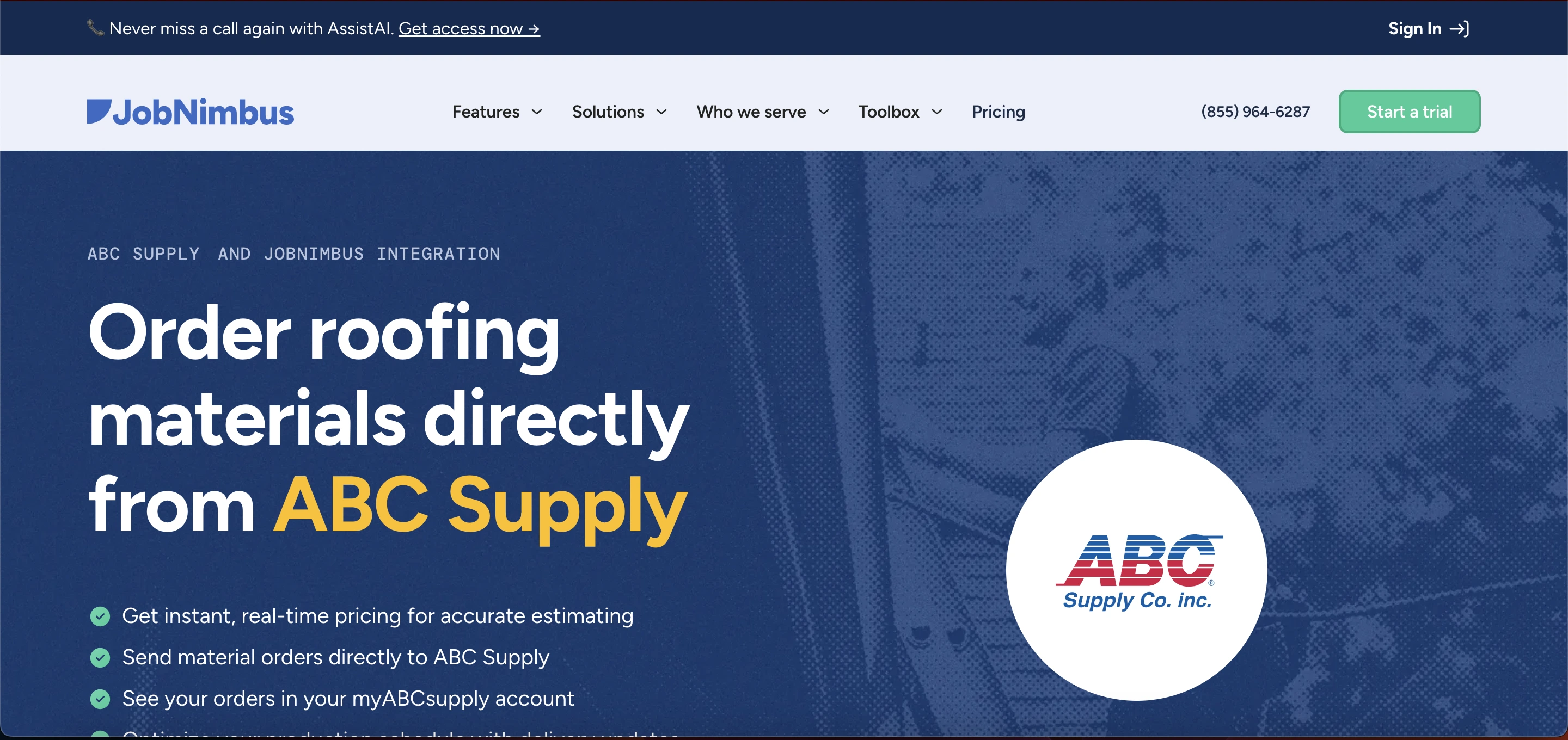
Open your browser and navigate to jobnimbus.com, or search directly for JobNimbus login.
Step 2: Find the Sign In Button
On the homepage, locate and click Sign In, typically positioned at the top right of the screen.
Step 3: Enter Your Credentials
Type your email address and password into the login fields.
Step 4: Optionally Stay Signed In
Tick the Remember Me box if you're on a personal device you use regularly, which keeps you logged in for future sessions.
Step 5: Submit and Access Your Dashboard
Click Sign In. With correct credentials, you land directly on your dashboard, ready to manage jobs, contacts, estimates, and invoices.
Logging In From the Mobile App
The mobile experience uses identical credentials, just a different entry point.
Download and install the JobNimbus app from your device's app store, whether iOS or Android. Open the app, enter the same email address and password you use on desktop, and tap Log In. You're immediately signed in with access to your data on the go.
That credential consistency between desktop and mobile is genuinely convenient, right up until the Payments module breaks that pattern entirely.
The Payments Login Trap You Need to Know About
Here's the section most JobNimbus login guides gloss over, and it's the single most common source of genuine confusion.
Trying to use JobNimbus Payments login for the main account is a common mistake, since it requires separate credentials entirely from your regular JobNimbus login. This isn't a bug or an inconsistency in the platform, it's a deliberate separation, since payment processing typically runs through distinct financial infrastructure with its own security and compliance requirements separate from your general CRM login.
If you're specifically trying to access payment records, invoicing status, or financial tracking and your normal credentials aren't working, stop retrying the same password. You're very likely looking at a genuinely different login system, and mixing the two up wastes real time troubleshooting something that was never actually broken.
What You Get Access to Once You're In
The full feature set is genuinely broad once you're authenticated.
Feature | What It Does |
|---|---|
Job management | Organize jobs, track stages, and update progress in one place |
Contact management | Store customer details, communication history, and job notes |
Task scheduling | Assign tasks, set deadlines, view a shared team calendar |
Estimates and invoices | Create estimates and convert them to invoices in a few clicks |
Mobile app access | Manage jobs remotely with full sync back to the main system |
Photo and document storage | Securely upload job photos and project files |
Automation workflows | Auto-send emails, update job stages, or create tasks |
Team collaboration | Shared notes and real-time activity tracking across the team |
Integrations | Connects with QuickBooks, Zapier, CompanyCam, and more |
Payments tracking | Record payments and keep financial records organized |
Reports and insights | Performance data on job progress, revenue, and productivity |
Customer communication | Send messages and updates directly from the system |
That integrations row matters more than it might look at first glance. If your business already runs QuickBooks for accounting, connecting it directly to JobNimbus eliminates a huge amount of duplicate manual entry between the two systems.
Common Login Problems and Fixes
Here's the practical troubleshooting path for the issues that actually come up.
Entering an incorrect email or password is the most frequent cause of failure, so always double-check for typos, the correct email address, and proper password capitalization before assuming something's broken. If you've genuinely forgotten your password, use the Forgot Password link to reset it, though remember that credentials for additional features like Payments may differ entirely from your main login.
If problems persist beyond checking the basics, contact JobNimbus support directly through their provided email or phone number rather than repeatedly retrying the same credentials.
Resetting Your Password Step by Step
If you can't sign in because of a forgotten password, here's the exact recovery path.
Click Forgot Password on the login page. Enter your registered email address, then check your inbox for reset instructions. Create a new password and attempt to log in again. Save that new password somewhere secure immediately, since repeating this process every few weeks because you forgot it again is a genuinely avoidable time sink.
Practical Tips for Smoother, More Secure Access
A few habits meaningfully improve both security and day-to-day convenience.
Use a strong, unique password rather than reusing one from another account. Avoid saving login credentials on public or shared computers, and reserve the Remember Me option specifically for personal devices you control. Keep your registered email address active, since it's your only path to password recovery and account notifications if something goes wrong. And if you're using additional modules like Payments, track those credentials separately from the start rather than assuming they'll match your main login.
Why the Login Experience Actually Matters for a Contracting Business
A smooth, reliable login lets you access job data quickly and respond to clients faster, which genuinely matters in a business where slow response times cost you jobs to competitors. Centralizing contacts, tasks, invoices, and payments reduces the risk of errors or lost information that scattered spreadsheets and separate tools tend to create.
If your contracting business also needs clients to sign documents digitally, our Vinesign login guide covers how to get set up on one of the simplest e-signature tools used alongside contractor management platforms.
With mobile access and synchronization, both field workers and office staff stay updated in real time, improving coordination between people who are rarely in the same room. Skipping or mishandling the login process isn't just an inconvenience, it directly causes delays, lost data, and poor coordination across a team that depends on shared, current information.
Managing Access for a Full Team
Each team member needs their own individually created account rather than sharing one login across multiple people. That's not just a licensing formality, it's what makes the activity tracking, task assignment, and accountability features actually function correctly. Shared logins break the audit trail that shows who updated what job stage and when, which matters more than it seems until you actually need to trace back a mistake.
For businesses managing field teams and job-based workflows more broadly, the same operational logic, individual accountability, role-based access, and centralized tracking, applies across most modern field service and workforce platforms. Our review of BeeForce by BlueTree covers a comparable system built for managing distributed field workers, useful context if you're evaluating JobNimbus specifically for its job and crew management capabilities against other options in that space.
FAQs
How do I access the JobNimbus login page?
Visit the official website and click Sign In at the top right corner, or search directly for JobNimbus login.
What do I need to log in to JobNimbus?
Just your registered email address and correct password. Both must match what's on file for your account.
Why can't I log in to JobNimbus?
Usually incorrect credentials, an outdated browser or app, poor internet connection, or trying to use Payments credentials on the main login.
Is the mobile login the same as desktop login?
Yes, both use identical email and password credentials, syncing your data automatically across every device.
Do team members need separate accounts?
Yes, each team member needs their own individually created account set up by the admin, not a shared login.